The Best Scoro Alternatives for Professional Services in 2026

•
•
Summarize blog with






Introduction
Evaluating PSA tools is one of those decisions that’s easy to delay and expensive to get wrong.
If you’re here, you’re already ahead of most teams, because most teams stick with whatever they picked two years ago and work around the gaps.
You’re actually doing the work: comparing features, checking pricing, and reading real reviews. So, kudos to you!
Creative agencies and professional service businesses are among the teams evaluating Scoro competitors, each with unique needs around project management, client collaboration, and workflow optimization.
Whether Scoro is your current platform or one of three tools on your shortlist, the goal is the same — find the tool that fits how your team actually delivers, not just how your finance team reports.
Scoro handles agency-style financial workflows well. That’s not in question.
The question is whether financial depth alone meets your team’s needs — or whether client experience, resource flexibility, and AI that goes beyond queries also belong on the scorecard.
We evaluated 15+ PSA and project management platforms across pricing, G2 reviews, feature depth, and fit for professional services and agency teams.
The seven below made the cut based on real-user feedback, direct feature comparison, and alignment with PS and agency buying criteria.
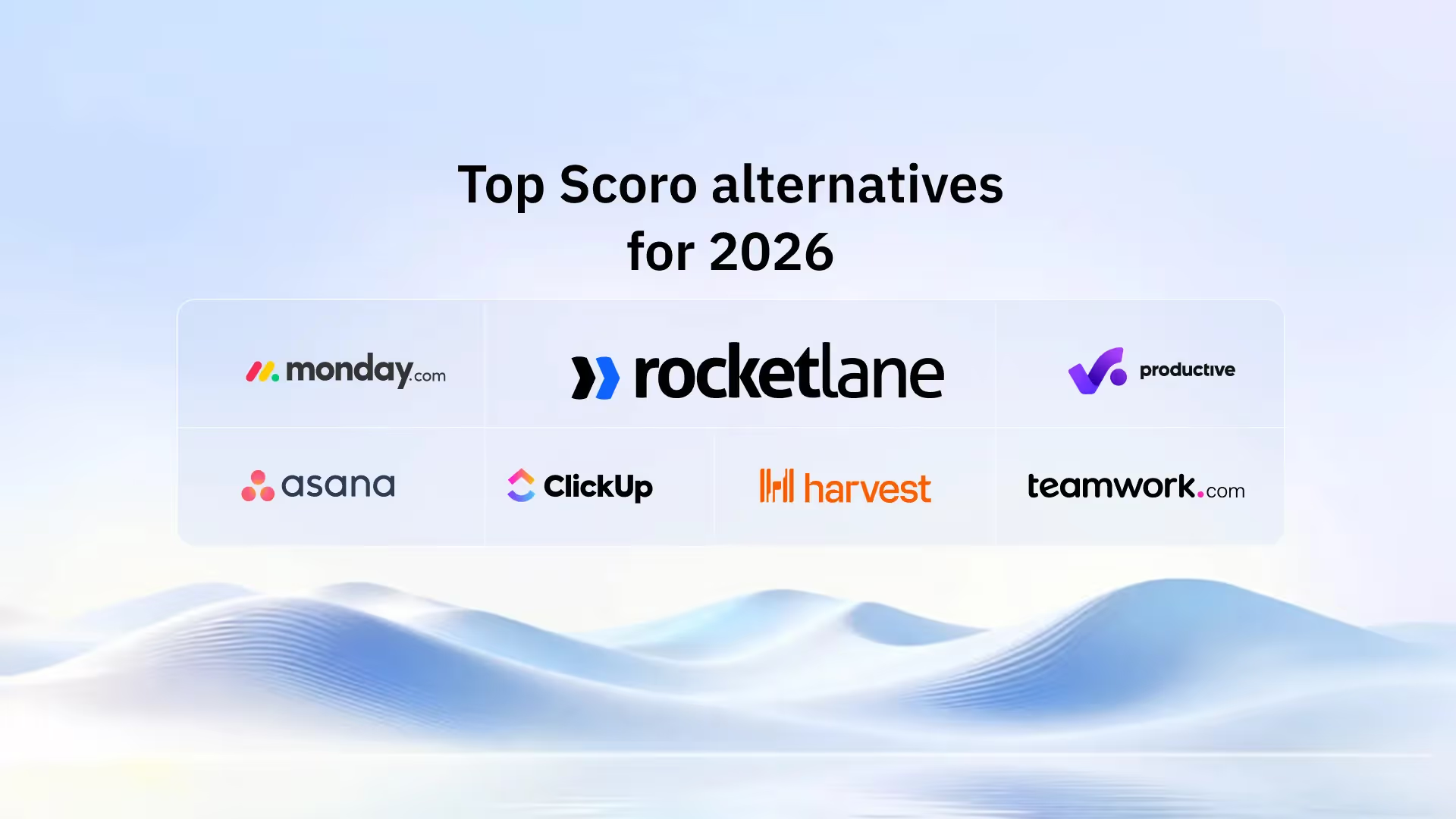
7 Best Scoro Alternatives — Compared at a Glance
Here's how the top Scoro competitors stack up at a glance — full breakdowns follow in the next section.
What is Scoro PSA?
Scoro is a professional services automation platform built for agencies, consultancies, and service firms. It combines project management, resource planning, time tracking, financial management, and CRM on a single platform.
Where Scoro delivers: Quote-to-cash tracking and per-project margin visibility cover workflows that most project management tools don’t touch.
For agencies managing complex billing across multiple client accounts, Scoro’s financial layer handles the full lifecycle — from quoting and invoicing to revenue recognition — in a single system.
Where teams hit limits: Configuration demands significant upfront investment — multiple G2 reviewers note that the learning curve is steep and the initial setup process can be complex and time-consuming, even with support.
There’s no native branded client portal for external stakeholders. And the AI layer (ELI) handles natural language data queries but doesn’t extend to delivery automation, risk detection, or resource reallocation.
Why teams switch from Scoro

Five patterns surface across G2, Capterra, and Reddit when teams explain why they started evaluating alternatives.
1. Setup complexity front-loads the cost
Scoro's breadth is also its barrier. Teams under 30 people consistently cite configuration overhead that's disproportionate to their delivery complexity.
One Capterra reviewer noted they spent more time learning the software than getting productive work done.
When the tool built for a 150-person consultancy is deployed for a 20-person PS team, the setup-to-value ratio shifts.
2. Resource planning sits behind a pricing wall
The Core-to-Performance price jump ($19.90 → $49.90/user/month) is significant. Resource planning — a foundational PS need — is locked behind the Performance tier.
Teams that start at Core or Growth hit this ceiling quickly, and the per-seat cost to unlock capacity planning can double the original budget.
3. No native branded client portal
Scoro doesn't offer an interactive, white-label client workspace. External stakeholders receive updates via email or through limited access to tools.
G2 reviewers note that Scoro's client-facing visibility options are restrictive — either full tool access or none.
For teams running structured onboarding or implementation where client accountability matters, this binary approach creates friction.
4. AI stays at the query layer
Scoro's AI assistant (ELI) answers data questions in natural language — and does that well.
But it doesn't proactively flag at-risk projects, auto-generate project documentation from meeting transcripts, or suggest resource reallocation when someone goes on leave.
For teams evaluating AI that reduces delivery effort, not just reporting effort, the gap is noticeable against newer platforms.
5. Workflow architecture doesn't map to every delivery motion
Scoro serves architects, event managers, agencies, and IT firms under the same product roof.
SaaS companies running post-sale onboarding and implementation find the workflows don't always map to their delivery motion.
The project hierarchy is task-driven, and teams managing complex multi-phase engagements report that the task volume required to keep utilization views accurate becomes hard to sustain at scale.
When project plans and resource allocations live in two separate places, keeping them in sync creates manual overhead that compounds with every new project.
The 7 best Scoro PSA alternatives in 2026
1. Rocketlane
Rocketlane is a purpose-built agentic PSA platform designed specifically for professional services firms.
It supports the entire project lifecycle, from project requests and sales conversations to delivery, client management, and advanced reporting.
Rocketlane unifies project execution, resource allocation, team utilization, time tracking, project finances, expense tracking, labor costs, external costs, and client collaboration into a single system.
Unlike legacy PSA tools built around financial tracking, Rocketlane was designed for teams running repeatable client projects — implementations, onboarding programs, and complex service engagements where delivery speed, client experience, and resource efficiency determine revenue outcomes.
While Scoro requires teams to layer in separate tools for client communication and advanced project management, Rocketlane consolidates everything into a single platform.
The consolidation factor, having projects, resources, time, financials, and client experience living in one integrated place, eliminates the tool sprawl and data silos that PS teams typically accept as normal.
Rocketlane’s agentic layer Nitro is the execution platform for PS.
Nitro deploys AI agents embedded in project workflows — identifying risks, rebalancing resources, and completing repeatable tasks such as migrations, documentation, and configuration.
These are true agents doing the work — not dashboards, not copilots. Teams can deliver more projects with the same headcount, reducing delivery effort by up to 50%.
Key features:
- Unified delivery engine: Projects, resources, time, financials, and client collaboration live in one platform — eliminating the need for separate project management, PSA, and collaboration tools that most Scoro customers layer on top.
- Branded client portal: White-labeled, real-time visibility for customers into milestones, tasks, and updates. Clients see a project workspace with live progress tracking, not internal tool exports or email threads. This is a standout differentiator — Scoro and most legacy PSA tools offer no native client-facing experience.
- Nitro agentic AI and advanced tools: Nitro deploys AI agents embedded in project workflows — identifying risks, rebalancing resources, and completing routine, repeatable tasks such as migrations, documentation, and configuration.
These advanced agentic AI tools help you automate recurring tasks, streamline task assignments, and improve project oversight. Teams report reducing delivery effort by up to 50%. - AI-powered resource management and allocation: Plan capacity with precision, protect margins in real time, and scale delivery without burning out your team. Nitro Resource Manager understands the project requirements and looks at who is available, who is stretched, and who fits the brief.
Then puts the ideal team in front of you. Track team utilization and optimize resource allocation for better efficiency. - Salesforce and HubSpot two-way sync: The sales-to-services handoff happens in a single motion with no data re-entry. Managed entirely on the Rocketlane side — no Salesforce admin bottlenecks. Pipeline integrity stays protected while PSA and CRM data stay aligned, ensuring sales conversations and project requests are seamlessly transitioned into project planning.
- Revenue recognition and budget controls: Tracks scope changes, budget shifts, and actuals with audit-ready visibility. Supports multiple recognition methods — percent complete, tracked by budget, tracked by allocation, estimated completion, and custom formulas. Pushes invoices and revenue data to your financial system of record.
- Standardized project templates with dynamic personalization: Templates auto-adapt to CRM data — personalization without manual setup. Enables repeatable delivery at scale without sacrificing customization for each client engagement. Project templates help plan projects quickly and maintain consistency across the entire project lifecycle.
- Built-in governance-led time tracking: Nitro Time Guardian works alongside your team. It takes care of everything that slows down time approval, so your team logs with confidence, and you only see what genuinely needs your attention.
- Reporting: Rocketlane offers robust reporting, including customizable dashboards and comprehensive visibility into project progress, financials, and team performance.
Bonus: Enterprise-ready PSA capabilities
- Security & Compliance (SOC 2, SSO, Audit Logs)
SOC 2–compliant with SSO, role-based access, and audit logs—so enterprise security standards are met without slowing delivery teams. - Salesforce two-way sync (Pipeline Integrity Protected)
Keeps PSA data aligned with Salesforce while protecting pipeline integrity by preventing accidental overwrites—a critical requirement for Salesforce-first organizations. - Revenue recognition + Budget change handling
Tracks scope changes, budget shifts, and actuals with audit-ready visibility, ensuring accurate revenue recognition even as projects evolve. - Implementation plan & Timeline (Designed for fast time-to-value)
Most teams go live in 4–12 weeks using proven templates and phased rollout—delivering value quickly without over-customization. - Integrations with NetSuite, Hubspot & QuickBooks (Plus APIs)
Native integrations with NetSuite, HubSpot, Notion, and Salesforce, plus robust APIs, ensure Rocketlane fits seamlessly into existing finance and GTM stacks.
Pros and cons
Best for:
- VP of PS at Enterprise companies (100–5,000+ employees) who need delivery execution and client experience as core PSA outcomes, not afterthoughts bolted onto a finance system
- Delivery operations leaders managing 50+ concurrent projects who need portfolio-level visibility into health, margins, and risk signals without manually aggregating data from multiple tools
- Services teams scaling onboarding or implementation programs where time-to-value, template standardization, and client accountability directly impact retention and expansion revenue
- PS leaders evaluating agentic AI that executes real work (migrations, configurations, documentation) rather than just surfacing dashboards and notifications
Key takeaways
Switching complexity from Scoro: Very Low — most teams go live in 2–3 weeks.
Migration agent (Nitro Enterprise) automates data mapping. No Salesforce admin dependency for integration setup.
Rocketlane vs Scoro in one line: Choose Rocketlane if your PS motion is delivery-first. Choose Scoro if agency-style quote management is the core of your operation.
2. Productive
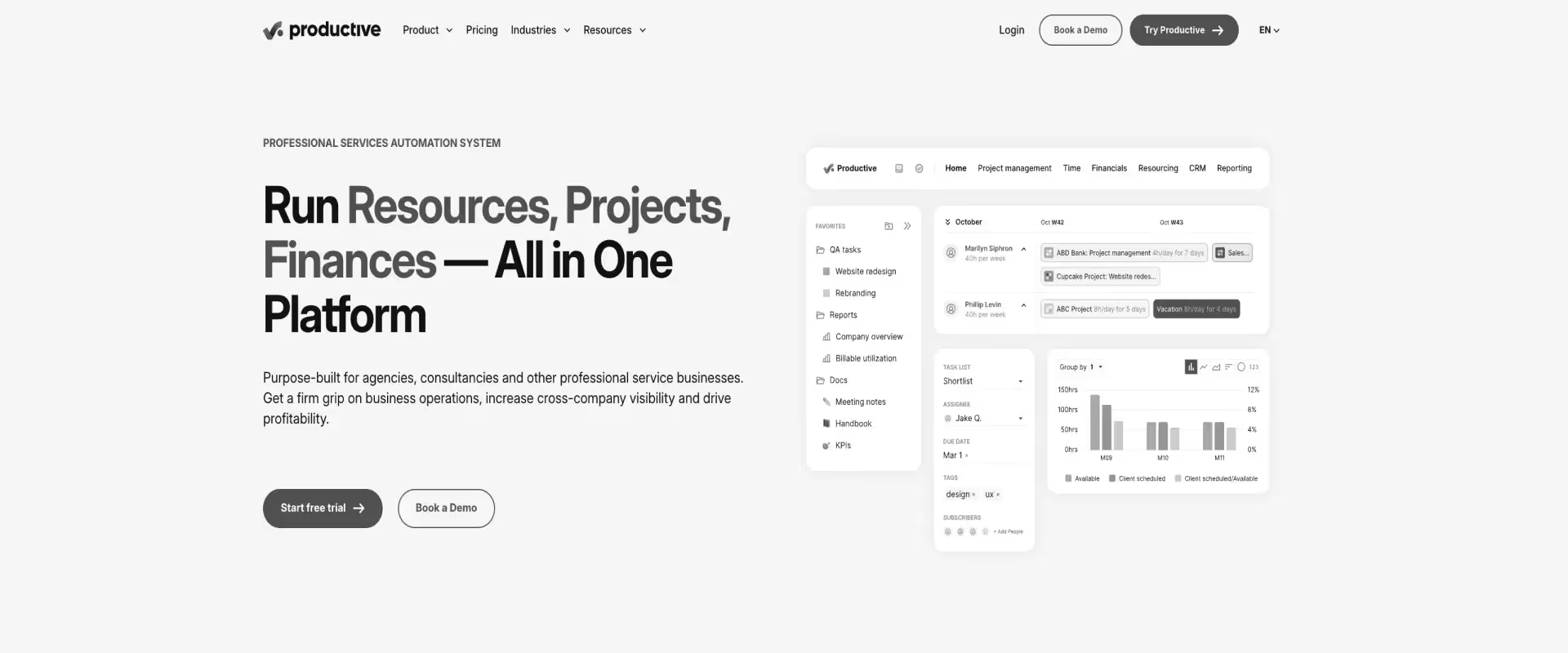
Productive is a project and resource management platform built for creative agencies.
It supports the entire project lifecycle, from planning projects and resource allocation to delivery and post-project review.
Productive covers capacity planning, budget tracking, and project profitability — with less configuration overhead than Scoro.
Key features:
- Agency-native resource planning: Utilization tracking and capacity planning built for agency workflows — no multi-step configuration required. Teams see who’s available, who’s overbooked, and where margin is slipping in real time.
- Project budgets and expense tracking: Track project budgets, control expenses, and monitor supplier bills to keep projects profitable and within budget. Integrated expense tracking enables real-time cost oversight and supports accurate invoicing.
- Resource allocation and team utilization: Allocate resources efficiently and track team utilization to optimize productivity and decision-making.
- Project templates and recurring tasks: Use project templates to quickly set up new projects and automate routine tasks, streamlining repetitive work and maintaining consistency.
- Task assignments and task comments: Assign tasks to specific team members, use task comments for direct collaboration, @mentions, and attachments to keep discussions tied to individual tasks.
Pros and cons
Best for:
- Creative and marketing agencies (10–200 employees) managing multiple client accounts
- Agency ops leads who find Scoro’s configuration overhead disproportionate to their team size
- Teams that need profitability tracking and resource planning without PSA-grade complexity
Key takeaways
Switching complexity from Scoro: Low to Medium — Productive’s onboarding is fast, and support is responsive.
The gap is in data migration: Scoro’s financial data structure doesn’t map 1:1 to Productive, so budget and invoice history may require manual reconciliation.
3. Monday.com
Monday.com is a visual work OS — boards, timelines, automations, and dashboards — built for project and task management across any team type. It’s not a PSA platform and doesn’t try to be.
But it’s where many teams land when they want simplicity, a user-friendly interface, and visual clarity over financial depth.
Key features:
- Project details: Capture and customize project details, including scope, milestones, and resources for each project, enabling better tracking and planning.
- Task assignments: Assign tasks to specific team members, track progress, and ensure accountability across projects.
- File sharing: Securely upload, organize, and share files with team members or clients, with in-app previews and integration with external storage platforms.
- Project templates: Use pre-built or custom project templates to quickly set up and standardize new projects, saving time and maintaining consistency.
- Plan projects: Organize, schedule, and manage the entire project lifecycle with tools designed to help you plan projects efficiently.
- Workload management: Capacity views showing team member allocation across projects. Functional for basic resource visibility, but not a replacement for PSA-grade resource planning.
Pros and cons
Best for:
- Teams managing internal projects that don’t need financial management
- Cross-functional teams that prioritize visual project tracking over PSA depth
- Organizations evaluating Scoro alternatives because of complexity — and willing to trade PSA capabilities for simplicity
Key takeaways
Switching complexity from Scoro: Medium — Monday.com‘s setup is fast, but the feature gap is wide. You’ll lose financial management, invoicing, resource planning, and CRM. Teams switching from Scoro to Monday.com typically need 1–2 additional tools to bridge the gap, adding integration complexity.
4. Teamwork
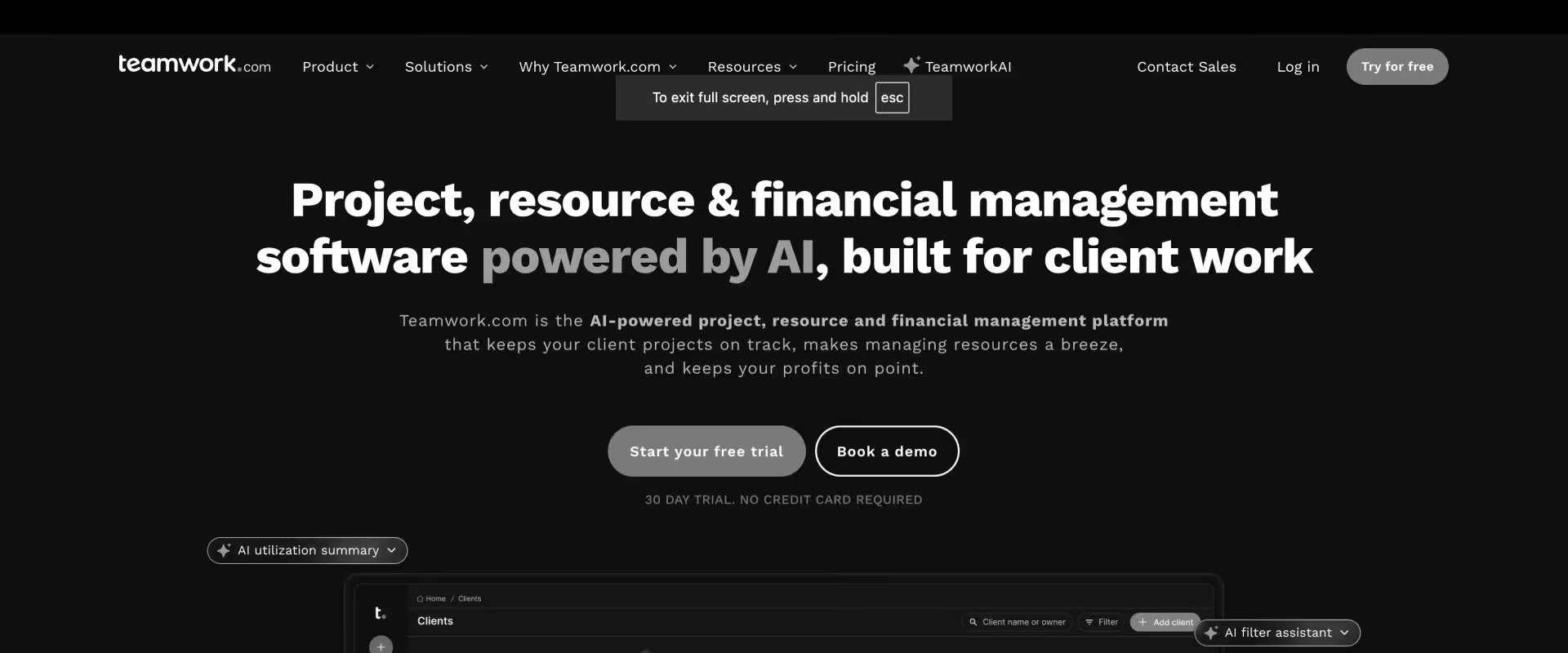
Teamwork is a client work management platform combining project management, time tracking, billing, and CRM.
It’s designed for client-facing service teams who want project delivery and client relationship management without maintaining two separate tools.
Among the tools on this list, Teamwork is one of the few that offers a client portal — basic, but functional.
Key features:
- Built-in client portal: Clients get controlled access to specific projects — can view progress, provide feedback, and collaborate without full tool access. Basic compared to PSA-native portals, but a clear step up from Scoro’s lack of one.
- CRM and project management in one platform: Client records, deal tracking, and project delivery without separate tool costs. The sales-to-delivery handoff stays in one system.
- Project requests and project details: Intake forms allow clients or team members to submit project requests, capturing all necessary project details for planning and execution.
- Project budgets and expense tracking: Set and monitor project budgets, track expenses in real time, and ensure accurate invoicing and budget management.
- Resource allocation and team utilization: Allocate resources efficiently, track team utilization, and forecast capacity to optimize productivity and decision-making.
- Task assignments, recurring tasks, and routine tasks: Assign tasks to specific team members, automate recurring tasks, and streamline routine tasks to reduce manual effort and improve workflow efficiency.
Pros and cons
Best for:
- Agencies managing 5–50 client accounts who need CRM and project management in one place
- Teams that need a client portal but don’t require PSA-grade financial controls
- Consultancies with recurring retainer billing workflows
Key takeaways
Switching complexity from Scoro: Medium — Teamwork’s setup is straightforward, but financial data migration requires mapping.
Scoro’s quote-to-cash structure doesn’t have a direct equivalent in Teamwork, so teams with complex billing workflows will need to rebuild some processes.
5. ClickUp
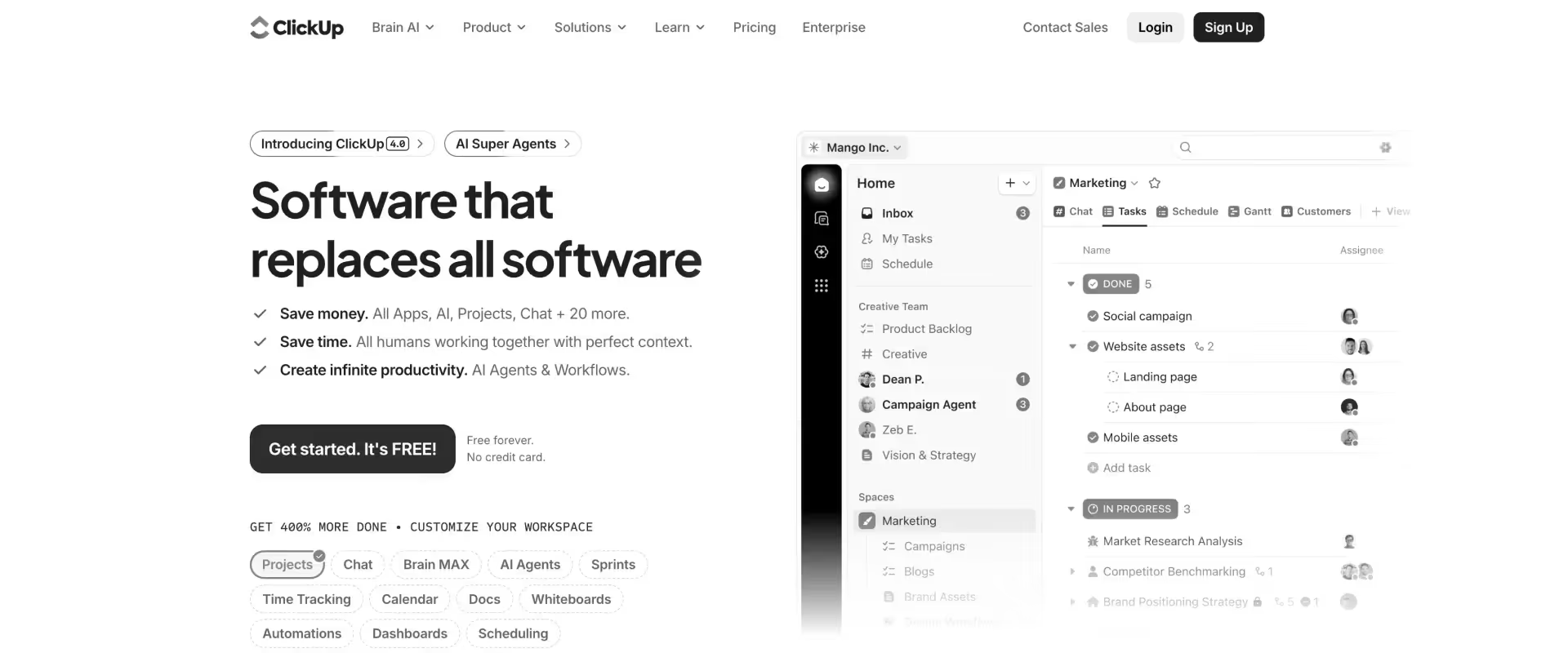
ClickUp is a customizable work management platform covering tasks, docs, goals, sprints, and dashboards.
It’s built to consolidate multiple tools into one workspace — and it attracts teams who want maximum configurability at a competitive price point.
The trade-off: flexibility requires upfront investment, and without governance, workspaces can quickly become inconsistent.
Key features:
- Extreme workflow flexibility: Almost any process can be built natively using custom fields, statuses, automations, and views.
- Native docs and goal tracking: Built-in documentation and OKR tracking alongside project management — reducing tool sprawl.
- Multiple views: List, board, Gantt, timeline, calendar, table, and mind map — the broadest view library on this list.
- Custom dashboards: Widgets for time tracking, workload, sprint velocity, and custom metrics. Highly configurable.
- ClickUp AI: AI writing assistant and task summarization — limited to content generation, not workflow automation
Pros and cons
Best for:
- Teams with non-standard workflows that need maximum configurability
- Organizations where ClickUp replaces 3–4 separate tools (docs, tasks, goals, sprints)
- Budget-conscious teams who need breadth over PSA depth
Key takeaways
Switching complexity from Scoro: High — ClickUp is flexible enough to model PSA-like workflows, but none of it exists out of the box.
Financial management, invoicing, resource planning, and client collaboration all need to be built from scratch using custom fields and automations.
Teams report spending weeks setting up to replicate what Scoro provides natively.
6. Asana
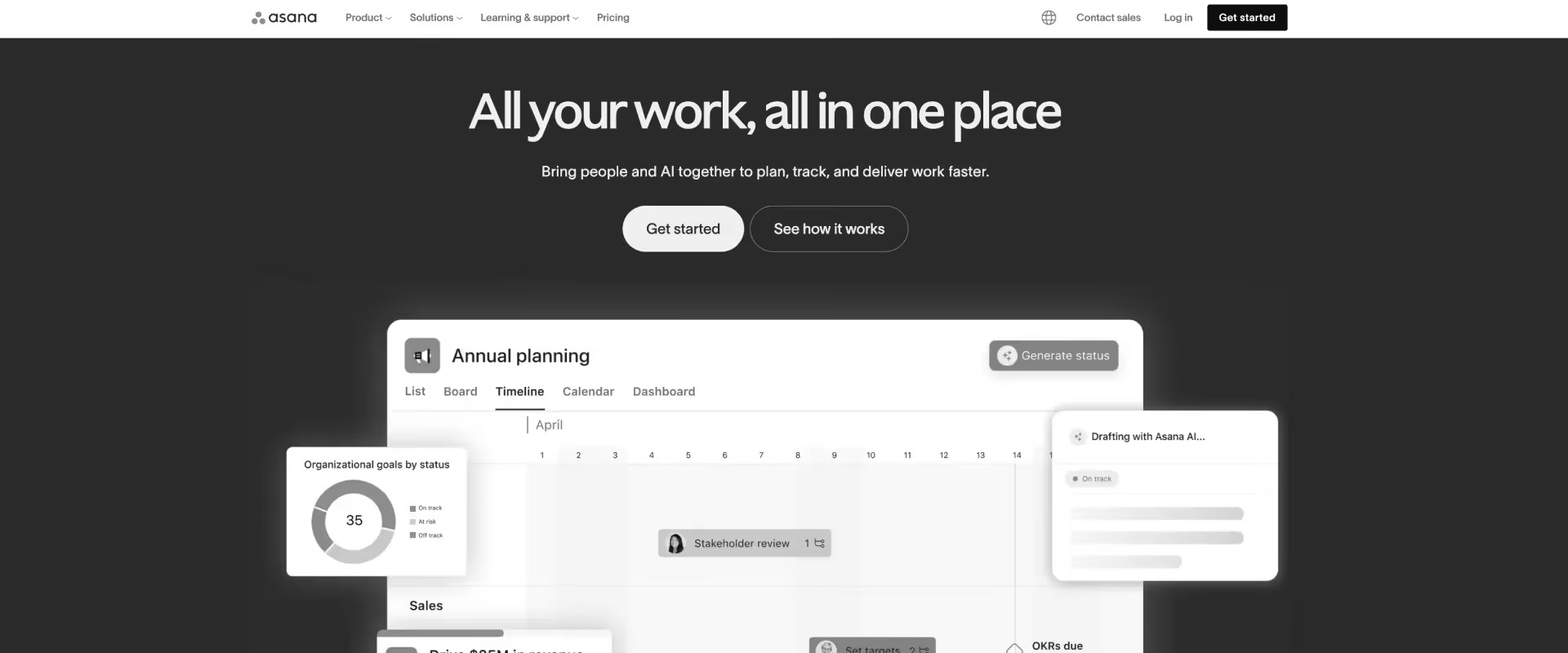
Asana is a task and project management platform — timelines, boards, workload management, and automations — for structured delivery of cross-functional projects.
It’s one of the cleanest UX experiences in this category, and G2 reviewers consistently cite onboarding friction as the lowest on this list.
Asana’s user-friendly interface is a key advantage, making it easy for teams to get started quickly.
But it’s not a PSA tool, and treating it like one will leave gaps.
Key features:
- Clean, intuitive UX: The lowest onboarding friction on this list — teams adopt Asana without formal training.
- Task dependency management: Strong dependency tracking with milestone management for sequential workflows and complex project phasing.
- Workload management: Visual workload views showing team capacity across projects. Functional for basic resource visibility.
- Automation rules: Rules-based automations for task routing, status changes, and notifications. Reliable out of the box.
- Portfolios: High-level views across multiple projects — useful for leadership visibility into cross-project status.
Pros and cons
Best for:
- Teams managing internal projects and cross-functional tasks where financial management isn’t a requirement
- Organizations that prioritize UX and fast adoption over feature depth
- Teams that have outgrown spreadsheet-based task management but don’t need a PSA
Key takeaways
Switching complexity from Scoro: Medium to High — Asana’s setup is fast, but the feature gap is the widest on this list for PS teams. No financial management, no invoicing, no resource planning, no client portal.
Teams switching from Scoro to Asana typically need 2–3 additional tools (time tracking, invoicing, resource planning) to cover the gap.
7. Harvest
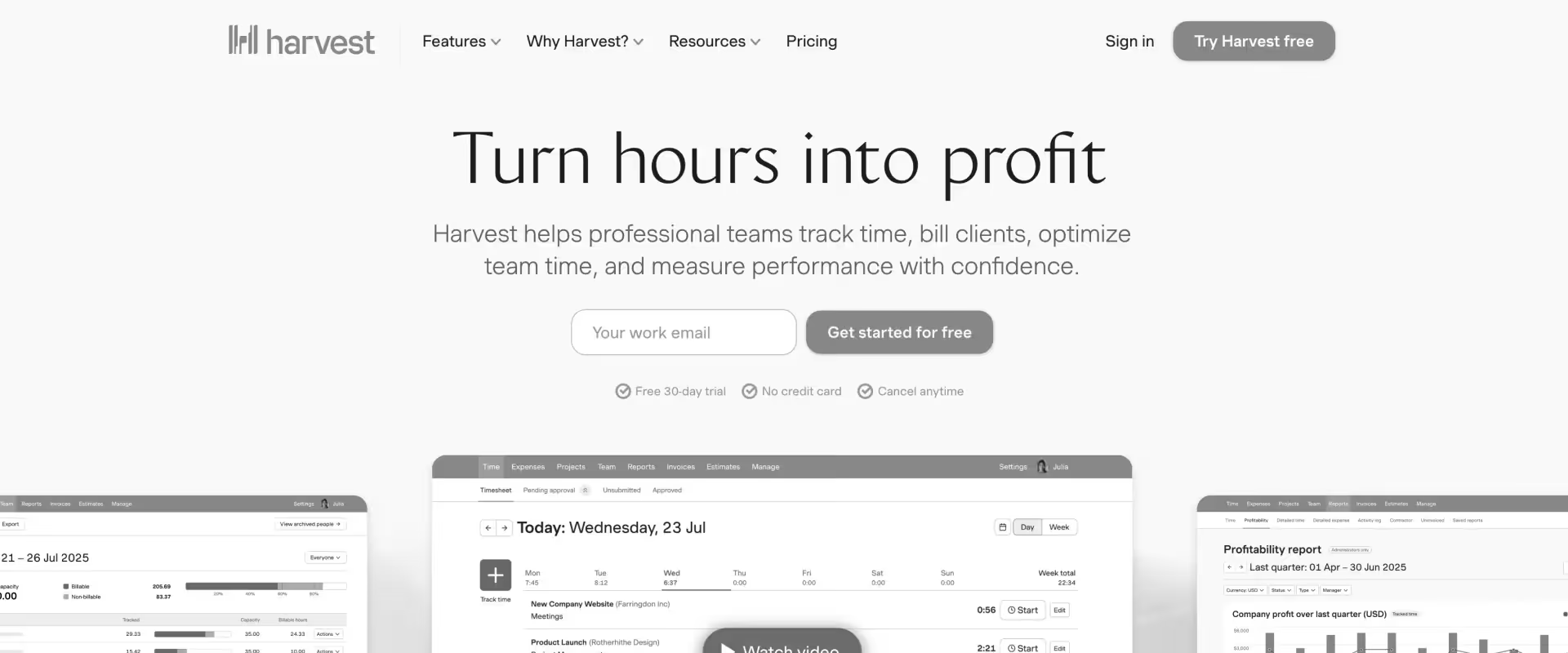
Harvest is a focused time-tracking, expense-management, and invoicing tool. It does one thing well: help teams track billable time and get paid.
It’s not a PSA platform, it’s not a project management tool, and it doesn’t try to be.
For teams whose primary Scoro pain point is “we just need simpler billing,” Harvest is the most direct solution on this list.
Key features:
- Built-in time tracker: Start/stop timers or manual entry. Clean, fast, and designed to get out of the way. Browser extensions and mobile apps for tracking on the go.
- Expense tracking: Log expenses, attach receipts, and categorize costs by project. Integrated expense tracking enhances budget management and supports accurate invoicing.
- Project budgets: Set and monitor project budgets to keep costs under control and improve profitability.
- Project finances: Manage project finances with features for tracking billable hours, expenses, and generating financial summaries.
- Reporting features & reporting tools: Access project budget reports, team capacity overviews, and profitability summaries. Reporting tools are basic but functional for small teams, supporting essential management and oversight.
Pros and cons
Best for:
- Solo consultants and freelancers who need time tracking and invoicing without project management complexity
- Small agencies (under 15 people) with straightforward hourly billing
- Teams that need a clean time tracking layer alongside a separate project management tool
Key takeaways
Switching complexity from Scoro: Low (but scope is narrow) — Harvest is easy to set up, but it only covers time tracking, expenses, and invoicing.
Everything else Scoro does — project management, resource planning, CRM, and financial reporting — needs a separate tool. The switch itself is simple; the gap it creates is wide.
What customers say
Scoro vs commonly compared tools
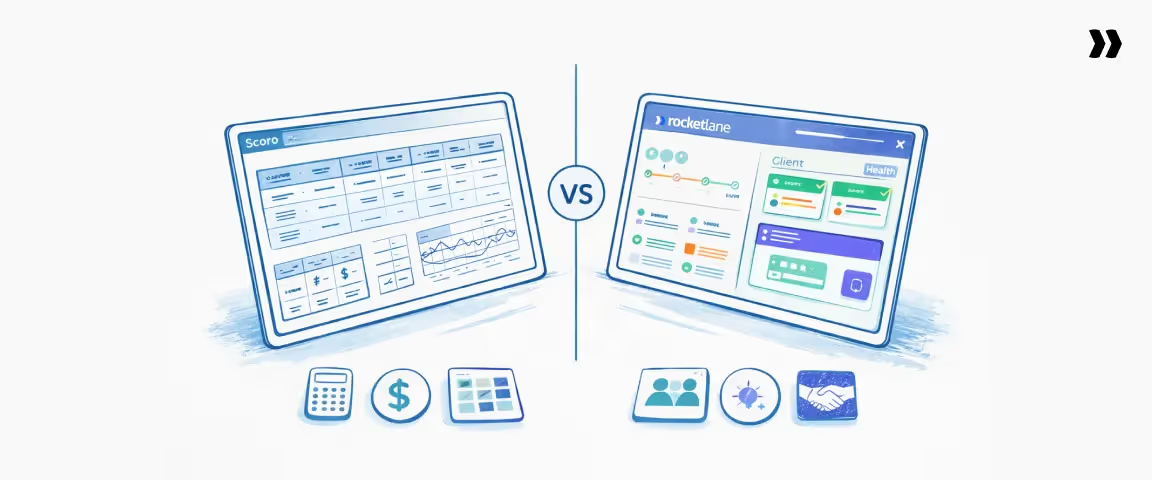
Scoro vs Rocketlane
Verdict: Choose Rocketlane if your PS team is delivery-led, running structured client onboarding, implementation projects, or managed services, and you need AI-powered delivery intelligence and a client portal that improves customer experience from day one.
Scoro vs Monday.com
Monday.com is a visual work OS built for project and task management. Scoro is a PSA platform with financial management at its core.
Choose Monday.com when: You need visual project boards, simple automations, and cross-team collaboration — and don't need invoicing, resource planning, or financial tracking built into the tool.
Choose Scoro when: Financial management, quote-to-cash workflows, and profitability tracking are non-negotiable requirements your team uses daily.
One-line verdict: Monday.com is the right move if you're leaving Scoro for simplicity. It's the wrong move to leave Scoro for a better PSA.
Scoro vs Productive
Both platforms serve agencies. Productive is leaner, faster to configure, and more affordable across tiers. Scoro delivers more financial depth and reporting granularity.
Choose Productive when: You're an agency under 100 people, need resource planning and profitability tracking, and find Scoro's configuration overhead disproportionate to your needs.
Choose Scoro when : You need the full quote-to-cash lifecycle, cross-client financial reporting, and a team to configure and maintain it.
One-line verdict: Productive is the natural step down from Scoro for agencies — same audience, lower complexity, lower price.
Scoro vs Asana
Asana is a task and project management platform. Scoro is a PSA platform. These tools serve fundamentally different needs.
Choose Asana when: Your team manages internal projects and cross-functional tasks where financial management and resource planning aren't core requirements.
Choose Scoro when: You need financial tracking, invoicing, and resource planning as part of your daily project workflow.
One-line verdict: Only consider Asana as a Scoro replacement if financial management and resource planning aren't core to your workflow. For PS or agency teams with billing needs, Asana leaves a gap that requires additional tools to fill.
How to choose the right Scoro alternative

Step 1 — Match your use case
Step 2 — Filter by team size
- Under 25 people → Rocketlane Essential,Productive or Teamwork
- 25–100 people → Rocketlane Premium, Monday.com Standard, ClickUp Business
- 100+ people → Rocketlane Enterprise, Monday.com Enterprise
Step 3 — Filter by budget
- Under $15/user/month → ClickUp, Productive entry, Monday.com Basic
- $15–$50/user/month → Rocketlane Essential/Standard, Teamwork, Harvest
- $50–$100/user/month → Rocketlane Premium, Scoro Performance, Monday.com Pro
Rule of thumb: If your team exists to deliver value to external clients — not just manage internal projects — the shortlist narrows to Rocketlane, Productive, and Teamwork.
Migration and implementation considerations
Data migration scope
Most PSA migrations involve four data categories: project data (tasks, timelines, milestones), contact and client records, time logs and expense history, and financial records (invoices, quotes, budget snapshots). Scoro exports all of these in CSV/JSON format. The question isn't whether data can be moved — it's how cleanly it maps to the new platform's structure.
Change management
The biggest migration risk isn't data loss — it's adoption drop-off.
Teams that switch PSA tools without a change management plan see the same complaints six months later, just about a different product. Assign an internal champion.
Run a pilot with one team before a full rollout. Set a clear go-live date that creates accountability.
Salesforce dependencies
If your team runs on Salesforce, your PSA migration is really two migrations: the tool itself and the CRM integration layer.
Map which Salesforce objects your current PSA reads from and writes to before you evaluate any replacement.
This is where teams lose the most time.
Implementation sequencing
The most reliable pattern is phased rollout: migrate one project type or team first, validate the workflow, then expand. Big migrations look efficient on paper and create chaos in practice.
Adoption strategy
Set a governance cadence from week one — weekly check-ins during the first month, biweekly for the second, monthly after that.
The teams that sustain adoption are the ones that treat the first 90 days as an active implementation, not a passive rollout.
What changes when you switch from Scoro?

What migrates
Project data, task history, and time logs — all exportable from Scoro in CSV/JSON format. Contact and client records map directly to most PSA platforms' client and project structure.
Invoice history is importable with standard field configuration.
What the transition looks like on Rocketlane
Implementation packages scoped to your team size and delivery complexity — available on all plans.
Migration agent (Nitro Enterprise) automates data mapping and configuration documentation, removing manual re-entry.
Most teams are live within 2–3 weeks. Complex multi-region setups typically take 4–6 weeks.
What improves immediately after going live
Client communication is centralized in the portal — email threads are no longer your delivery record.
Resource conflicts surface in real time — no more end-of-week firefighting. Delivery and financial data live in one system — no reconciliation lag at invoice time.
Why choose Rocketlane over Scoro?

Rocketlane is the strongest overall Scoro alternative for teams that prioritize delivery execution, client experience, and operational visibility, not just financial tracking.
This guide evaluated 10 enterprise-ready PSA tools across delivery workflows, resourcing depth, financial controls, implementation speed, and adoption friction.
Built for PS leaders making a platform decision.
1. Built for delivery workflows, not just finance
Scoro starts from financial management and adds project tools. Rocketlane starts from the delivery motion — how PS teams actually onboard, implement, and manage client engagements — and builds financial visibility into that workflow.
The difference shows up in daily adoption: delivery consultants and PMs use Rocketlane because it mirrors how they work, not because they're told to.
2. Client collaboration and transparency layer
Rocketlane's branded client portal gives external stakeholders real-time visibility into milestones, tasks, and action items.
Clients don't need logins to internal tools or status update emails — they see project progress in a white-labeled workspace.
This directly impacts CSAT scores, reduces status-update meetings, and starts renewal conversations earlier.
3. Operational visibility across delivery, resourcing, and financials
Rocketlane unifies project health, resource utilization, and financial tracking in a single view. No aggregating data from multiple tools.
No reconciling spreadsheets. Portfolio-level visibility into margins, risk signals, and capacity happens in real time — not in a Friday afternoon report.
4. Faster time-to-value vs heavy implementations
Most Rocketlane teams go live in 4–12 weeks with implementation costs of 0.5–1x ARR.
Scoro's configuration depth means longer setup cycles, particularly for teams under 50 people.
Rocketlane's standardized templates with dynamic personalization let teams start delivering from week one.
5. Agentic AI advantage with Nitro
Nitro is not a copilot that suggests next steps. It's an execution engine — agents that perform migrations, generate documentation, enforce time policies, rebalance resources, and autonomously surface customer risks.
No other PSA platform offers AI that does the work, not just reports on it.
How Rocketlane Nitro transforms service delivery
Nitro is the AI platform embedded in Rocketlane that enables agentic capabilities across operations, delivery, and service work execution.
It applies purpose-built AI across the delivery lifecycle so execution no longer depends on constant human attention, availability, or memory.
Automate your back-office PSA operations
At the foundation, Rocketlane remains the PSA where services run correctly by default.
Nitro automates the operational work that traditionally pulls teams away from customers, resourcing, governance, time-tracking, financial control, and project administration.
- Resourcing & staffing: Agents handle skill matching, reallocations, extensions, and backfills without spreadsheet juggling or last-minute scrambles.
- Financial control: Agents continuously look for missing timesheets, un-invoiced hours, and budget overruns, surfacing risks early so they do not impact margins.
- Governance: Plans stay current automatically. Updates are sent without chasing. Governance runs in the background without micromanagement.
Agents that run your service delivery work 24/7
Execution no longer waits for people to unblock progress. Nitro’s execution agents do the heavy lifting while teams review and apply judgment.
- Migration: Agents handle data mapping, transformation, and validation so go-lives aren’t held hostage by rework and spreadsheets.
- Configuration: Agents interpret requirements, prepare configurations, and generate documentation—eliminating late-night translation work.
- Validation: Agents continuously check inputs, configurations, and documents to catch issues early and prevent downstream errors.
- Workforce execution: As services scale, agents take on the small but time-consuming tasks directly within delivery systems—reducing context switching and firefighting.
Enterprise knowledge and search
Nitro continuously monitors customer conversations and delivery activity across projects and accounts, surfacing early signals of risk, churn, expansion, and shifts in engagement.
Instead of relying on escalations or post-mortems, leaders gain visibility while there’s still time to act.
At the same time, Nitro ensures knowledge compounds with every project.
Calls, documents, and configurations are automatically converted into structured delivery assets—so knowledge is no longer tribal, buried, or lost.
Every engagement strengthens the system, helping teams deliver faster and smarter over time.
Customer and account signals
Continuous monitoring of project activity, stakeholder engagement, and customer communication to surface early signals of churn risk or expansion opportunity.
Instead of waiting for escalations, teams get visibility into shifts in timelines, engagement, or account health while there’s still time to act.
The result is more predictable delivery and leaders managing by exception rather than chasing updates.
Conclusion
Scoro is a capable platform — particularly for agencies with complex billing and quote-to-cash workflows.
That's not the debate.
The debate is whether a tool built around financial management also fits teams where delivery speed, client transparency, and resource efficiency are the metrics that matter most.
If you've read this far, you already know the answer for your team.
The comparison table, the head-to-heads, and the decision framework above should give you enough to narrow your shortlist to two or three tools — and enough context to walk into a demo knowing exactly what to ask.
For PS teams running structured onboarding, implementation, or managed services programs: Rocketlane was built for your delivery motion.
A native client portal that your customers will actually use.
Agentic AI that does the work, not just answers questions about it.
And a platform that unifies projects, resources, time, and financials without the configuration overhead that made you start searching for alternatives in the first place.
Table of Contents

Regsiter for the live webinar


Great consultants didn't join your team to spend Fridays writing documentation.
Table of contents
18 of Forbes Cloud 100 chose Rocketlane. The best PS teams aren't waiting around.
FAQs
What is Scoro?
Scoro is a professional services automation platform for agencies, consultancies, and service firms. It combines project management, time tracking, resource planning, financial management, and CRM in a single platform. Pricing starts at $19.90/user/month with a minimum of 5 users.
What are the best Scoro alternatives?
The best Scoro alternatives depend on your use case. For PS and onboarding teams, Rocketlane is the top alternative — purpose-built for client delivery with a native client portal and Nitro AI. For agencies, Productive is the closest match at lower complexity. Monday.com and Asana suit visual project management, but don't replace Scoro's financial capabilities.
What's the difference between Scoro and Rocketlane?
Scoro is built for agencies managing complex billing and multi-client financial workflows. Rocketlane is built for PS and onboarding teams managing structured client delivery. Scoro has stronger quote management. Rocketlane has a native client portal, agentic AI (Nitro), and deeper Salesforce and HubSpot integration.
How much does Scoro cost per user?
Scoro costs $19.90–$49.90/user/month on published tiers (billed annually), with Enterprise at custom pricing. A minimum of 5 users is required across all plans. Resource planning requires the Performance tier ($49.90/user/month).
Is it hard to switch from Scoro?
Most teams complete the migration in 2–4 weeks with implementation support. Scoro exports project, contact, time, and financial data in standard formats. Rocketlane's migration agent (Nitro Enterprise) automates data mapping and configuration so teams avoid manual re-entry.













Copyright © 2026 Rocketlane Corp. All rights reserved.





















.webp)