The Best Wrike Alternatives for Professional Services in 2026

•
•
Summarize blog with






If you’re looking for Wrike alternatives, it’s likely that your delivery motions have become less about delivering outcomes, and more work about work.
Most PS teams leave Wrike, because at 50+ concurrent projects, the real delivery system is the spreadsheets, Workato recipes, and manual exports stitched around it.
Wrike handles dependencies and timelines. It does not handle utilization, margin, or client accountability — and those are the things that determine whether PS scales profitably.
As customer onboarding and implementation teams scale, something shifts. The complexity bleeds out of projects. You now see resource planning move to spreadsheets because the tool doesn't show you who's actually available across accounts.
Financial tracking lives in a separate system because there's nowhere to connect time, scope, and margin in one place. Status updates need to be manually compiled because leadership needs a view that the tool can't independently produce.
The work around the work becomes the real system – and a fragile one at that.
Delivery is where revenue gets realized, timelines get stress-tested, and customer experience gets defined. A tool built for just project management doesn't clear that bar.
Wrike doesn't clear that bar. Project management (PM) for professional services (PS) starts from a different assumption: that delivery is a revenue function, and that informs what they track, what they surface, and what they connect.
This guide compares the best Wrike alternatives in 2026 based what each tool is actually built for, where it fits in a real services organization, what it does well, where it falls short, and what existing customers say, and how easy it is to transition out of Wrike to the alternative.
Top Wrike alternatives for professional services teams in 2026 include Rocketlane, Asana, Monday.com, ClickUp, Jira, Smartsheet, Basecamp, Teamwork, Productive.io, and Notion.
As delivery scales, teams need stronger project management with resource planning and visibility. Tools like Rocketlane extend beyond workflows to support client-facing delivery within a unified system.
10 best Wrike alternatives: Fast track (2026)
How we carried out this comparison
To understand how PM tools for professional services fare in their comparison to Wrike, we looked at four key areas:
- Client collaboration depth: Branded portals, real-time visibility, async communication, and approval workflows for external stakeholders
- PS-native capabilities: Native resource planning, utilization tracking, financial management, revenue recognition, and margin visibility
- Integration quality: Depth of Salesforce and HubSpot integration — bidirectional sync, automated project creation, data fidelity
- Migration ease and implementation: Time-to-value from Wrike: data portability, onboarding support quality, and realistic go-live timelines
Comparison: 10 Wrike alternatives at a glance
What is Wrike?
Wrike is a work management platform built around how work gets coordinated across teams. Its core capabilities include Gantt charts, customizable dashboards, time tracking, workflow automation, and proofing tools for creative review.
It was built for internal coordination. PS delivery is a revenue function. That distinction matters more than most teams realize.
Wrike is not a professional services automation (PSA) tool. This means that it lacks capabilities that PS teams needs, such as native resource management with utilization tracking, financial margin visibility, and a purpose-built client portal for external collaboration.
That distinction matters more than it might seem. PS teams aren't looking for a better way to assign tasks. They're looking to stop stitching their delivery operation together with spreadsheets, Workato recipes, and manual exports.
Why PS teams are leaving Wrike in 2026

Many users find that Wrike's complex user interface and steep learning curve hinder usability and adoption. Replacing Wrike is also usually triggered by a set of recurring patterns that compound as delivery becomes more complex.
- Client collaboration without a client layer: Wrike's external collaboration model is binary: clients see everything or nothing. There is no middle layer, no exclusive or easy customer access, no curated project view, no milestone tracker built for an external audience.PS teams default to the workaround stack: weekly status emails, ad-hoc Slack threads, manually compiled quarterly business review (QBR) decks. Clients are not being difficult when they ask "where are we?" They are asking because there is genuinely no professional place to look.
- Integration maintenance becomes a delivery tax:The average Wrike PS team maintains between 20 and 90 custom Workato recipes to keep basic workflows functional, such as automated project creation from Salesforce, time entry syncs, handoff notifications, etc. When one recipe fails, it takes downstream workflows with it. Data goes stale. Manual reruns get missed. What starts as "integrating the stack" becomes infrastructure ownership that someone has to absorb into their week.
- Utilization visibility is limited: Wrike has a workload view, but it does not give PS leaders what they actually need: real-time utilization across accounts, forward-looking capacity against pipeline, and a clear signal on who is overloaded before it becomes a delivery risk. Utilization can sit at 60 to 70 percent for too long because there is no live signal to act on.
- Template sprawl at the cost of delivery consistency: Teams trying to standardize delivery in Wrike accumulate 20, 40, sometimes 60 or more project templates to cover every engagement type and client scenario. Wrike templates have low or limited conditional logic.
This means that every new project requires manual cleanup: removing phases that do not apply, adjusting tasks that do not fit, resequencing what remains. When a process changes, every template needs a separate update. Template maintenance becomes a delivery overhead that compounds with scale. - Reporting that stops at the project level: Building a useful Wrike dashboard requires manual configuration, and keeping it accurate requires ongoing maintenance as projects evolve and team composition changes. Portfolio-level visibility gets assembled from exports. Finance cannot pull project profit and loss (P&L) without a custom report. Leadership cannot open a single view showing utilization, project health, and margin together.
- A project management architecture that does not scale to a services business: At 50 concurrent projects, Wrike is manageable. At 150, the architecture shows its limits. A client with multiple products becomes several disconnected projects with no shared context. The platform evernyally splinters, and teams build shadow systems to track what Wrike cannot surface.
The common thread is that PS teams eventually outgrow what work management software like Wrike is designed to do.
Delivery at scale is a business operations problem, and that requires a platform built for a different scope entirely.
The 10 best Wrike alternatives in 2026
1. Rocketlane
.avif)
Rocketlane is an agentic PSA platform purpose-built for professional services and implementation teams. It brings together project delivery, resource management, time tracking, financial management, and client collaboration into a single system.
What you get is not a “bundle of integrations”, but a one unified data model where each layer informs the others in real time.
Rocketlane is built from the ground up around the operational reality of delivery-led revenue of PS teams: that what was sold, what is being delivered, and what is being billed need to stay in sync without manual intervention.
Key Rocketlane features
- Branded and customizable client portal: Clients get real-time project visibility, task ownership, and document collaboration with no additional cost per client seat and no login friction
- Resource AI: Capacity planning, utilization tracking, and AI-powered allocation that factors in skills, availability, and cost, surfacing bench risk and over-allocation before they become delivery problems
- Real-time financial management: Margin visibility, budget versus actual, and billing model flexibility across fixed fee, T&M, and retainer within a single project view; EAC (estimate at completion) and ETC (estimate to complete) update continuously as work progresses
- Conditional template logic: Templates adapts based on deal structure, product, or customer segment, replacing libraries of 40 to 60 static templates and the maintenance overhead that comes with them
- Native Salesforce and HubSpot integration: Bi-directional, real-time, with automated project creation from closed-won deals and no Workato dependency
- Governance-led time tracking: Time entries are tied to tasks, policies are enforced automatically by the Timesheet Policy Agent, and approvals focus only on exceptions
- Wrike migration tooling: Support from the Rocketlane implementation team, data migration tooling/support, and active project support; most teams are live in 30 to 45 days
Nitro: Rocketlane’s agentic execution layer
Most platforms relegate AI to the status of layer that sits above the work, limiting it to something to use after work happens.
Nitro - Rocketlane’s agentic AI layer, operates inside the work itself.
It is an agentic execution engine, a coordinated system of AI agents that take on the operational load of delivery.
Instead of helping teams understand what’s happening. These agents also extract relevant data from documents and communications, enabling teams to focus on high-value tasks and further enhancing workflow efficiency.
Nitro actively moves projects forward, reduces manual effort, and enforces consistency across every engagement.
Nitro’s agents work across the full delivery lifecycle:
- Workforce Agent converts SOWs into structured, delivery-ready project plans, removing the manual setup that slows down every new engagement
- Project Governance Agent continuously monitors budget burn, timeline risk, and milestone health, surfacing issues early while they are still fixable
- Timesheet Policy Agent enforces billing and time-entry rules at the point of capture, improving accuracy without adding review overhead
- Documentation Agent generates BRDs, design docs, and handoffs from real project conversations, eliminating one of the largest sources of non-billable work
- Account Signals Agent detects churn risk and expansion signals directly from delivery interactions, bringing account intelligence into the execution layer
- AI Analyst answers operational and financial questions in natural language, replacing manual reporting across utilization, margins, and project health
What this adds up to is a shift in how delivery systems behave. The system participates, enforces, and executes, so delivery teams can drive higher impact with the same team.
Bonus: Enterprise-grade PSA capabilities
- Built for enterprise scale without the usual overhead: Rocketlane delivers full PSA capability without the operational drag of legacy systems. It is specifically designed to meet the needs of enterprise teams, offering advanced portfolio management, financial tracking, and resource allocation suitable for complex projects and multi-departmental workflows.
Governance, compliance, and execution live in the same layer, so teams don’t have to trade speed for control as they scale. - Security and compliance, embedded: SOC 2 compliance, SSO, role-based access, and audit logs are built into everyday workflows. Access control and traceability happen at the system level, without slowing down delivery teams or adding process friction.
- True two-way Salesforce sync: Data flows bi-directionally between CRM and PSA without middleware or manual intervention. What gets sold reflects accurately in delivery, and updates flow back without breaking pipeline integrity. This is critical for teams that run on Salesforce as a system of record.
- Integrations that fit into your existing stack: Native integrations with NetSuite, HubSpot, QuickBooks, and Salesforce keep finance and GTM systems aligned. APIs ensure flexibility without introducing another layer of complexity.
- Fast time to value: Rocketlane is designed to replace fragmented workflows, not sit on top of them. Most teams reach a functional setup within weeks through phased rollout and parallel run.
Pros and cons
Best for
- PS leaders managing 15 to 150+ delivery headcount where utilization, margins, and delivery predictability directly affect revenue
- B2B SaaS implementation and CS teams replacing a fragmented Wrike plus PSA stack with a single system for delivery, financials, and client experience
- Delivery ops teams running 50-plus concurrent projects who need real-time health, margin, and risk visibility without manual reporting cycles
- Organizations scaling customer onboarding programs where time-to-value and delivery consistency drive retention and expansion revenue
Key takeaways
What customers say (G2 reviews)
Rocketlane vs Wrike in one line: Rocketlane extends project management beyond tasks into client-facing delivery, while Wrike focuses on internal project coordination.
See how teams are making the switch coordination-heavy delivery with Wrike to intelligent, system-driven execution with Rocketlane → Book a 30-min demo
2. Asana
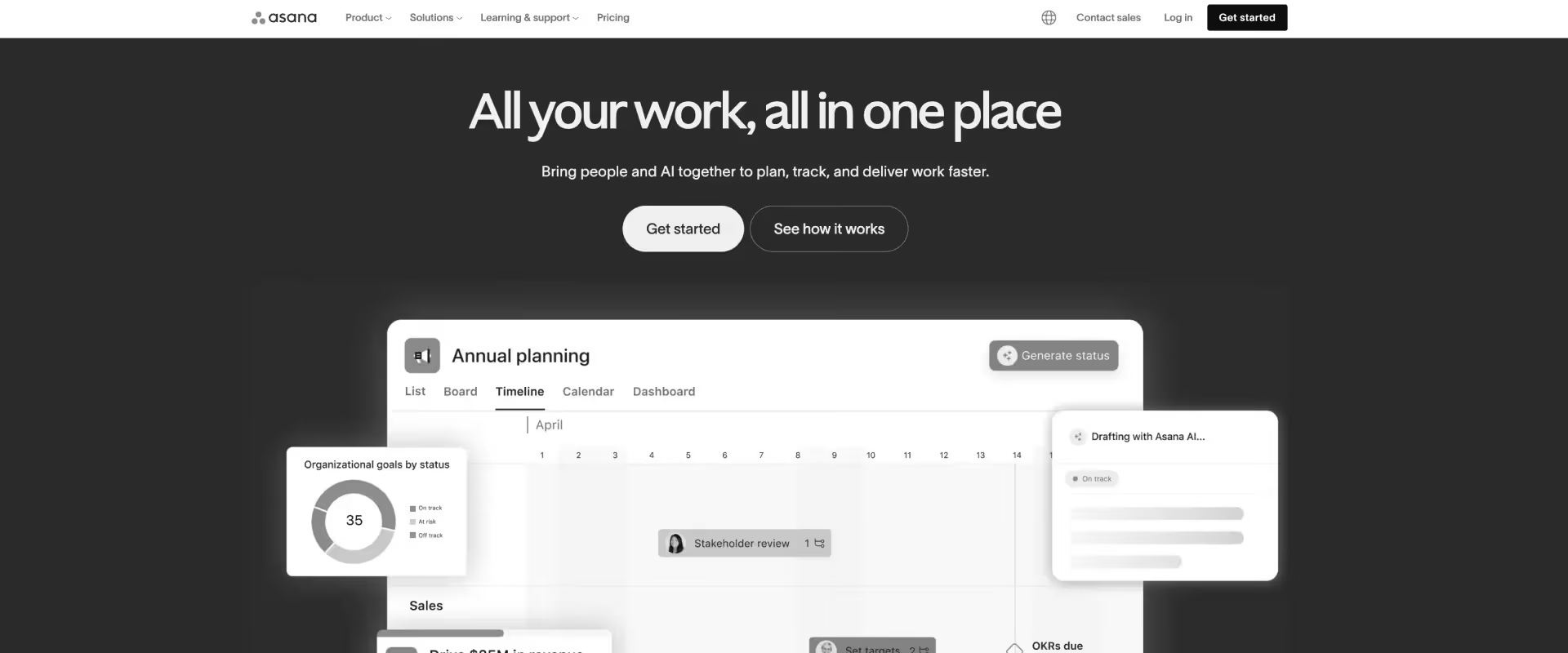
Asana is a general-purpose project management platform built around tasks, timelines, and cross-functional workflows.
The UI is clean, adoption is straightforward, and the workflow builder covers most internal process automation without engineering support. It is used by marketing, operations, and product teams across small to medium-size organizations.
The portfolio view gives leadership a cross-project summary that is more accessible than Wrike's. At 200-plus integrations, it connects to most enterprise stacks without custom middleware.
Asana is built for simple project management, not PSA.
There is no native resource management with utilization tracking, no financial margin visibility, no billing, and no client portal built for external accountability.
Once a PS team needs to answer questions about utilization, margin, or client-facing progress, Asana routes them back to spreadsheets and manual exports.
Key features
- Advanced task dependencies: Chains tasks logically across projects, with automatic date shifting when upstream work changes
- Workflow builder: Automates task routing, status updates, and approval chains across teams without code
- Timeline view: Gantt-style planning with dependency visualization and workload indicators at the task level
- Portfolios: Rolls up status and goal tracking across multiple projects for leadership visibility
- 200-plus integrations: Native connections to Slack, Salesforce, HubSpot, Jira, and Google Workspace
Pros and cons
Key takeaways
What customers say
3. Monday.com
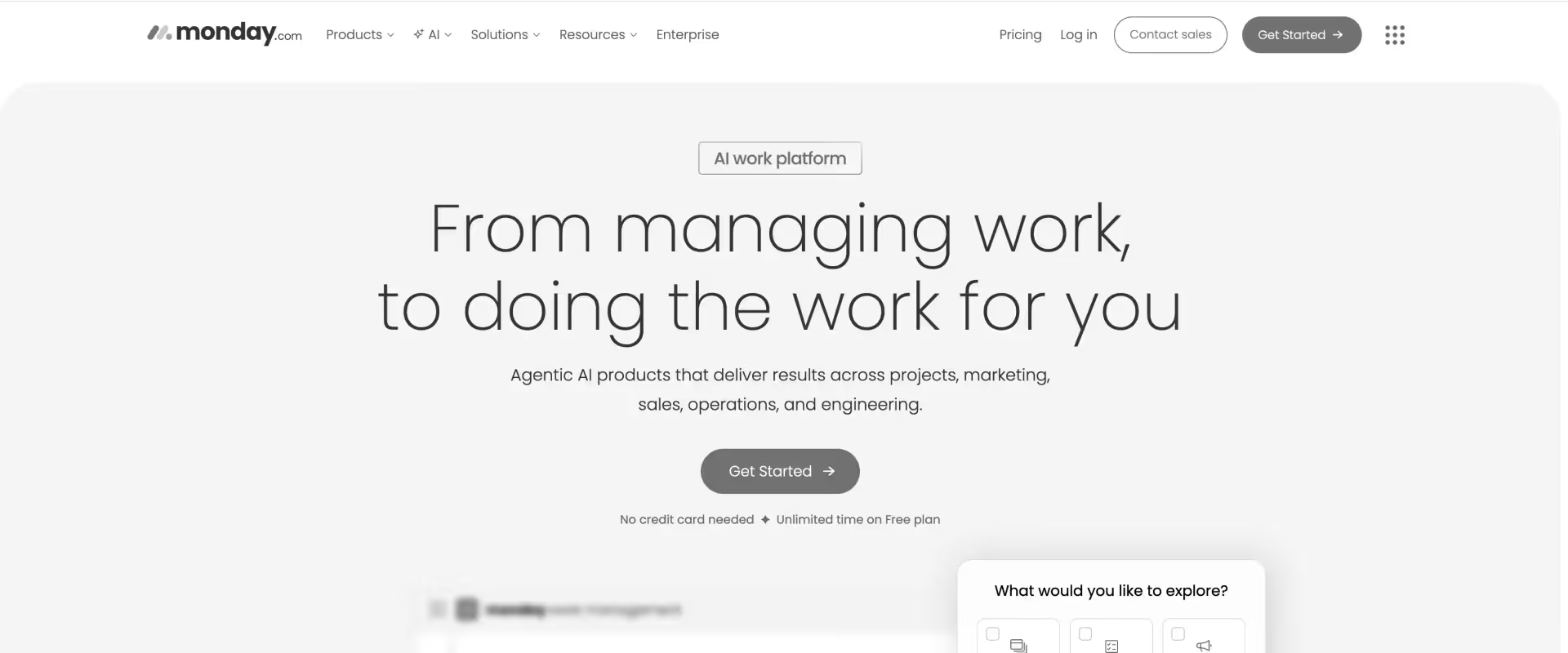
Monday.com is a visual work management platform built around boards, automations, and a highly configurable interface. Teams can get up and running quickly since the visual layout reduces the friction of cross-team coordination.
The gap appears when delivery complexity increases. It is not a PSA. Resource allocation requires manual workarounds. Financial tracking requires a separate system. Client-facing collaboration is handled outside the platform.
Key features
- Visual boards: Highly configurable kanban and grid views with color-coded status tracking across projects
- Automations: No-code workflow automation for status changes, notifications, and task assignments across boards
- CRM module: A separate product within the Monday suite for pipeline tracking (not natively connected to project delivery)
- Dashboards: Cross-board reporting with widgets for status, workload, and progress, requires manual configuration to maintain
- Extensive integrations: Connects to Salesforce, HubSpot, Slack, Jira, and Google Workspace with varying depth
Pros and cons
Key takeaways
What customers say
4. ClickUp
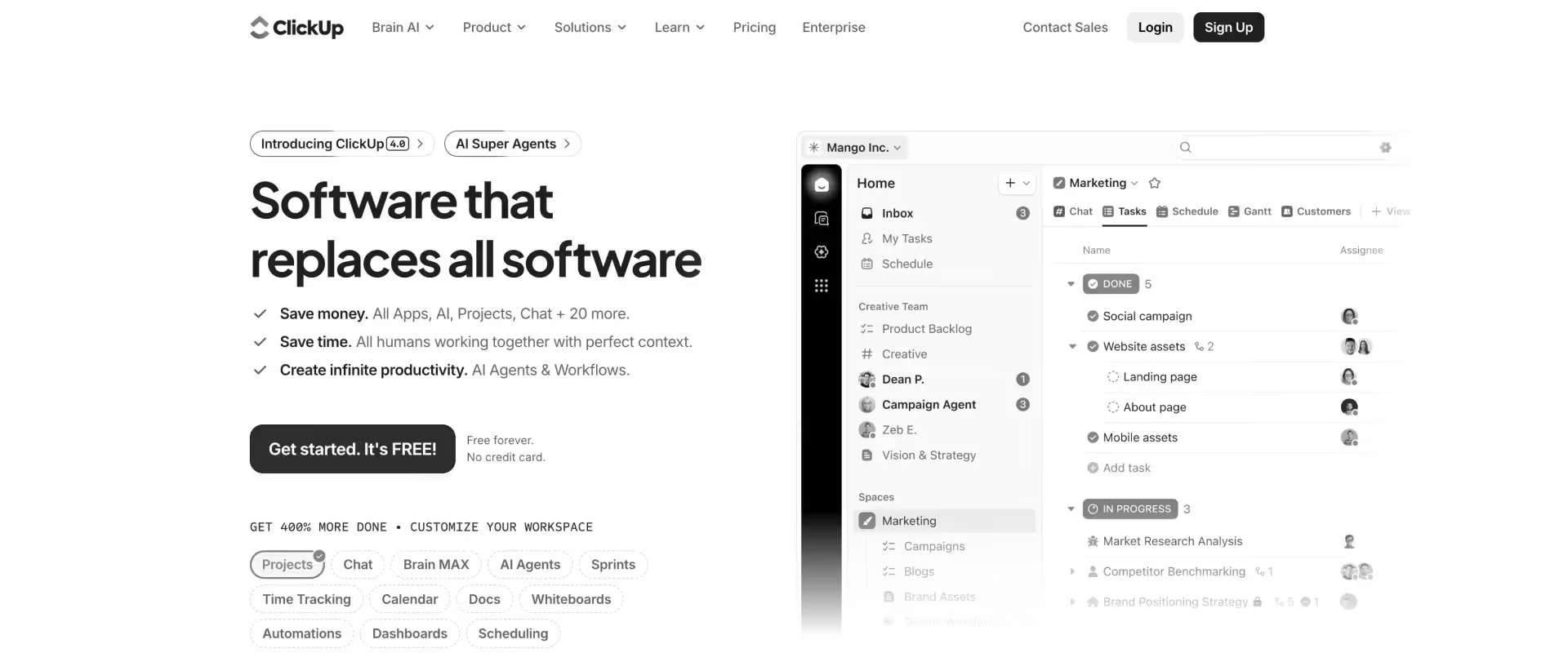
ClickUp is an all-in-one productivity platform that offers custom views, custom fields, custom statuses, custom automations.The platform is built around the premise that teams should be able to make it work the way they work, rather than adapting to a fixed structure.
That flexibility is also where ClickUp creates problems. For PS teams that need delivery standardization at scale, the configuration overhead is significant. Teams often spend more time building the system than running delivery inside it.
And without PSA structure enforced by the platform, the same template sprawl, utilization gaps, and financial blind spots that existed in Wrike tend to resurface.
Key features
- Custom views: Gantt, board, list, calendar, and timeline views configurable per team and project type
- Goals: Tracks objectives and key results at the team or company level, linked to tasks and projects
- Docs: Built-in documentation and wiki functionality that reduces reliance on a separate knowledge tool
- Native time tracking: Logs time against tasks without a third-party integration, with basic reporting
- Automations: Condition-based workflow automation across tasks, statuses, and assignments
Pros and cons
Key takeaways
What customers say
5. Jira
Jira is Atlassian's project tracking platform, built natively for engineering, product, and software development teams. It is ideal for agile development given that sprint planning, issue tracking, backlog management, and release roadmaps are where it operates most effectively.
PS teams at software companies often land on Jira as a Wrike alternative because engineering already uses it, and consolidating onto one platform is appealing from an IT and licensing perspective.
For PS and implementation teams managing client-facing delivery, Jira is a significant stretch. The terminology maps to engineering workflows, not delivery operations.
Epics, sprints, and issues do not translate naturally to project phases, client milestones, and SOW-based engagements. The platform requires meaningful configuration and, often, third-party apps to approximate PS capabilities it does not natively support.
Key features
- Issue tracking: Granular bug, task, and request tracking with custom fields, priorities, and linked dependencies
- Sprint management: Scrum and kanban boards for agile planning with velocity reporting and burndown charts
- Roadmaps: Visual timeline planning at the epic and initiative level, linked to underlying issues
- Confluence integration: Native documentation and knowledge base layer within the Atlassian ecosystem
- Advanced reporting: Sprint reports, burndown charts, cycle time, and cumulative flow diagrams for engineering workflows
Pros and cons
Key takeaways
What customers say
6. Smartsheet
Smartsheet is a cloud-based work management platform built around a grid interface that behaves like a spreadsheet. It is familiar by design — teams that live in Excel adopt it quickly because the mental model transfers directly.
Beneath that familiar surface, it adds Gantt views, automation, dashboards, and a Salesforce connector that general spreadsheet tools cannot match.
It is not a PSA. Smartsheet tracks work in a structure that feels like project management. It does not manage resources, track utilization, surface financial margins, or provide a client portal for external accountability. For PS teams using it as a Wrike replacement, the spreadsheet familiarity is the appeal — and the ceiling.
Teams that move from Wrike to Smartsheet often find themselves solving the same problems with a more familiar interface.
Key features
- Grid, Gantt, and card views: Multiple project views layered on the same underlying sheet data without structural rebuilding
- Automations: Condition-based triggers for alerts, row updates, and approval routing across sheets
- Dashboards: Real-time reporting widgets built from sheet data — requires manual configuration and ongoing maintenance
- Salesforce connector: Bidirectional data sync between Smartsheet and Salesforce, available as a paid add-on on higher tiers
- Intake forms: Structured request capture that feeds directly into project sheets with conditional logic
Pros and cons
Key takeaways
What customers say
7. Basecamp
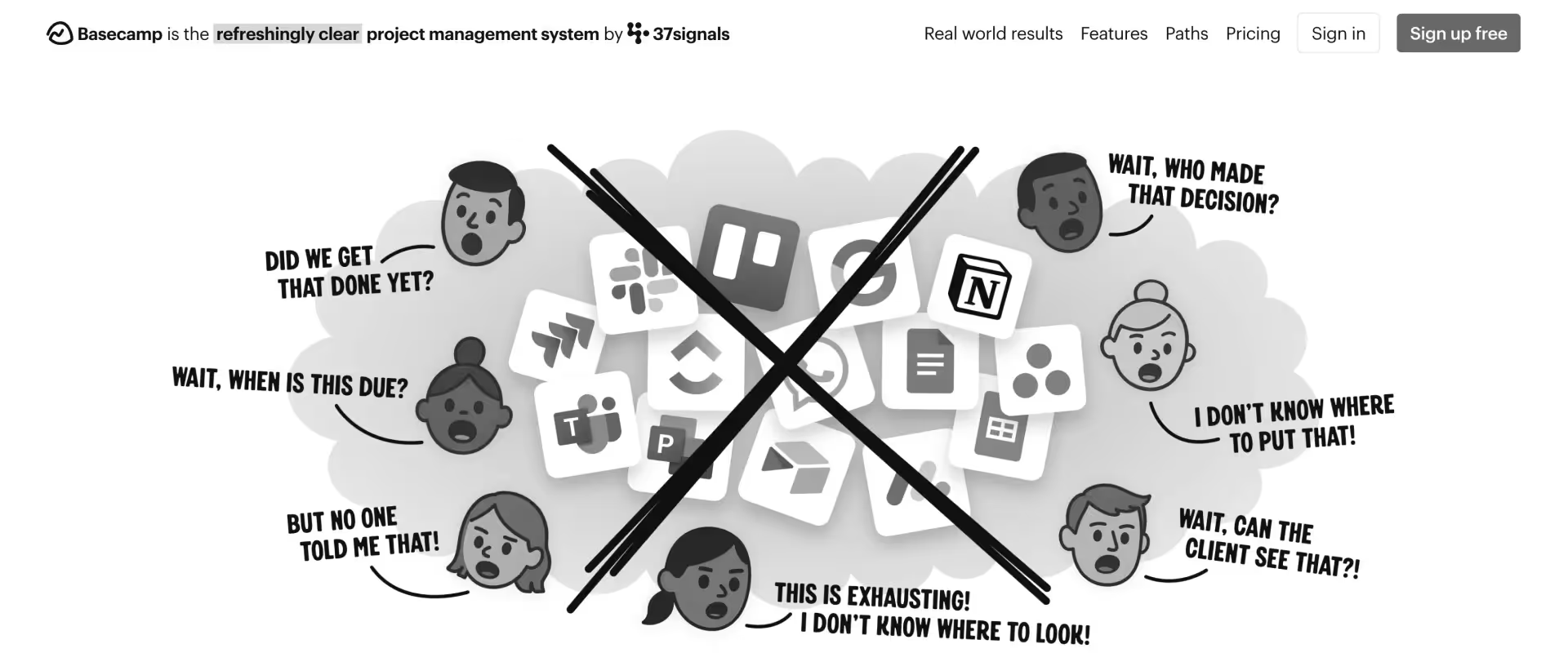
Basecamp is a project communication and task tracking tool built around radical simplicity. Message boards, to-do lists, file sharing, schedules, and a group chat feature called Campfire — the entire product is designed to reduce complexity, not accommodate it. For small teams running straightforward projects, that simplicity is a genuine strength.
The limitation becomes apparent when any PS complexity is introduced. There is no way to track billable hours, monitor project margins, allocate resources across accounts, or give clients a structured view of their project without sharing internal tools or reverting to email.
Key features
- Message boards: Threaded project communication that replaces email chains for internal and client-facing updates
- To-dos: Task lists with assignments and due dates — no dependencies, no conditional logic, no subtask hierarchy
- Schedules: Simple calendar view for project milestones and deadlines without Gantt-level planning
- File sharing: Centralized document storage attached to projects without version control or approval workflows
- Campfire: Real-time group chat per project, functioning as a lightweight Slack within the tool
Pros and cons
Key takeaways
What customers say
8. Teamwork
Teamwork is a project management platform built with agency and client-work contexts in mind. Time tracking, billing, retainer management, and a basic client portal are native — which puts it meaningfully closer to PS needs than Asana, Monday.com, or ClickUp.
For agencies managing multiple client projects where billing accuracy and project profitability matter, it covers ground that general PM tools do not.
The distance from a full PSA becomes visible at scale. Resource management is limited. The AI layer is thin. Salesforce integration depth is insufficient for Salesforce-centric PS organizations.
For agencies with 10 to 50 people running repeatable client engagements, Teamwork is a credible option.
For PS teams managing enterprise implementations with financial governance requirements, it falls short.
Teamwork sits in a useful middle position — more delivery-aware than Asana or Monday.com, less complex than a full PSA.
The ceiling is real, though. Utilization reporting is limited. The financial forecasting is less dynamic than purpose-built PSA tools like Rocketlane.
And teams running 50-plus concurrent projects typically find that the reporting infrastructure does not scale to leadership needs.
Key features
- Native time tracking: Time logged against tasks with billable and non-billable categorization, approval workflows, and basic utilization reporting
- Billing and invoicing: Project-level billing with rate card support, invoice generation, and budget tracking within the platform
- Retainer management: Tracks recurring client work and retainer hours across billing periods — a capability absent from most general PM tools
- Basic client portal: Gives clients visibility into project progress and task status without sharing the full internal workspace
- Project management: Gantt charts, task dependencies, milestones, and workload view across concurrent client projects
Pros and cons
Key takeaways
What customers say
9. Productive.io
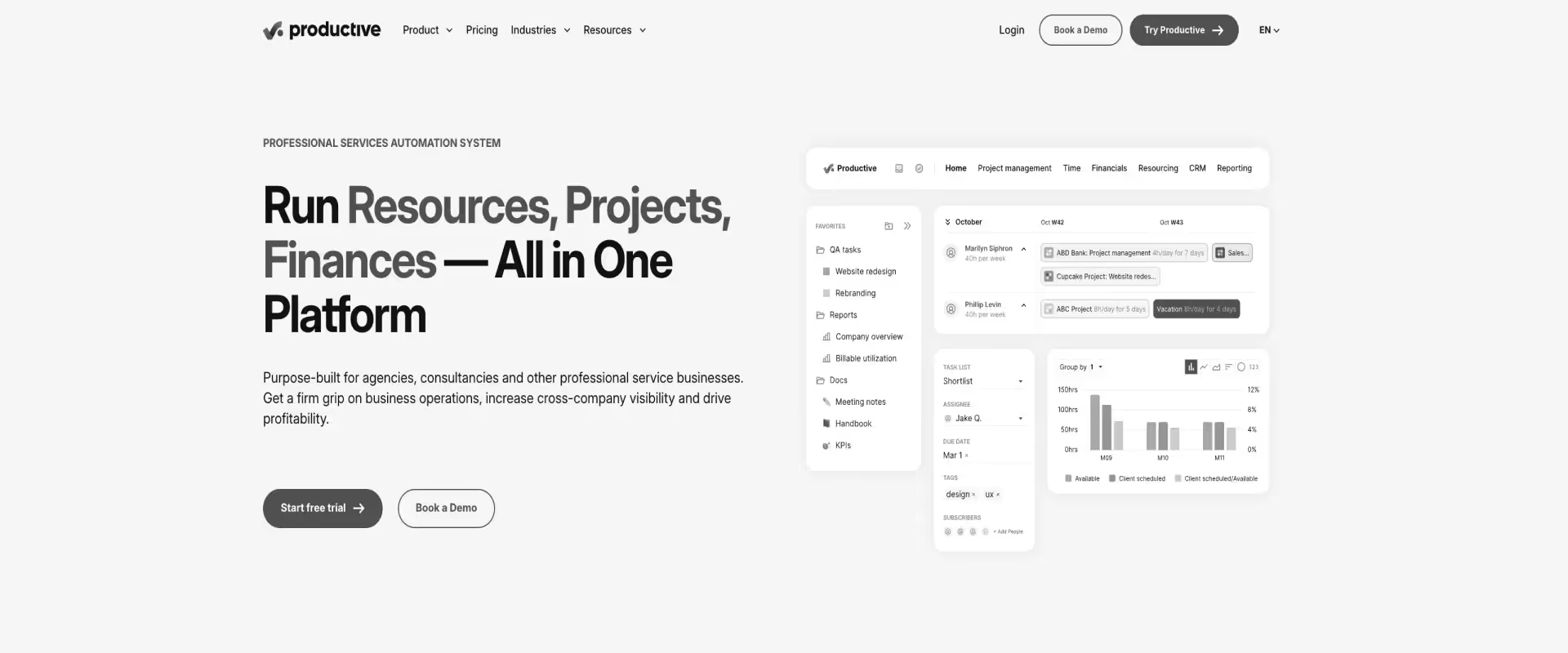
Productive.io is an agency-first PSA that combines project management, capacity planning, financial tracking, and profitability reporting in one platform.
It is built for agencies and consultancies where project profitability is the primary operational metric — not just task completion or client satisfaction.
The AI layer is early-stage — useful for some automation but not yet an agentic execution layer. For creative and digital agencies that do not need deep CRM integration or enterprise compliance, Productive.io is a good option. For B2B SaaS PS teams with complex delivery governance needs, the gaps matter.
The trade-off is scope. Productive.io is built for agency workflows. It handles agency-specific billing models, rate cards, and client structures well. It is less well-suited for enterprise PS environments with complex resource hierarchies, multi-currency requirements, and Salesforce-as-system-of-record mandates.
Key features
- Project budgeting: Real-time budget tracking per project with expense tracking and management, billing status, and burn rate visibility
- Capacity planning: Forward-looking resource scheduling with availability tracking across team members and projects
- Native time tracking: Time logged against projects with billable categorization, approval flows, and integration into financial reporting
- Agency-specific reporting: Profitability per project, client, and team member — with overhead allocation and utilization metrics
- Client rate management: Custom rate cards per client, service type, and team member — flexible billing model support
Pros and cons
Key takeaways
What customers say
10. Notion
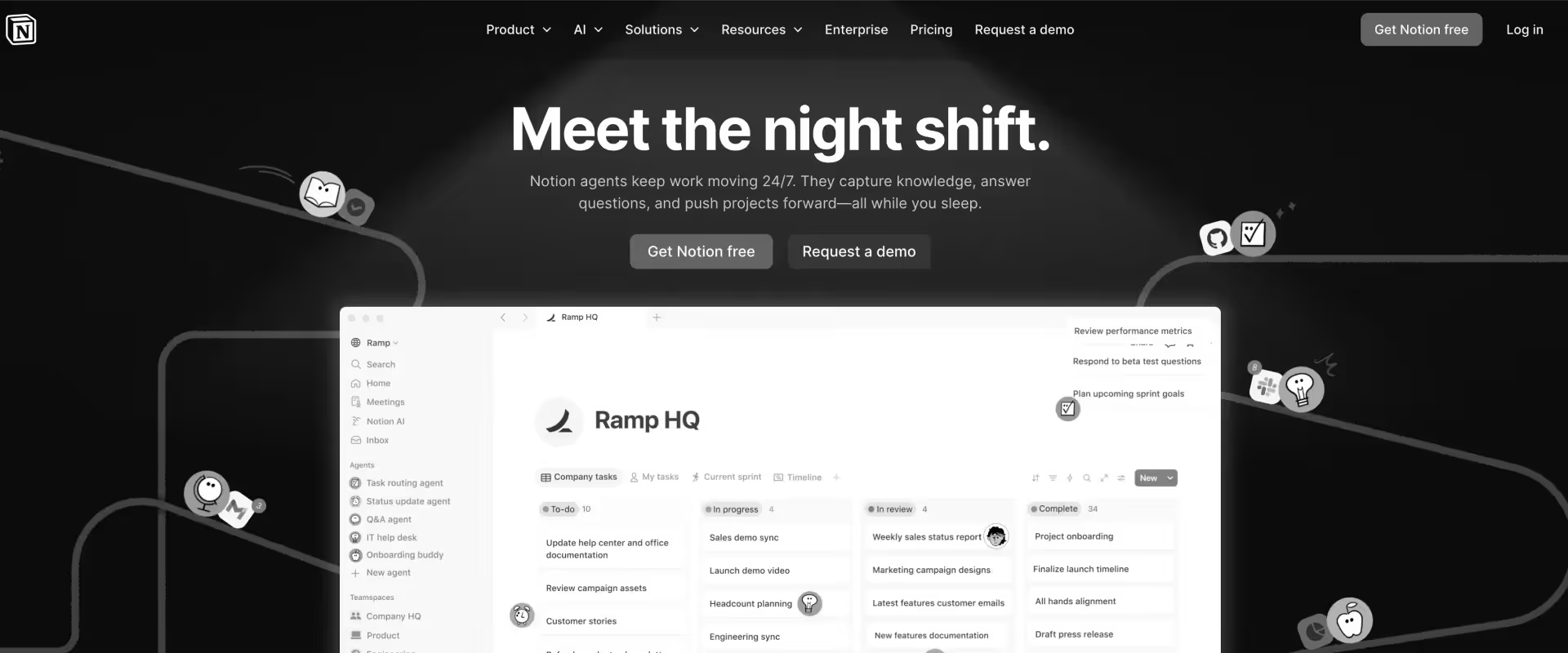
Notion is a documentation-first workspace that has expanded to include lightweight project management capabilities.
Databases, wikis, task views, and an AI writing assistant make it a capable knowledge management tool and a serviceable supplement to a primary project management system. For teams where documentation is the primary operational gap, it is often the right choice.
Its flexibility makes it easy to construct project views that look like project management. Teams often begin using it for internal documentation and gradually expand it to cover project tracking, status updates, and team wikis.
However, It is clearly not a delivery platform. Notion has no time tracking, no resource management, no billing, and no client portal with task-level accountability. Using it as a Wrike replacement for a PS team ends up being a category reduction.
The moment a PS team needs to track utilization, bill a client, or give a customer a structured view of their engagement, Notion routes them to a different tool.
Key features
- Docs and databases: Flexible pages and relational databases that can be shaped into project trackers, wikis, and knowledge repositories
- Project templates: Pre-built and custom templates for project planning, meeting notes, and status tracking
- Task management: Basic task creation with assignees, due dates, and status fields — no dependencies or conditional logic
- Team wikis: Structured knowledge base functionality that centralizes process documentation across teams
- AI writing assistant: Drafts, summarizes, and edits content within the workspace — useful for documentation-heavy teams
Pros and cons
Key takeaways
What customers say
Wrike vs. commonly compared alternatives
Wrike vs Monday.com
Most teams consider Monday.com when project managers complain that Wrike is too rigid and delivery teams stop updating tasks.
Monday.com’s visual boards, flexible layouts, and faster onboarding tend to increase day-to-day usage across delivery teams.
Key insight - Adoption and operational visibility are separate problems. Tools that improve one do not automatically improve the other.
Decision logic
- Choose Monday.com when usage across delivery teams is inconsistent and workflows are not being followed. Evaluate if you need more, i.e, a dedicated PSA tool when utilization, margins, or client visibility are the primary gaps
Wrike vs Asana
This comparison typically appears in organizations already using Asana across functions. Asana’s workflow builder allows non-technical teams to create automations, forms, and approval flows. Wrike provides stronger portfolio-level organization for cross-project visibility.
Key insight
Consolidation and capability are different goals. Extending an existing tool reduces complexity, but does not replace missing operational layers.
Decision logic
- Choose Asana when standardizing tools across departments is a priority
- Plan for additional systems when financial tracking or resource management is required
Wrike vs Jira
This evaluation usually arises in environments where delivery intersects with engineering workflows. Jira aligns with sprint-based execution and issue tracking. Wrike supports broader project management use cases beyond engineering contexts.
Key insight
Alignment with delivery model matters more than basic feature depth. Systems built for different work types introduce friction even when configurable.
Decision logic
- Choose Jira when delivery is tightly coupled with engineering workflows. Consider top PSA alternatives or strong PM tools for professional services when client-facing delivery and financial tracking are required
Wrike vs ClickUp
ClickUp introduces a high degree of flexibility across views, fields, and workflows. Teams can configure systems to match their preferred ways of working. Wrike provides a more structured environment with less variability across projects.
Key insight
Flexibility shifts effort from tool limitation to system maintenance with the switch to Clickup. The burden does not disappear, it changes form.
Decision logic
- Choose ClickUp when workflow flexibility is the primary requirement, but expect additional tooling for utilization, margins, and financial visibility
Wrike vs Smartsheet
Smartsheet aligns closely with spreadsheet-based workflows. Teams familiar with Excel tend to adopt it quickly. Wrike provides a more structured project management environment with built-in hierarchy and reporting.
Key insight
Familiarity accelerates adoption, but does not expand capability. Teams often recreate existing workflows in a more usable format.
Decision logic
- Choose Smartsheet when teams are deeply spreadsheet-oriented and need faster adoption, but you will have to plan for separate systems for financial tracking and resource management
Wrike vs Basecamp
Basecamp focuses on communication and lightweight coordination. It simplifies collaboration through message boards and to-do lists.
Key insight
Tool simplicity and delivery complexity need to match in the context of professional services. Misalignment shows up quickly as either overhead or lack of control.
Decision logic
- Choose Basecamp when delivery complexity is low and communication is the primary need
- Evaluate PSA tools when scaling client-facing delivery with financial accountability
Wrike vs. Rocketlane
This comparison ends the evaluation. Every other tool on this list shares Wrike's core limitation — none are built for professional services. Rocketlane is.
The gap is not a feature gap. It is a category gap.
Key insight
Wrike tracks work. Rocketlane runs a services business — delivery, resources, margins, client experience, and AI execution in one system.
Decision logic
- Choose Rocketlane when utilization, margin visibility, client experience, or delivery governance are the gaps driving this evaluation. If professional services is a revenue line — not just an overhead function — this is where the search ends.
How to choose the right Wrike alternative
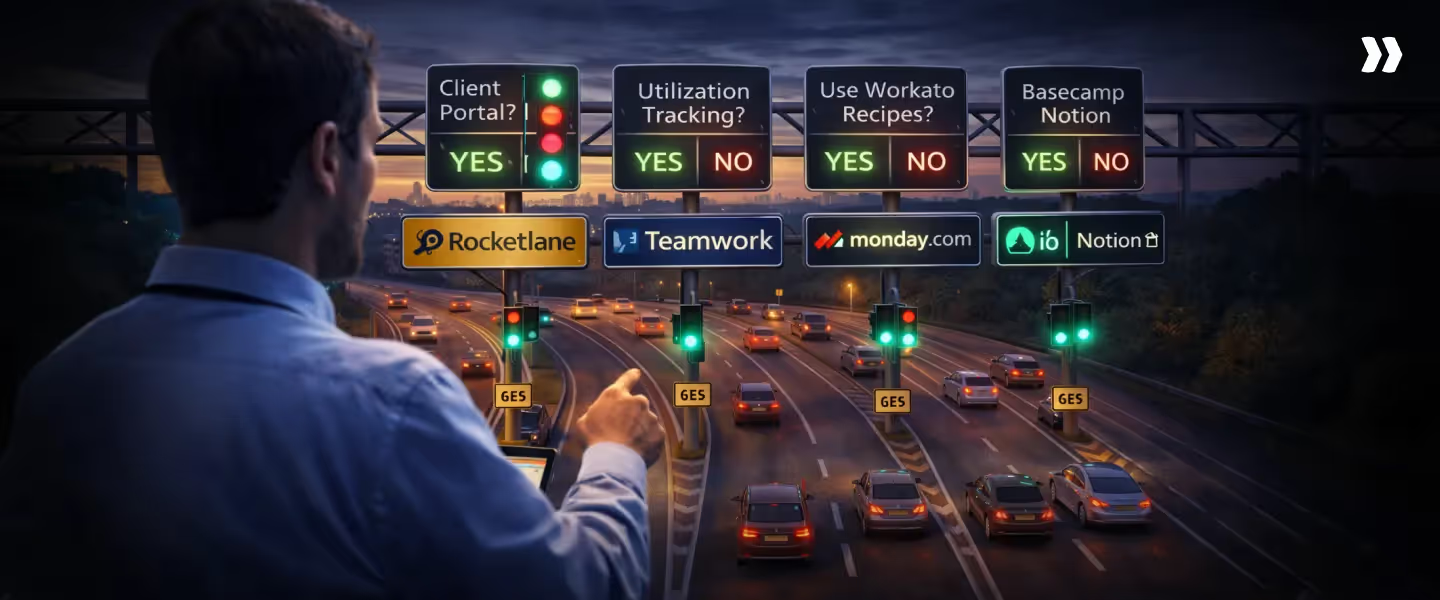
Most Wrike evaluations start with basic feature grids. That is the wrong place to start. The faster path: define your role, your delivery model, and the gap that matters most.
The table below maps common roles to their context, priorities, and the options that tend to hold up in real environments.
Key insight
Most Wrike evaluations are framed as tool comparisons, but the real distinction is how far the system can stretch as delivery evolves.
Some tools improve usability. Some improve flexibility.
A smaller set extends project management into coordination, visibility, and execution without requiring parallel systems.
Three questions that clarify the decision
1. Do your clients need real-time project visibility?
Client-facing work introduces a second layer of coordination. The system needs to support not just internal execution, but structured interaction with external stakeholders.
- If yes → look for tools where client visibility, task ownership, and updates are part of the core project workflow, not handled through email or add-ons
- If no → internal-first tools can work, but expect coordination overhead to increase as stakeholder count grows
2. Do you need to understand delivery across projects, not just within them?
As teams scale, the challenge shifts from tracking tasks to understanding how work is progressing across accounts, timelines, and teams in one view.
- If yes → prioritize systems that connect project tracking with portfolio visibility, so progress, risks, and dependencies are surfaced without manual consolidation
- If no → simpler tools can support individual project execution, but cross-project insight will require additional effort
3. Is your current system reflecting how delivery actually happens?
When teams maintain parallel trackers, rebuild reports manually, or rely on integrations to keep data aligned, the system is no longer the source of truth.
- If no → look for tools where planning, execution, and reporting sit in the same workflow, reducing the need for external coordination
- If yes → incremental improvements may be enough, provided the system continues to scale with complexity
Common Mistake: Choosing a more flexible PM software or tool without addressing how projects are actually managed across clients and teams.
Right Approach: Select a project management system that reflects real delivery workflows. For PS teams, that includes client collaboration, cross-project visibility, and fewer manual steps to manage timelines and dependencies.
Why Rocketlane is the best Wrike alternative for professional services teams

The shift away from generic project management tools starts when delivery expands beyond task coordination.
When margin visibility, resource utilization, and client collaboration become critical to running services profitably, a system of record built for PSA operations becomes essential.
The patterns are consistent across teams using Wrike:
- Project tracking lives in one system
- Resource decisions happen elsewhere
- Financial visibility requires reconstruction
- Client communication sits outside the workflow
The overhead accumulates quietly. Time is spent aligning data, preparing updates, and reconciling views instead of moving delivery forward.
Rocketlane moves client collaboration, resource planning, and financial tracking into the same system where projects are executed, and with the right level of visibility to the customer.
This edge shows up in four important ways:
1. Wrike has no client delivery layer. Rocketlane makes it central.
In Wrike, projects are internal objects. Clients sit outside the system, which means visibility is managed through updates, emails, and meetings.
Rocketlane brings clients into the delivery workflow itself.
- Projects are shared through a structured, branded interface
- Tasks, milestones, and deliverables are visible to the right stakeholders
- Approvals, inputs, and feedback happen inside the system
- Visibility is continuous, not reconstructed for status updates
Clients stay aligned because they are working from the same system state as the delivery team.
2. Wrike coordinates projects. Rocketlane runs delivery operations.
Wrike’s model centers on tasks and timelines. The surrounding layers, resource planning, financial tracking, utilization, exist outside the core workflow.
Rocketlane brings these layers into the same system:
- Resource allocation reflects real-time capacity across projects
- Financial signals are tied to execution, not reported after the fact
- Utilization and margins are visible without reconstruction
- Decisions are made on current state, not stitched-together views
The difference shows up in how work is managed day to day.
Teams spend less time preparing reports, reconciling data, or validating assumptions across systems. Instead, visibility is continuous, and operational decisions are made within the flow of delivery.
3. With Rocketlane, integration is not a workaround layer
In Wrike environments, integrations often become a dependency. Data moves across tools to fill gaps in the system.
Rocketlane reduces the need for that movement by keeping delivery data in one place.
- Project data, resource allocation, and financials are aligned by default
- Updates reflect immediately across workflows
- Reporting does not require exports or manual consolidation
The practical effect is fewer coordination loops and fewer points where data can fall out of sync.
4. Standardization scales without multiplying complexity
As delivery grows, teams often create multiple templates to handle different project types. Over time, this leads to fragmentation.
Rocketlane approaches this differently.
- Templates adapt based on project context
- Tasks and workflows adjust to what was sold
- Changes propagate without manual rework
- Setup remains consistent across projects
Project setup becomes faster, but more importantly, more consistent. Process changes are applied once and reflected everywhere.
What changes when you use Rocketlane instead of Wrike for project management
When these layers are unified, the impact shows up in how delivery behaves:
- Project setup becomes faster and more consistent
- Resource allocation adjusts earlier, with fewer surprises
- Financial signals are visible during execution
- Client communication becomes predictable and structured
The system shifts from tracking work to supporting how delivery actually runs.
That shift tends to surface in a few measurable ways:
- Higher utilization visibility and control
- Reduced time spent on coordination and reporting
- Faster time from project start to meaningful progress
Wrike vs Rocketlane feature comparison
Migrating from Wrike: What to plan for
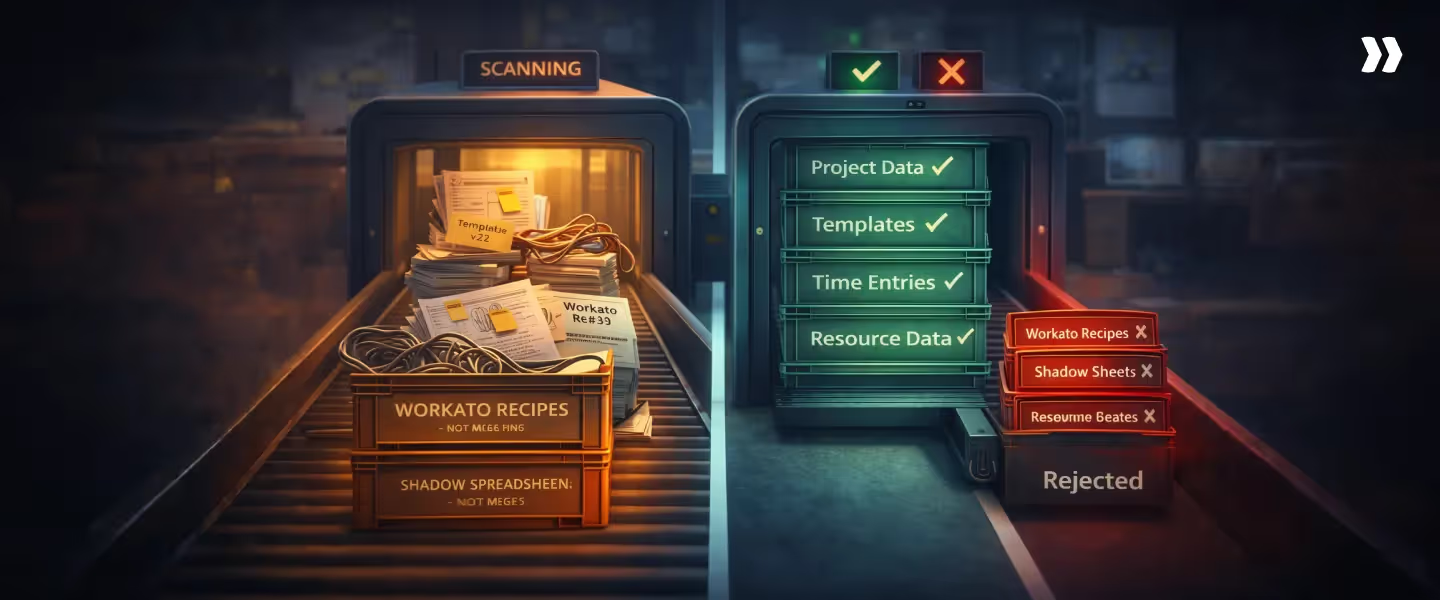
Migration tends to be the primary source of hesitation. In practice, it is more structured and less disruptive than most teams expect, provided the transition is planned around how delivery actually runs.
1) Timeline and ownership
A typical migration from Wrike to a system like Rocketlane is much shorter than many initial Wrike implementations because the starting point is clearer.
Workflows already exist. Data is structured. The task is to translate, not design from scratch.
The process is usually split as follows:
- Teams provide exports from Wrike (projects, tasks, time, templates)
- The implementation team handles data mapping and migration
- Active projects can be moved mid-flight
- Historical data is carried over for continuity
2) What moves, what does not
Migration is not a 1:1 transfer of everything. It is an opportunity to consolidate what has accumulated around the system.
Typically migrated
- Project structures (phases, tasks, subtasks)
- Time entries and historical tracking
- Resource and team data
- Templates and standard workflows
- Project documents and artifacts
Typically left behind
- Integration layers built to fill system gaps
- Parallel spreadsheets used for reporting or planning
- Multiple template variants created to handle edge cases
What also changes is the number of layers required to run delivery. Many of the supporting systems become unnecessary once workflows are consolidated.
3) Migration checklist
A few decisions upfront tend to reduce friction during the transition:
- Map existing workflows into a smaller set of standardized templates before moving data
- Run both systems in parallel for 2–4 weeks if active delivery risk is high
- Start with a pilot team or project type to validate setup
- Communicate changes to clients early, especially if their interaction model will change
- Define success criteria at 30, 60, and 90 days to track adoption and impact
How Rocketlane’s Nitro AI transforms PS Delivery

Most AI layers in the Wrike alternatives category improve visibility. They summarize tasks, generate content, or suggest automations. The execution model itself remains unchanged, so delivery still depends on manual coordination.
Nitro is designed around a different question: what parts of delivery can be handled by the system itself, not just reported on.
It operates inside the same workflows that run projects, resources, and financials. The impact shows up in how teams allocate work, manage risk, and execute at scale.
1. Operational AI: Resource decisions and timesheet intelligence
Resource allocation in most PS teams still relies on a mix of spreadsheets, intuition, and asynchronous communication. Nitro shifts this into the system.
- Resource AI
Surfaces staffing recommendations based on utilization, skills, margin impact, and project priority at the same time. Recommendations include reasoning, so decisions can be validated rather than inferred. - Timesheet Policy Agent
Enforces time-entry rules at the point of capture. Late submissions and non-compliant entries are flagged automatically, maintaining visibility without follow-up cycles. - AI Analyst
Provides direct access to live delivery data. Questions like utilization by team, margin by project type, or timeline variance are answered without building reports.
What changes in practice
Nitro enables resource managers to make allocation decisions based on real-time utilization, skills, and margin impact—rather than spreadsheets and intuition. Time-tracking governance is applied at entry point, reducing back-and-forth approvals. Leaders access live delivery data on demand, rather than waiting for manual reports.
For teams managing 40–100 delivery members, this layer alone removes hours of coordination each week.
2. Governance AI: Project health without manual reporting
Most delivery teams have access to data. The limitation is timing. Risks are often identified after they have already affected outcomes.
- Project Governance Agent
Monitors budget consumption, milestone progress, scope changes, and delivery velocity across all active projects. Deviations are flagged during execution, not after. - Nitro Signals (account layer)
Analyzes calls, emails, and engagement patterns to surface churn risks and expansion signals early. Signals are tied to delivery behavior, not isolated feedback.
What changes in practice
- Issues surface mid-cycle, not in weekly reviews
- Delivery leads focus on the few accounts that need attention
- Escalations are reduced because intervention happens earlier
A delivery lead managing dozens of accounts moves from scanning status updates to acting on prioritized signals.
3. Workforce AI: Documentation and onboarding at scale
A significant portion of delivery effort scales linearly with project volume, especially documentation and project setup.
- Documentation Agent
Generates draft summaries, handoff documents, and status updates from meetings and project data—following defined templates and playbooks. Consultants review, validate, and approve output before sharing with clients, shifting focus from writing to ensuring accuracy and quality - Workforce Agent (SOW to plan)
Execute routine configuration, data migration, and documentation tasks within established playbooks and validation gates. This frees consultants to focus on client-facing and strategic work that requires human judgment, while the system handles repeatable, rule-based execution.
What changes in practice
- Status updates and documentation take minutes instead of hours
- Project setup becomes consistent across teams
- Time from closed-won to kickoff reduces by 30–50%
The effect is not just efficiency, but the ability to scale delivery without proportionally increasing overhead.
What this adds up to
Nitro operates in three layers within delivery workflows to reduce manual coordination and surface risks early:
- Intelligence and governance: Nitro agents monitor project health, enforce timesheet rules, and flag drift, enabling intervention before issues compound
- Insight and analysis: Nitro surfaces margin movement, utilization trends, and resource bottlenecks without manual reporting, so leaders manage by exception.
- Execution: Nitro agents execute routine tasks (documentation, configuration, data migration) within defined playbooks and validation gates, freeing consultants to focus on work that requires human judgment.
Conclusion
PS teams resort to looking for Wrike alternatives because the effort required to manage delivery around the tool keeps increasing.
As projects become client-facing, multi-stakeholder, and time-sensitive, the system needs to support not just task execution, but coordination across people, timelines, and expectations.
When that support is missing, project managers compensate with spreadsheets, manual updates, and constant follow-ups.
That is the real inflection point.
For VP/Head of PS, Resource Managers, and Finance leads responsible for delivery predictability and margin protection, the system needs to surface utilization gaps, margin drift, and resource bottlenecks in real-time—before they compound into missed timelines or eroded profitability.
That is where platforms like Rocketlane designed for PS fit more naturally into how the work actually happens.
PS teams that get this right see a shift in how they spend their time. They spend less time preparing updates and reconciling data, and more time managing projects, stakeholders, and outcomes in one place.
Rocketlane provides the operational foundation to deliver projects predictably, protect margins, and scale delivery without scaling headcount proportionally—by connecting project execution, resource planning, and financial management in one system.
See how teams like yours are restructuring delivery with Rocketlane → Book a 30-min demo.
Table of Contents

Regsiter for the live webinar


Great consultants didn't join your team to spend Fridays writing documentation.
Table of contents
18 of Forbes Cloud 100 chose Rocketlane. The best PS teams aren't waiting around.
FAQs
What are the best Wrike alternatives for professional services teams?
The best Wrike alternatives for professional services teams in 2026 include Rocketlane, Asana, Monday.com, ClickUp, Jira, Smartsheet, Basecamp, Teamwork, Productive.io, and Notion. For professional services teams, the strongest alternatives are the ones that reduce coordination outside the system. Platforms like Rocketlane extend into client collaboration, resource planning, and delivery visibility.
Why do PS teams switch from Wrike to other tools?
The shift typically happens when delivery extends beyond internal coordination. Teams begin managing resources in spreadsheets, rebuilding reports manually, and handling client communication outside the tool.
How does Rocketlane compare to Wrike for project management?
Wrike supports task management, dependencies, and timelines effectively for internal teams. Rocketlane includes these capabilities but extends them into client-facing workflows and cross-project visibility. For project managers, this reduces the need to manage updates, reporting, and coordination outside the system, keeping more of delivery within a single platform.
What's the difference between Wrike and a PSA platform?
Wrike is a project management tool designed for coordinating tasks and workflows. A PSA platform connects those workflows to resources, financials, and delivery outcomes. As a PSA platform, Rocketlane becomes is the system of record for how services work is planned, delivered, tracked, and billed. Unlike PM tools, Rocketlane ties project execution, resource planning, financial management, and client collaboration together so teams can deliver projects on plan, on budget, and on time while maintaining margin visibility across the portfolio.
How long does it take to migrate from Wrike to Rocketlane?
Migration timelines vary based on project volume and workflow complexity. Typical implementations are 4–8 weeks, including data mapping, user training, workflow validation, and adoption support to ensure the system becomes the source of truth for how delivery runs.













Copyright © 2026 Rocketlane Corp. All rights reserved.





















.webp)