Best Project Planning Software for Professional Services Teams in 2026


•
•
Summarize blog with






A customer implementation slips by two weeks. Nobody is really surprised.
The project manager knew resources were stretched. The solutions consultant was split across three onboarding projects. Engineering had flagged a dependency that never made it into the project plan. The customer only learned about the delay after asking for an update.
The problem was not effort. Everyone was busy. The problem was visibility and the absence of a delivery system that connects sales commitments to execution.
Research from PMI's Pulse of the Profession finds that organizations waste an average of $97 million for every $1 billion invested due to poor project performance. As project volume grows, these small coordination failures compound into missed timelines, frustrated customers, and lower utilization. MIT Sloan research on service delivery organizations identifies coordination failure — not capability gaps — as the primary driver of implementation delays.
This is where project planning software either earns its place in the tech stack or becomes another tool people update after the fact.
For professional services (PS) and customer onboarding teams, project planning software is more than a way to organize tasks. The best platforms are built as agentic PSA (Professional Services Automation) systems and increasingly powered by agentic AI, shifting teams from merely tracking work to actively executing it.
They automate project creation from CRM data, allocate resources based on capacity, track dependencies across teams, and give customers visibility into progress without relying on status update meetings.
What did this evaluation find?
After evaluating 11 platforms across CRM-connected project creation, customer collaboration, resource management, and portfolio visibility, Rocketlane ranks first for professional services and customer onboarding teams in 2026.
It is the only Agentic PSA that connects a closed deal to a staffed project plan and a customer portal within a single system, with Nitro executing the work rather than only advising.
750+ organizations run on it, with a 94% G2 recommendation rate and a $60M Series C (March 2026). For onboarding-only visibility, GUIDEcx is the alternative; for enterprise resource and financial depth, Kantata. This guide covers all 11.
What you'll learn
Quick glance: Top 11 project planning software in 2026
What is project planning software? Definition and scope for professional services teams

Project planning software helps teams create, manage, and track project timelines, tasks, dependencies, milestones, and resource assignments. For professional services teams, project planning extends beyond scheduling work. It becomes the operational layer that connects sales commitments, delivery execution, resource allocation, customer collaboration, and project outcomes.
Unlike traditional project management tools that focus primarily on internal task coordination, professional services teams often need visibility across multiple customer projects, shared resources, utilization targets, budgets, and delivery performance.
What does project planning software for professional services teams include?
Project planning software for professional services teams should extend beyond scheduling and task management. Its purpose is to turn closed deals into successful customer outcomes through repeatable, scalable delivery processes.
Modern platforms typically include:
- Automated project creation from CRM opportunities
- Standardized project templates and workflows
- Dependency-based scheduling and milestone tracking
- Resource planning and capacity forecasting
- Customer collaboration and project visibility
- Portfolio dashboards and executive reporting
- Time tracking, budgeting, and profitability tracking
- Workflow automation and AI-powered administration
Why does project planning software matter in 2026?
Professional services teams are managing more customers, stakeholders, and delivery complexity than ever before. As implementation volumes grow, project planning becomes less about managing schedules and more about managing delivery operations.
The cost of manual project setup and disconnected tools
Many teams still rely on spreadsheets, CRM records, email threads, and status meetings to coordinate delivery. While this can work at low volumes, the overhead grows quickly as project complexity increases.
Common symptoms include:
- Manual project creation after deal close
- Resource allocation managed through spreadsheets
- Status updates scattered across multiple systems
- Leadership reports assembled manually
- Limited visibility into delivery risks
The result is less time spent with customers and less confidence in project health.
The shift from project schedules to delivery operations
Traditional project planning tools help teams create schedules and track tasks.
Modern platforms go further by providing:
- Real-time project and portfolio visibility
- Resource planning and capacity forecasting
- Customer collaboration and milestone tracking
- Delivery risk monitoring
- Utilization and profitability insights
Instead of reviewing project status periodically, teams operate from live delivery data.
AI is reducing administrative work
AI is increasingly being used to automate operational tasks that consume delivery teams' time.
Examples include:
- Generating project plans from statements of work
- Identifying stalled dependencies and delivery risks
- Producing status reports and customer updates
- Improving resource allocation decisions
- Answering portfolio-level questions using natural language
The biggest opportunity is simple: reducing the manual work that keeps teams maintaining systems instead of delivering outcomes.
How do the top 11 project planning software for professional services teams fare in 2026?
This section covers the full spectrum, from purpose-built PSA platforms to adjacent scheduling tools with PS-relevant features, evaluated on: automated CRM project creation, customer portal quality, Gantt and dependency management, resource management depth, portfolio visibility, PMO-level reporting, and AI capabilities.
1. Rocketlane
.avif)
Rocketlane is a project planning and professional services platform built specifically for customer-facing implementations. Unlike traditional project management tools, which were designed primarily for internal teams, Rocketlane combines project planning, customer collaboration, resource management, project financials, and operational visibility in a single system.
The platform is designed around a reality that many SaaS companies eventually encounter: implementation projects are not just internal workstreams. Customers are active participants in the delivery process. They have milestones to complete, documents to provide, approvals to give, and timelines to meet.
As project volume grows, managing those moving parts across spreadsheets, CRM systems, project management tools, email threads, and status meetings becomes increasingly difficult.
Rocketlane brings those workflows together in a platform designed specifically for onboarding, implementation, and professional services teams. From CRM-triggered project creation and reusable project templates to customer-facing workspaces and portfolio reporting, the platform helps teams standardize delivery, improve visibility, and accelerate time-to-value (TTV).
Key features
- Automated project creation from CRM: Rocketlane integrates with Salesforce and HubSpot to automatically create projects when deals close. Customer details, stakeholders, project attributes, and implementation context can flow directly into delivery workflows, reducing manual setup and creating a more consistent handoff between sales and professional services teams.
- Project templates and delivery playbooks: Teams can build reusable project templates with tasks, milestones, dependencies, and workflows. Templates can be adapted for different products, customer segments, implementation types, or service tiers, helping organizations deliver more consistent project experiences at scale.
- Project planning and scheduling: Rocketlane includes Gantt charts, dependency management, milestone tracking, timeline visualization, and project scheduling capabilities. Teams can adjust timelines, manage dependencies, and monitor project progress across multiple concurrent implementations.
- Customer-facing collaboration: Unlike many project planning tools, Rocketlane includes a branded customer workspace where customers can track progress, complete tasks, access documents, review milestones, and collaborate directly with implementation teams. This creates a shared source of truth for both internal teams and customers.
- Resource management and capacity planning: Managers can monitor utilization, workload distribution, team capacity, and upcoming demand across projects. Resource visibility helps delivery leaders identify allocation conflicts, balance workloads, and make staffing decisions with greater confidence.
- Portfolio visibility and reporting: Rocketlane provides project-level and portfolio-level reporting across active implementations. Teams can monitor project health, milestone completion, timelines, risks, utilization, and delivery performance without manually consolidating information across systems.
- Project financials and time tracking: The platform supports time tracking, budget visibility, utilization reporting, billing workflows, and project financial management. This helps professional services leaders understand both delivery performance and project profitability.
- Nitro AI, the agentic execution layer: Rocketlane's Nitro AI layer supports project planning, documentation, project governance, reporting, resource management, and workflow automation. Rather than focusing solely on content generation, Nitro is designed to assist delivery teams with operational work across the implementation lifecycle.
Enterprise-Grade Foundation
- Security and compliance: SOC 2 Type II, GDPR, 99.9% uptime SLA, HIPAA-ready
- Identity and access: SSO via Okta, Azure AD, and Google, plus SCIM provisioning and role-based permissions across 10+ user types
- Global delivery: multi-currency, multi-timezone, partner and contractor portal with selective visibility
- Native integrations: Salesforce, HubSpot, NetSuite, Jira in real time, plus MCP support
- Support: named CSM and named implementation manager for every enterprise account, from day one
Key takeaways
Rocketlane wins over generic PM tools as well as Kantata, GUIDEcx, etc. because it (1) combines customer-facing delivery and internal PS operations in a single platform, (2) automates project creation and staffing decisions through agentic AI, and (3) delivers measurable outcomes. Internal Rocketlane data shows that the same team can handle 3× more projects, and implementations that previously took 90 days now close in 25.
2. GUIDEcx
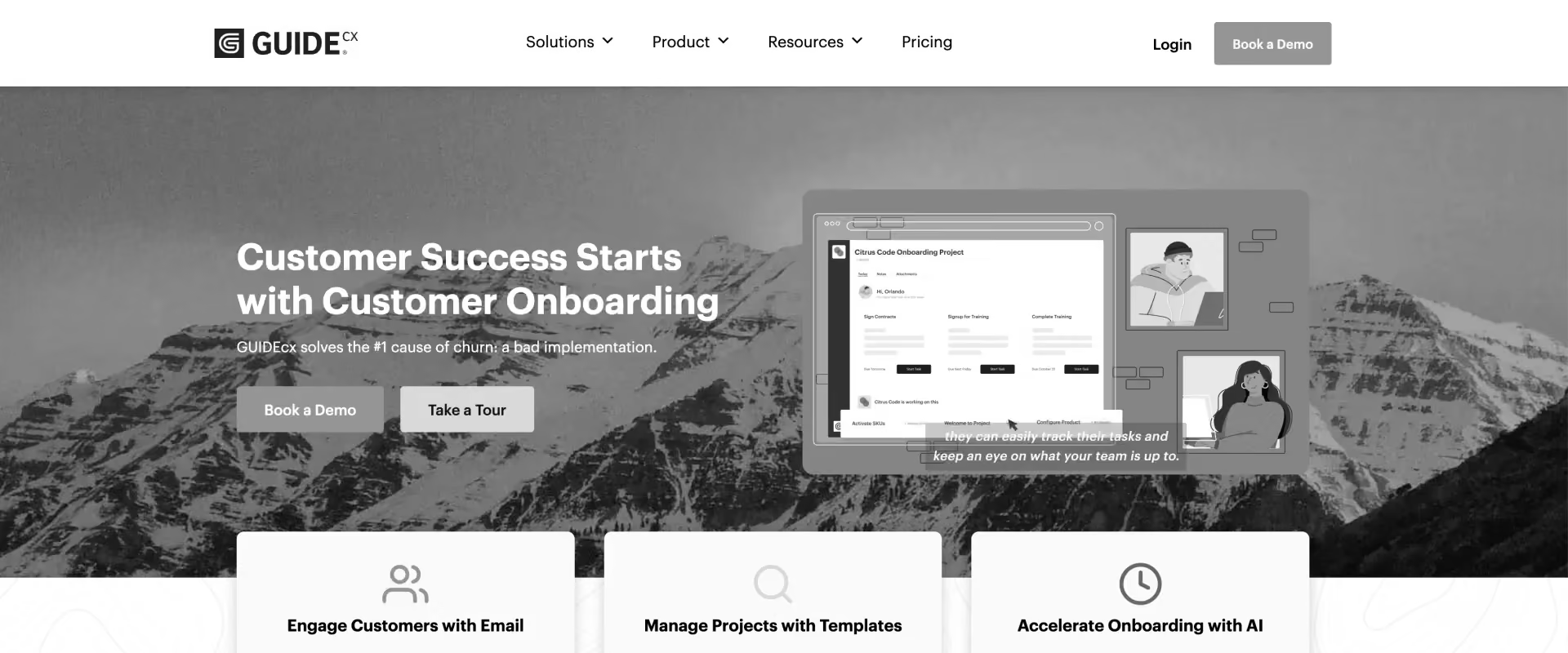
GUIDEcx is one of the closest alternatives to Rocketlane in the customer onboarding category. Unlike general project management tools, it was built specifically for implementation and onboarding teams that need a customer-facing delivery experience. The platform focuses on customer visibility, onboarding standardization, and customer accountability throughout implementation.
Key features
- Customer-facing onboarding portal: GUIDEcx provides customers with a shared workspace to track milestones, complete tasks, access documents, and monitor onboarding progress in real time.
- Standardized onboarding templates: Teams can create repeatable onboarding workflows using templates, milestones, dependencies, and automation.
- Customer accountability management: Assign tasks directly to customer stakeholders and automate reminders to reduce onboarding delays.
- CRM-connected onboarding workflows: Integrates with Salesforce and HubSpot to streamline sales-to-onboarding handoffs and project creation.
- Automated communications: Notifications, reminders, and milestone updates help reduce administrative work while keeping customers informed.
Key takeaways
3. Kantata
.avif)
Kantata is an enterprise professional services automation platform built for organizations that need advanced resource planning, project financial management, and portfolio oversight. It is particularly strong in utilization forecasting, capacity planning, and profitability management across large delivery organizations.
Key features
- Advanced resource management: Forecast utilization, balance workloads, and optimize staffing decisions across teams and projects.
- Project financial management: Track budgets, margins, billing, revenue forecasts, and profitability at both project and portfolio levels.
- Capacity planning: Model future demand, identify hiring needs, and understand delivery constraints before they affect projects.
- Portfolio visibility: Provides leadership-level visibility across projects, resources, utilization, and financial performance.
- Professional services analytics: Offers reporting on delivery performance, utilization rates, project profitability, and operational efficiency.
Key takeaways
4. Accelo
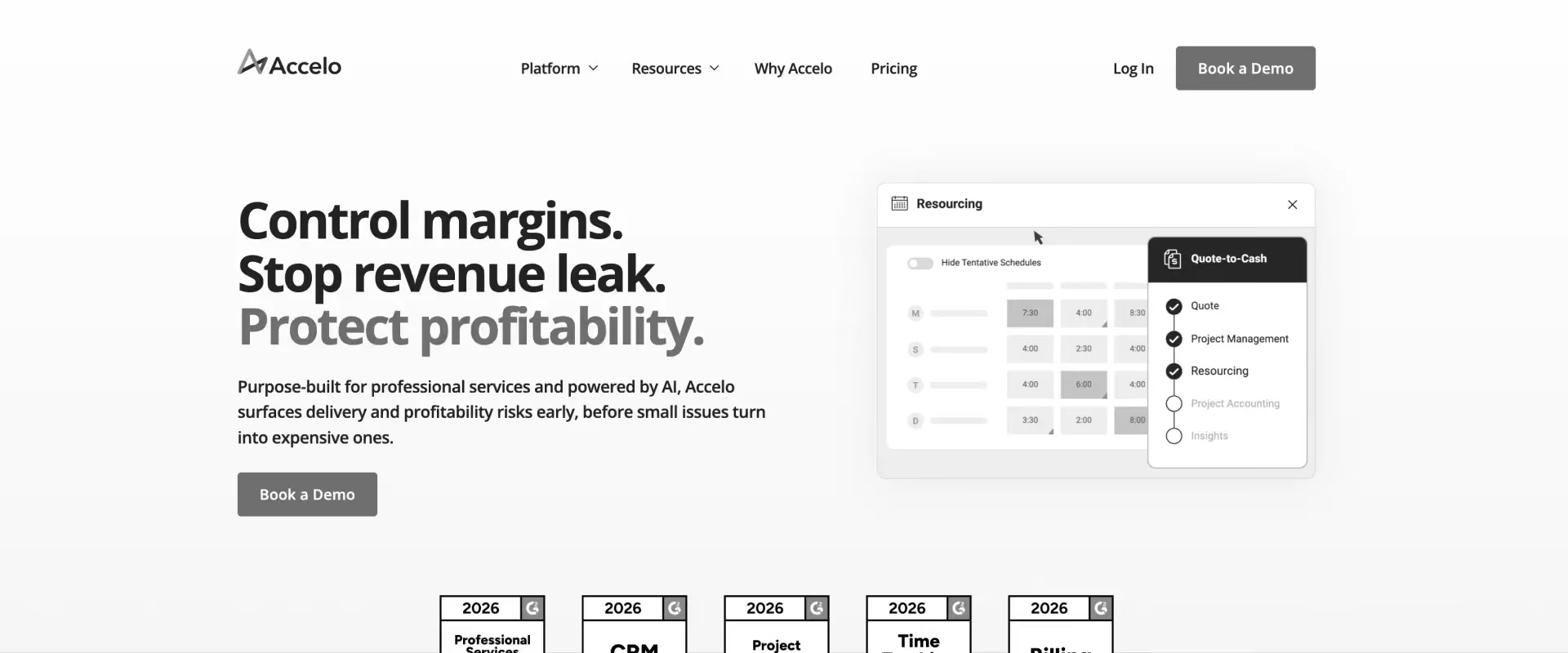
Accelo combines project management, CRM, service delivery, billing, and business operations into a single platform. It is widely used by agencies, consultancies, and service organizations that want visibility into both project execution and financial performance without implementing a larger enterprise PSA system.
Key features
- Project and service management: Manage projects, support work, client requests, and ongoing service delivery from a single platform.
- Time tracking and billing: Track billable work, automate invoicing, manage retainers, and monitor project profitability.
- Client relationship visibility: Connect sales, project delivery, support, and billing data within a unified customer record.
- Operational reporting: Provides visibility into project performance, team utilization, revenue, and service delivery metrics.
- Workflow automation: Automates recurring operational tasks, approvals, and administrative processes.
Key takeaways
5. Monday.com
Monday.com is a widely adopted work management platform. Many professional services teams start with Monday.com because it is flexible, easy to configure, and familiar across departments. While it provides solid project planning and workflow automation capabilities, it was designed primarily for internal work management rather than customer-facing project delivery.
Key features
- Project planning and scheduling: Supports Gantt charts, timelines, dependencies, milestones, workload views, and project tracking dashboards.
- Workflow automation: Automates approvals, notifications, recurring tasks, status changes, and routine project workflows.
- Customizable workspaces: Teams can build workflows for project management, operations, sales, marketing, and service delivery.
- Portfolio dashboards: Provides visibility into project status, team activity, and workload across multiple initiatives.
- Large integration ecosystem: Connects with Salesforce, HubSpot, Slack, Microsoft Teams, Jira, and hundreds of business applications.
Key takeaways
6. Smartsheet
Smartsheet combines spreadsheet-style flexibility with project planning, workflow automation, and reporting capabilities. It is particularly popular with PMOs, operations teams, and organizations that prefer spreadsheet-based workflows but need more structure than Excel can provide.
Key features
- Spreadsheet-style project planning: Manage projects using familiar grid-based views while adding dependencies, automation, and collaboration features.
- Gantt charts and scheduling: Build project timelines, track milestones, manage dependencies, and monitor schedule changes.
- Portfolio reporting: Create executive dashboards and roll-up reporting across multiple projects and teams.
- Workflow automation: Automate approvals, notifications, updates, and repetitive administrative processes.
- Enterprise governance controls: Provides security, compliance, permissions, and reporting capabilities for large organizations.
Key takeaways
7. ClickUp
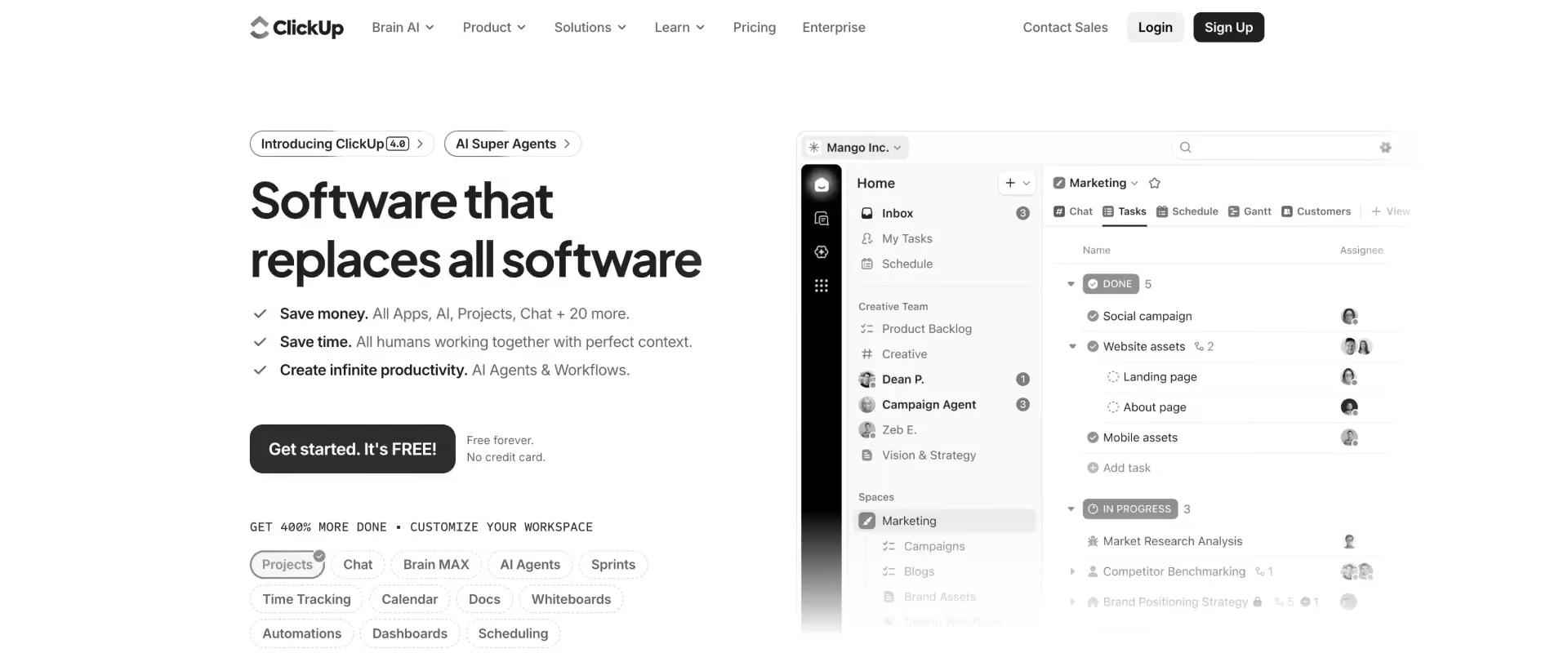
ClickUp positions itself as an all-in-one productivity platform that combines project management, documents, goals, collaboration, dashboards, and AI features in a single workspace. Its broad feature set makes it attractive for organizations looking to consolidate multiple tools into one platform.
Key features
- Multiple project planning views: Supports Gantt charts, timelines, Kanban boards, calendars, workload views, and traditional task lists.
- Documentation and knowledge management: Combines project planning with collaborative documents, wikis, and internal knowledge bases.
- Workflow automation: Automates repetitive tasks, approvals, assignments, reminders, and operational processes.
- AI-powered productivity tools: ClickUp AI helps with content creation, summarization, search, and workflow assistance.
- Custom dashboards and reporting: Track project progress, workloads, goals, and team performance from centralized dashboards.
Key takeaways
8. Asana
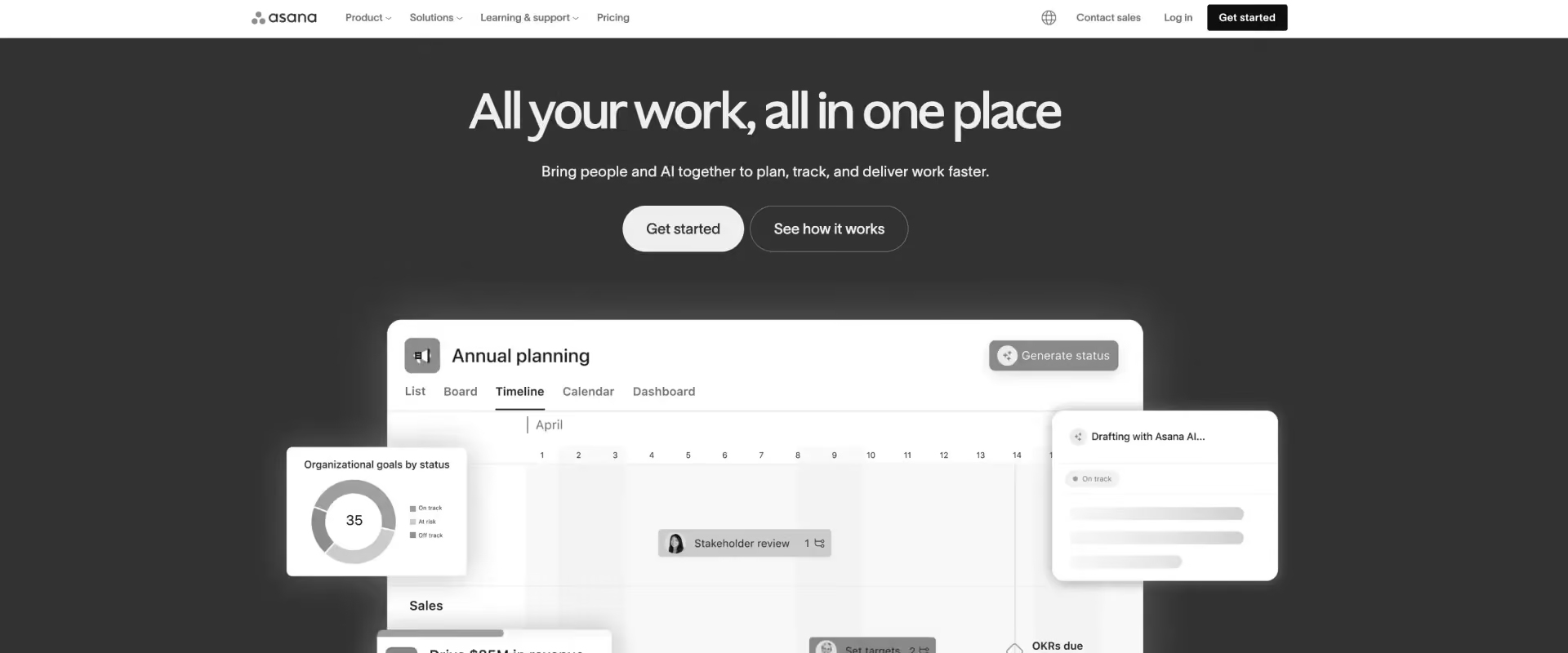
Asana is a project management platform widely used by marketing, operations, product, and cross-functional teams. It excels at work coordination, task management, and project visibility, but was designed primarily for internal collaboration rather than customer-facing delivery.
Key features
- Project planning and task management: Supports timelines, dependencies, milestones, workload tracking, and project templates.
- Workflow automation: Automates task assignments, approvals, notifications, and recurring work.
- Portfolio management: Provides visibility into project status, risks, and progress across multiple initiatives.
- Goal tracking: Links projects and tasks to company objectives and strategic initiatives.
- Enterprise integrations: Connects with Salesforce, Slack, Microsoft Teams, Jira, and hundreds of business applications.
Key takeaways
9. Teamwork
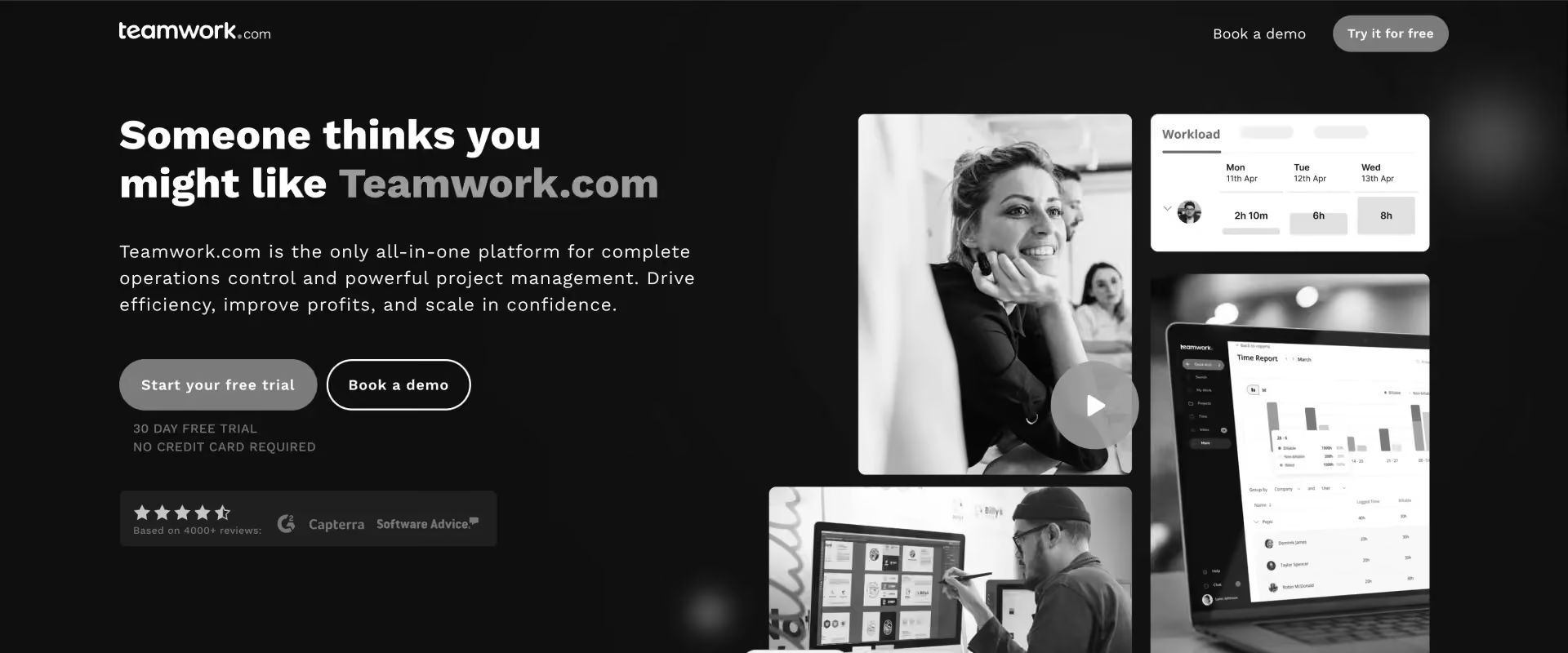
Teamwork is one of the few general project management platforms that includes capabilities specifically designed for client services organizations. It combines project planning, client collaboration, resource management, and time tracking in a single platform, making it popular with agencies and services teams.
Key features
- Project planning and scheduling: Supports Gantt charts, dependencies, milestones, templates, and workload management.
- Client collaboration: Allows external stakeholders to participate in projects through dedicated client access.
- Time tracking and utilization: Tracks billable and non-billable work across projects and resources.
- Resource management: Provides visibility into team workloads, availability, and utilization.
- Project profitability reporting: Tracks budgets, time, and project performance.
Key takeaways
10. Wrike
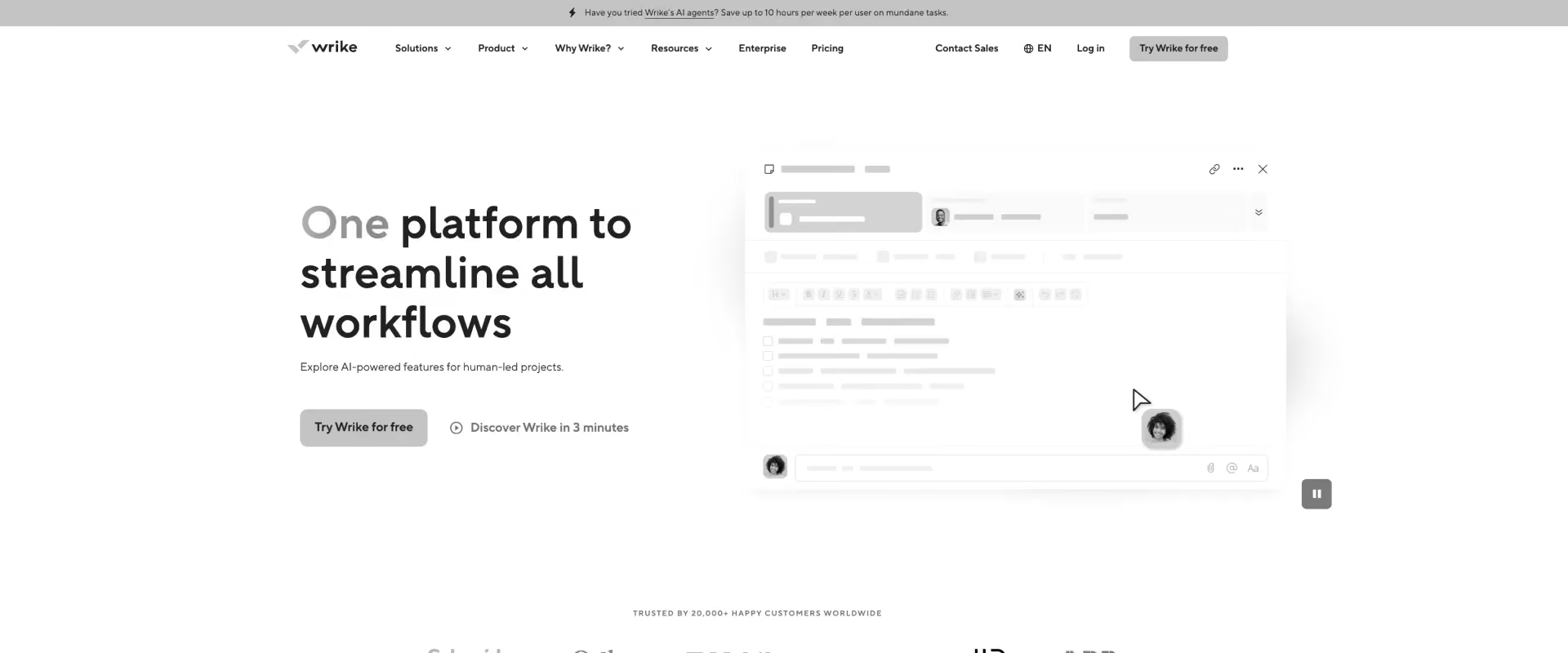
Wrike is an enterprise work management platform designed for organizations that need advanced planning, governance, reporting, and portfolio visibility. It is commonly used by PMOs, operations teams, and large enterprises managing complex project portfolios.
Key features
- Advanced project planning: Supports Gantt charts, dependencies, resource allocation, custom workflows, and scenario planning.
- Portfolio management: Provides executive visibility into projects, risks, resources, and organizational priorities.
- Resource planning: Tracks workloads, capacity, utilization, and staffing requirements across teams.
- Workflow automation: Automates approvals, reviews, requests, and operational processes.
- Enterprise governance: Offers security controls, permissions, audit trails, and compliance capabilities.
Key takeaways
11. Scoro
.avif)
Scoro is a PSA platform that combines project planning, resource management, CRM, billing, and financial reporting. It is particularly popular among consulting firms, agencies, and services businesses that need operational and financial visibility in a single system.
Key features
- Project planning and scheduling: Supports project timelines, task management, dependencies, and workload planning.
- Resource management: Tracks utilization, availability, workloads, and capacity across teams.
- Financial management: Includes budgeting, profitability reporting, billing, invoicing, and revenue tracking.
- CRM and sales management: Combines project delivery and customer management in one platform.
- Business performance reporting: Provides dashboards covering projects, resources, sales, and financial performance.
Key takeaways
Comparison of the best project planning software in 2026
The biggest difference between project planning platforms is not how they build timelines. Nearly every tool in this category supports tasks, milestones, and Gantt charts. The real distinction is how well they manage customer-facing delivery, resource planning, operational visibility, and automation.
For professional services teams, three capabilities usually determine whether a platform scales with the business:
- How projects are created after a deal closes
- How customers participate in the delivery process
- How leaders monitor resources, margins, and project risk across the portfolio
The comparison below focuses on those dimensions.
Notable strengths by platform
- Rocketlane: Broadest coverage across project planning, customer onboarding, resource management, financial visibility, and AI-powered operations.
- GUIDEcx: Strong customer-facing onboarding workflows.
- Kantata: Enterprise-grade resource management and PSA operations.
- Accelo: Combines CRM, project delivery, and billing in a single platform.
- Monday.com and ClickUp: Flexible work management for internal teams.
- Asana: Excellent usability and cross-functional collaboration.
- Wrike: Strong PMO governance and reporting.
- Scoro: Deep financial and profitability management.
If your primary challenge is internal coordination, platforms such as Asana, ClickUp, Monday.com, Smartsheet, and Wrike may be sufficient.
If your challenge is coordinating customer implementations, allocating resources, tracking profitability, and improving time-to-value, purpose-built professional services platforms such as Rocketlane, Kantata, Accelo, and Scoro are generally the stronger fit.
How to evaluate project planning software in 2026: A framework for PS teams
Evaluating project planning software for professional services teams comes down to five questions:
- Does it automate project creation directly from your CRM?
- Does it give customers a professional implementation experience?
- Can it manage resources across dozens of concurrent projects?
- Does it provide real-time portfolio visibility without manual reporting?
- Does the AI actively perform work, or simply surface information?
Evaluation criteria for project planning tools — a weighted framework
Must-have vs. nice-to-have features for project planning software
When evaluating platforms, prioritize capabilities that improve execution, visibility, and scalability first. Advanced analytics and automation can deliver additional value later, but they cannot compensate for weak project operations fundamentals.
Nice-to-have features
These capabilities become increasingly valuable as teams mature their delivery operations and seek greater efficiency, predictability, and governance.
- Operations analytics
- AI-assisted staffing recommendations
- Automated data migration workflows
- Revenue recognition support
- Workflow agents and governance automation
Table stakes in 2026
Most modern project planning platforms now offer these capabilities as standard. They remain important, but rarely differentiate one solution from another.
- Gantt charts
- Kanban boards
- Task automation
- Slack and Teams notifications
- Project templates
Implementation and migration realities
One of the biggest misconceptions about project planning software is that deployment requires a lengthy transformation project. In practice, most professional services teams can achieve meaningful value within four to six weeks.
Successful rollouts typically begin with a narrow objective: standardizing project creation and onboarding new customer projects. Teams then expand into resource management, portfolio reporting, customer collaboration, and advanced automation once adoption is established.
A typical implementation includes:
- CRM integration
- Project template standardization
- Customer portal configuration
- User onboarding and training
- Migration of active projects
- Reporting and dashboard setup
Organizations that phase adoption in this way generally see faster user acceptance, cleaner data, and a smoother transition from legacy spreadsheets and disconnected project management tools.
Which project planning software is right for your team?
Best project planning software based on team type and use case

The "best" project planning software depends largely on how your organization delivers services.
The sections below highlight the strongest options for the most common professional services use cases.
Best project planning software for B2B SaaS onboarding and implementation teams
Growing SaaS companies eventually outgrow spreadsheets, CRM workflows, and generic project management tools. As implementation volumes increase, teams need repeatable onboarding processes, better customer visibility, and stronger resource planning.
The most important capabilities include:
- Automated project creation from CRM opportunities
- Customer-facing portals and collaboration
- Resource planning and capacity forecasting
- Standardized implementation templates
- Portfolio-level delivery reporting
Rocketlane is the strongest fit for teams managing customer implementations at scale because it combines project planning, customer collaboration, resource management, portfolio visibility, and AI-powered delivery automation in a single platform.
Best project planning software for consulting and agency teams
Consultancies and agencies typically need project planning software to support both delivery and commercial operations. Project execution, client communication, utilization, profitability, and billing often need to work together within a single system.
The most important capabilities include:
- Time and expense tracking
- Resource management
- Client collaboration
- Project profitability reporting
- Billing and invoicing
Best project planning software for enterprise professional services organizations
Large professional services organizations often manage hundreds of projects simultaneously across multiple delivery teams. At this scale, consistency, forecasting accuracy, and operational visibility become critical.
The most important capabilities include:
- Enterprise resource forecasting
- Capacity planning
- Portfolio reporting
- Delivery governance
- Cross-functional visibility
Rocketlane provides project planning, customer collaboration, resource management, and AI-driven automation in a single platform, making it particularly attractive for customer-facing services organizations. Kantata remains a strong choice for enterprises with highly complex PSA, financial management, and operational reporting requirements.
Best project planning software for enterprise PMO teams
PMOs have a different set of priorities than delivery teams. Their focus is typically portfolio governance, strategic alignment, approvals, budgeting, and executive reporting.
The most important capabilities include:
- Portfolio management
- Governance workflows
- Approval controls
- Risk management
- Executive reporting
For SaaS businesses where PMO functions overlap with customer delivery operations, Rocketlane offers the advantage of combining portfolio visibility with customer-facing execution workflows. Wrike and Kantata are often the strongest options for PMO-led organizations that prioritize governance and portfolio oversight.
Best project planning software for global professional services teams
Global services organizations face additional requirements related to compliance, currencies, taxation, data residency, and distributed resource management. While most leading platforms support international operations, buying priorities often vary by region.
North America: Organizations in North America typically prioritize scalability, resource utilization, and customer delivery efficiency. Rocketlane, Kantata, Monday.com, and Asana are commonly evaluated.
Europe: European buyers prioritize GDPR compliance, EU data residency, and multi-currency support alongside project planning functionality. Rocketlane, Kantata, and Scoro are strong contenders.
United Kingdom: UK teams place emphasis on contractor management, utilization tracking, and auditability. Rocketlane and Teamwork are frequently shortlisted.
APAC: Fast-growing teams across APAC prioritize rapid deployment and resource forecasting. Rocketlane is particularly well aligned with these requirements.
MENA: Organizations across the Middle East require multi-currency support, regional tax configurations, and flexible work-week settings. Rocketlane offers strong support for these needs.
Common project planning software challenges and how to solve them

Most project planning software failures are operating model failures.
Teams often assume that implementing a new platform will automatically improve delivery performance. In reality, the software simply exposes existing process weaknesses. The most successful professional services organizations treat project planning software as an operational system, not just a project management tool.
Teams that begin with a single use case, such as customer onboarding or implementation delivery, typically achieve faster adoption and cleaner processes than organizations attempting a full transformation from the start.
Challenge #1: Manual project setup creates hidden operational overhead
Many professional services teams underestimate how much time is lost between deal close and project kickoff.
Project managers often gather information from CRM records, copy project templates, assign resources, create milestones, and coordinate kickoff activities manually. Individually these tasks appear small. Across hundreds of projects, they become a significant operational burden.
Solution: Automate project creation directly from CRM opportunities, deal stages, and service packages. Standardized project generation reduces administrative effort while improving consistency across engagements.
Challenge #2: Leadership lacks real-time visibility into delivery performance
Many services leaders discover they are spending hours every week assembling status reports rather than managing delivery.
The root problem is not reporting itself. It is that project information lives across multiple systems, forcing managers to manually consolidate updates before decisions can be made.
Solution: Implement portfolio dashboards that automatically surface project health, milestone progress, budget consumption, utilization, and delivery risks in real time.
Challenge #3: Customers depend on meetings to understand project status
As implementation volumes increase, customer communication becomes difficult to scale.
Customers want visibility into timelines, dependencies, decisions, and next steps. Without a shared system, delivery teams spend increasing amounts of time responding to status requests and preparing updates.
Solution: Provide customers with self-service visibility through a customer-facing portal that includes milestones, action items, timelines, risks, and project documentation.
Challenge #4: Resource planning becomes reactive
Many organizations discover resource conflicts only after delivery timelines begin slipping.
By the time project managers realize key specialists are overcommitted, customer commitments have already been made and schedules are already at risk.
Solution: Use capacity planning, utilization forecasting, and workload balancing tools to identify staffing constraints before projects begin.
Challenge #5: Data migration becomes the critical path
In many SaaS implementations, the project plan is not the primary source of delay. Customer data readiness is.
Incomplete datasets, formatting issues, validation failures, and missing dependencies often create weeks of avoidable implementation delays.
Solution: Standardize migration workflows and automate validation, transformation, exception handling, and readiness checks wherever possible.
Challenge #6: Risks are identified after schedules start slipping
Many teams rely on project managers to manually identify risks through status meetings and progress reviews.
This approach works when managing a handful of projects. It becomes increasingly unreliable when managing dozens or hundreds simultaneously.
Solution: Configure automated alerts, escalation rules, and AI-driven risk detection based on milestone delays, dependency violations, resource constraints, and budget thresholds.
Why Rocketlane stands out for professional services teams in 2026

Many project planning tools started as internal work management platforms and later expanded into professional services use cases. Rocketlane took the opposite approach. It was built specifically for customer-facing onboarding, implementation, and service delivery.
That focus shows up in six areas:
Customer delivery, not just project management
Rocketlane treats implementations as customer experiences, not internal projects. Project planning, customer collaboration, resource management, and delivery governance are built into a single workflow.
CRM-to-delivery automation
Projects can be created automatically from Salesforce or HubSpot, eliminating manual setup and creating a consistent handoff from sales to delivery. For high-growth SaaS teams, this removes a major operational bottleneck.
Dynamic implementation templates
Instead of maintaining dozens of project templates, teams can use dynamic templates that adapt based on customer type, products purchased, or implementation requirements, making standardization easier at scale.
Built-in customer collaboration
Customers can track milestones, complete tasks, share documents, and monitor progress through a dedicated portal. This reduces status-update overhead and creates greater accountability on both sides.
Resource and portfolio visibility
Beyond project execution, Rocketlane provides capacity planning, utilization tracking, staffing visibility, and portfolio reporting, giving leaders a real-time view of delivery performance across the organization.
AI focused on execution
While many platforms use AI for summaries and reporting, Rocketlane's AI capabilities extend into operational workflows such as project creation, staffing recommendations, reporting, migration assistance, and governance automation.
How does Rocketlane Nitro bring agentic AI into project planning and delivery?
Most AI features in project management software focus on summarizing updates, generating reports, or answering questions. Nitro takes a broader approach by embedding AI directly into three operational workflow layers that consume the most time in professional services organizations.
Layer 1: Operations AI
As project volumes grow, delivery consistency becomes harder to maintain.
Project Governance agent enforces best practices through automated rules, approvals, compliance checks, and policy enforcement. The agent, Nitro Signals, continuously monitors delivery activity, surfacing emerging risks before they become customer escalations or missed milestones.
Human oversight stays in control. Nitro flags, recommends, and enforces within team-defined boundaries.
Layer 2: Delivery AI
As portfolios expand, reporting becomes a major administrative burden.
Nitro Analyst lets leaders query live project data in natural language. Ask which projects are at risk, which resources are overallocated, or where margins are shrinking, and get answers instantly. The result is greater portfolio visibility without additional reporting overhead.
Layer 3: Work Execution
Much of the operational cost of delivery happens outside the project plan itself: project setup, staffing, documentation, approvals, and data validation.
Nitro automates this work at scale:
- Resource Management agent: Recommends staffing based on skills, availability, utilization, and project priorities, helping teams staff projects faster and reduce resource conflicts.
- Documentation Agent: Generates and updates project plans, handoff documents, requirements summaries, and customer-facing artifacts from SOWs, project records, and delivery data.
- Migration Agent & Workforce Agent: Automate project setup, data validation, approval routing, and other operational workflows that commonly delay implementations.
Together, these capabilities reduce administrative effort, improve delivery consistency, and help teams scale project volume without adding proportional overhead.
Why do teams switch to Rocketlane for project planning?
Teams typically switch to Rocketlane from generic PM tools or legacy PSA platforms for five reasons:
- CRM handoff friction: Project managers spend hours manually recreating deal data in project plans after close. Rocketlane eliminates this with native Salesforce and HubSpot automation.
- No customer portal: Customer stakeholders chase status updates over email. Rocketlane's branded workspace gives customers self-serve visibility into milestones, tasks, and decisions.
- Reactive resource planning: Overallocation is discovered only after schedules slip. Rocketlane's capacity planning surfaces conflicts before projects begin.
- Portfolio reporting overhead: Delivery leaders spend significant time compiling status reports from multiple systems. Rocketlane surfaces this data in real time through portfolio dashboards.
- AI that executes, not just reports: Most tools summarize project status; Nitro automates staffing, documentation, governance, and migration workflows — reducing coordination overhead at scale.
Conclusion
The best project planning software depends on the complexity of your delivery operation.
For internal project coordination, tools like Monday.com, ClickUp, and Asana are often sufficient. For agencies and consulting firms that need project planning, billing, and client management, Scoro, Teamwork, and Accelo are strong options. Enterprise PMOs focused on governance and portfolio management may prefer Wrike or Kantata.
But for B2B SaaS professional services and customer success teams managing customer-facing implementations, the requirements are different. Project planning becomes part of the customer experience, resource utilization affects profitability, and time-to-kickoff directly impacts time-to-value.
That's where purpose-built platforms stand apart. By combining CRM-driven project creation, customer collaboration, resource management, portfolio visibility, and AI-powered automation in a single platform, Rocketlane is the strongest choice for SaaS implementation teams in 2026.

Authored by

Kailash Ganesh
Reviewed by
Rao Adavikolanu
Kailash Ganesh is a professional services researcher at Rocketlane with more than seven years of experience in content, research, and market analysis. He studies how enterprise PS teams are adopting agentic AI to transform delivery operations, has evaluated every major PSA platform in the category, and writes from the perspective of a practitioner who watches enterprise PS teams make these exact decisions daily.
Table of Contents

Regsiter for the live webinar


Great consultants didn't join your team to spend Fridays writing documentation.
Table of contents
18 of Forbes Cloud 100 chose Rocketlane. The best PS teams aren't waiting around.
FAQs
What is project planning software?
Project planning software helps teams create, manage, and track project timelines, tasks, dependencies, resources, and milestones. For professional services teams, it often includes customer collaboration, resource planning, and portfolio reporting.
What is the difference between project planning software and project management software?
Project management software is a broad category covering task management, collaboration, and reporting. Project planning software focuses specifically on scheduling, resource allocation, dependencies, timelines, and delivery execution.
Which project planning software is best for SaaS implementation teams?
For B2B SaaS professional services and onboarding teams managing customer implementations, Rocketlane is the strongest option because it combines CRM-driven project creation, customer portals, resource management, portfolio visibility, and AI-powered automation in a single platform.
What features should I prioritize when evaluating project planning software?
Focus on CRM integration, automated project creation, dependency management, customer collaboration, resource forecasting, portfolio visibility, and reporting. For growing teams, these capabilities typically matter more than interface design or Gantt chart aesthetics.
What’s the difference between project planning software and PMO software?
Project planning software focuses on executing projects: creating plans, assigning work, managing schedules, and delivering outcomes. PMO software focuses on governance across many projects: portfolio visibility, resource allocation, forecasting, prioritization, risk management, and executive reporting.
How much does project planning software cost?
General PM tools start around $9 to $13 per user per month. PS-grade platforms cost more: Rocketlane starts at $69/user/month, including Nitro, while Kantata, Accelo, and Scoro are custom-priced and require larger implementation investments.
How long does it take to implement project planning software?
General tools deploy in days. Purpose-built PS platforms take longer: Rocketlane goes live in 4 to 12 weeks with a named implementation manager, while enterprise PSAs like Kantata can run several months.
What is the best project planning software for B2B SaaS onboarding teams?
Rocketlane, because it creates projects automatically from CRM deals, gives customers a branded portal, and manages resourcing and portfolio reporting in one system. GUIDEcx is a strong onboarding-only alternative.
Does project planning software replace my project management tool?
For professional services teams, yes. A platform like Rocketlane runs customer-facing and internal delivery from a single project plan, eliminating the need for a separate PM tool, spreadsheets, and status emails to track the same work.
How does agentic AI improve project planning?
Agentic AI moves from advising to executing. Rocketlane's Nitro builds project plans from SOWs, recommends staffing, flags delivery risk early, and answers portfolio questions in natural language, cutting the manual setup and reporting that slow delivery.













Copyright © 2026 Rocketlane Corp. All rights reserved.





















.webp)