Top 10 Kantata Alternatives and Competitors for Professional Services Teams in 2026


•
•
Summarize blog with






The software renewal notice just landed. The number is 20% higher than last year.
And somewhere on your team right now, a project manager is updating a spreadsheet because Kantata’s reporting doesn’t give them what they need fast enough.
For professional services teams evaluating their current tools, this scenario is all too familiar.
That's the reality for many PS leaders searching for Kantata alternatives in 2026. Not a crisis. Not a catastrophe.
Just a quiet, growing recognition that the tool your org committed to — the one that was supposed to create visibility, drive utilization, and make delivery more predictable — has become something your team works around instead of with.
Many professional services teams are now seeking resource management software that helps them track progress more effectively, manage workloads, and ensure project success through real-time updates.
The Kantata competitors' conversation usually starts with one of three things: adoption that never materialized, automation that doesn't exist, or a total cost of ownership that no longer maps to the value you're actually getting. Sometimes all three at once.
Resource management software is supposed to streamline operations and provide real-time visibility, but tracking progress remains a key challenge for many teams.
The renewal window is usually what forces the decision. Not dissatisfaction alone — dissatisfaction has been there for a while. It's the moment when the annual commitment comes back around, and someone finally asks: " Is this still the right tool?
This guide is built to answer that question honestly. It covers 10 Kantata alternatives with real pros and cons, a direct feature comparison, honest pricing context, head-to-head breakdowns, and a migration framework for teams who've decided it's time to move — and want to do it without a six-month nightmare.
No vendor fluff. No inflated feature lists. Just what you actually need to make the call.
How this guide evaluated each tool:
- UI and real-world adoption — does the team actually use it, or work around it? A user friendly interface is a key factor in driving adoption and satisfaction.
- Automation depth — can it replace manual workflows, or does everything still require human follow-up?
- Financial tracking flexibility — margin visibility, billing model support, revenue recognition
- Salesforce integration quality — does it work without a dedicated Salesforce admin?
- Migration ease — how realistic is a move from Kantata in under 90 days?
10 Best Kantata Alternatives — Compared at a Glance
Here's how the top Kantata alternatives stack up at a glance — full breakdowns follow in the next section
What is Kantata PSA?
Kantata is a professional services automation (PSA) platform specifically designed for professional services companies and built for mid-market to enterprise services organizations that need to manage project delivery, resource planning, time and billing, and financial tracking in one system.
Formerly known as Mavenlink — a name many teams still search under — Kantata was formed through the merger of Mavenlink and Kimble and is built on a Salesforce-native architecture.
Core use cases:
- Project management for services engagements — task tracking, dependencies, Gantt views
- Resource planning and utilization tracking across roles and skills
- Time capture, expense management, and billing
- Revenue recognition and margin reporting at the project and portfolio level
- Salesforce integration for connecting delivery data to CRM and pipeline
Kantata PSA is designed around the premise that services predictability comes from centralized control — tight coupling between delivery activity and financial outcomes.
For organizations that have the Salesforce infrastructure, the IT and admin resources to configure and maintain it, and delivery models that are relatively stable, it works as intended.
For context on cost: Kantata pricing is not published and is negotiated based on org size, which makes it difficult to evaluate without going through a full sales cycle.
Why PS teams are switching from Kantata in 2026
- User adoption collapse: The tool exists. The team uses something else. PMs track work in Smartsheet, time gets batch-entered at the end of the week, and the data gaps undermine every report leadership relies on. Kantata'’s UI was built for system administrators, not for delivery teams — and that gap shows up as adoption failure in almost every org that has grown past early implementation. The inability to identify potential bottlenecks early due to limited visibility can further undermine project success and overall project performance.
- Zero workflow automation: There is no meaningful way to build triggers, rules, or alerts inside Kantata. Timesheet reminders are manual. Budget threshold alerts don't exist. Project health escalations require a human to notice and act. As one operations leader put it: "Automation is just impossible. There's no way to add workflows, scripts, things like that."
- A Salesforce integration that underdelivers: Kantata is sold as Salesforce-native. In practice, every meaningful change requires a Salesforce admin. Data sync issues create duplicate work and erode trust in reporting over time. Teams that bought Kantata specifically for its Salesforce integration are often the most frustrated. The integration works — but it doesn't work the way it was sold.
- Reporting that still requires Excel: Nav Kalra, VP of Professional Services at OpenGov, describes the experience clearly. His team had a PSA tool, had time tracking, had project plans, and still ended every month with one person manually pulling timesheets, building spreadsheets, and calculating utilization. The leadership call would open with: "Where did you get this information? Did people log their time? How did we land at 56% utilization?" Kantata’s reporting capabilities often fall short when teams need to generate detailed reports on project performance, requiring manual work in Excel to produce the detailed reports and insights that modern PSAs should provide natively.
- Pricing shock at renewal: License minimums, forced user counts, and year-over-year increases of 15 to 30% are consistent themes in Kantata renewal cycles. Teams paying $60,000 to $100,000+ per year for 30% feature utilization start doing the math. The renewal window is typically when the alternatives conversation moves from passive to active.
- A client portal nobody uses: Kantata's client portal requires paid licenses for client access, has a UI that clients find difficult to navigate, and sees near-zero adoption in most implementations. Clients default back to email. The visibility and accountability benefits that were supposed to justify the portal investment never materialized.
If three or more of these sound familiar, you're not alone — and you're in the right place.
Teams are seeking tools that help them achieve project success through better reporting capabilities and project performance tracking.
Top 10 Kantata alternatives — A Deep Dive
What to expect in this section:
- Each tool is reviewed against the same criteria: features, pros, cons, best fit, pricing, and what real customers say
- The goal is not to pick a winner for you — it's to give you enough context to shortlist the right 2–3 tools for your org before you book a demo
1. Rocketlane
.avif)
Rocketlane is a delivery-first Agentic PSA built on a premise that Kantata never fully committed to:specifically for professional services teams seeking enhanced team collaboration and automation features, based on the premise that professional services delivery is part of the customer journey, not a back-office function.
Where Kantata requires teams to run Monday, Asana, or Smartsheet alongside it for actual project management, Rocketlane consolidates project delivery, resource management, financial tracking, and client collaboration into one platform — with no secondary tools needed.
Rocketlane offers advanced features such as advanced reporting and automation features, enabling teams to track projects and track tasks efficiently while gaining valuable insights for better decision making.
Customers who switch from Kantata consistently cite the same reasons: modern UI that teams actually adopt, automation that works out of the box, a client portal clients actually use, and a Salesforce integration that doesn'’t require a Salesforce admin to do everything.
Key features:
- Nitro agentic AI and advanced tools: Nitro deploys AI agents embedded in project workflows — identifying risks, rebalancing resources, and completing routine, repeatable tasks such as migrations, documentation, and configuration. These advanced agentic AI tools help you automate recurring tasks, streamline task assignments, and improve project oversight. Teams report reducing delivery effort by up to 50%.
- Unified delivery engine: Projects, resources, time, financials, and client collaboration live in one platform — eliminating the need for separate project management, PSA, and collaboration tools that most Scoro customers layer on top.
- Client portal with zero-cost client licenses: Branded, modern, high-adoption portal — for seamless client collaboration and shared context across projects.
- Workflow automations: Create custom workflows for workload management and to allocate resources efficiently. Custom rules, triggers, and alerts for timesheet policies, budget thresholds, and project health — the automation Kantata explicitly cannot do.
- Real-time financial tracking:Margin visibility across T&M, fixed-fee, and retainer billing models within a single project — no Excel exports required
- Salesforce integration managed within Rocketlane:Bi-directional sync, no Salesforce admin required for changes or maintenance
- Customer signals: Proactive signals on at-risk projects, churn risk, and expansion opportunities — before they surface in end-of-month reports
- Reporting: Rocketlane offers robust reporting, including customizable dashboards and comprehensive visibility into project progress, financials, and team performance.
Nitro: Rocketlane’s agentic execution layer
Most platforms relegate AI to the status of layer that sits above the work, limiting it to something to use after work happens.
Nitro - Rocketlane’s agentic AI layer, operates inside the work itself.
It is an agentic execution engine, a coordinated system of AI agents that take on the operational load of delivery.
Instead of helping teams understand what’s happening. These agents also extract relevant data from documents and communications, enabling teams to focus on high-value tasks and further enhancing workflow efficiency.
Nitro actively moves projects forward, reduces manual effort, and enforces consistency across every engagement.
Nitro’s agents work across the full delivery lifecycle:
- Workforce Agent converts SOWs into structured, delivery-ready project plans, removing the manual setup that slows down every new engagement
- Project Governance Agent continuously monitors budget burn, timeline risk, and milestone health, surfacing issues early while they are still fixable
- Timesheet Policy Agent enforces billing and time-entry rules at the point of capture, improving accuracy without adding review overhead
- Documentation Agent generates BRDs, design docs, and handoffs from real project conversations, eliminating one of the largest sources of non-billable work
- Account Signals Agent detects churn risk and expansion signals directly from delivery interactions, bringing account intelligence into the execution layer
- AI Analyst answers operational and financial questions in natural language, replacing manual reporting across utilization, margins, and project health
What this adds up to is a shift in how delivery systems behave. The system participates, enforces, and executes, so delivery teams can drive higher impact with the same team.
Enterprise-ready capabilities
- Rocketlane is SOC 2 compliant with SSO, role-based access, and audit logs. The platform keeps PSA data aligned with Salesforce through two-way sync while protecting pipeline integrity. It tracks scope changes, budget shifts, and actuals with audit-ready visibility for accurate revenue recognition as projects evolve.
- On top of that Rocketlane has high end and accurate revenue recognition features, which tracks scope changes, budget shifts, and actuals with audit-ready visibility, ensuring accurate revenue recognition even as projects evolve.
- Rocketlane integrations with NetSuite, HubSpot, Notion, and Salesforce, plus robust APIs, ensure Rocketlane fits seamlessly into existing finance and GTM stacks.
- Speaking about Rocketlane’s implementation timeline - Most teams go live in 4–12 weeks using proven templates and phased rollout—delivering value quickly without over-customization.
Pros and cons:
Migration complexity: Low
- Rocketlane has a purpose-built Kantata migration tool that pulls projects, templates, resource data, and time history directly
- Most teams go live in 60–90 days — faster than their original Kantata implementation
- Backed by a Seamless Switch Guarantee: implementation completed within 3 months or money back
- Dedicated implementation support included — not a self-serve migration
Why teams choose Rocketlane over Kantata
Best for
- SaaS and services-heavy organizations where onboarding, implementation, and repeatable client delivery are core to customer adoption and retention.
- Professional services teams that run standardized but complex engagements, requiring consistent execution without rigid, over-configured workflows.
- Organizations that need execution, resourcing, financials, and customer visibility to stay synchronized
- Teams scaling delivery velocity who need faster ramp-up, clearer accountability, and fewer reconciliation gaps as volume increases.
Key takeaways
What customers say (G2)
2. Certinia PSA
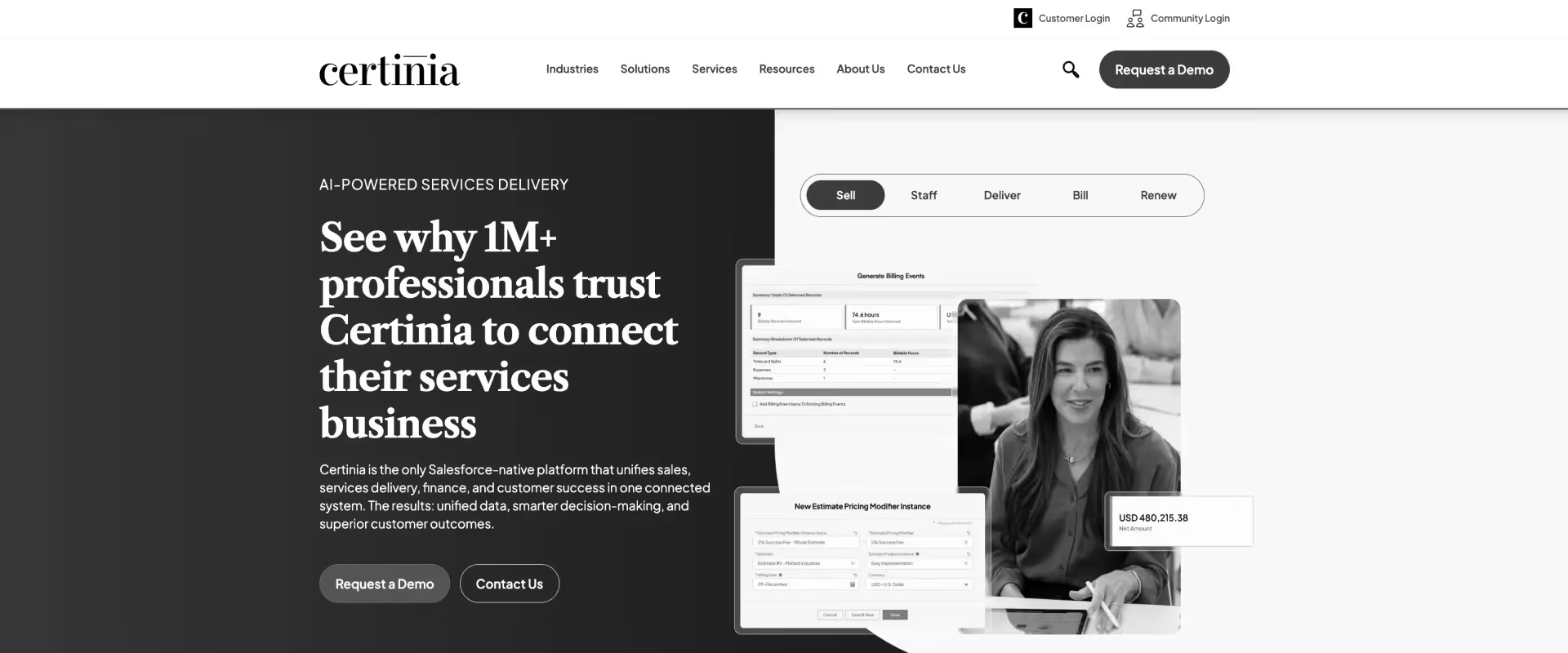
Certinia is an enterprise professional services automation platform built natively on Salesforce. It is designed to unify services delivery, financial management, and customer data within a single system of record.
It is often adopted in organizations where professional services must operate under the same governance, compliance, and reporting structures as sales and finance.
It spans the full services lifecycle, including project management, resource planning, time and expense tracking, billing, and revenue recognition. Integrated time tracking is a core component of Certinia's PSA platform, enabling seamless monitoring of team productivity and project progress.
Pros and cons
Best for
- Enterprises where professional services is tightly governed by finance and revenue rules
- Organizations with deep, organization-wide reliance on Salesforce
- Services teams operating under centralized, standardized delivery models
- Large environments that can support higher configuration and admin overhead
Key takeaways
What customers say (G2)
Migration complexity:
- High — rebuilding Kantata's project and resource structures inside Salesforce's data model requires a certified SF implementation partner and typically 6–9 months
- No self-serve migration path exists — plan for parallel systems during cutover and ongoing SF admin costs post go-live
Kantata vs Certinia — the honest take:
- Both are Salesforce-native — if Kantata's SF integration frustrated you, Certinia goes deeper, which is a feature or a problem depending on your SF admin capacity
- Only makes sense if your buying decision runs through IT, your org is fully Salesforce-committed, and dedicated SF admin resources are already in place
3. Planview
Planview AdaptiveWork sits within Planview’s broader portfolio management suite. While it is not a PSA in the strict sense, it overlaps with PSA use cases in environments where services delivery is managed as part of a broader enterprise execution model.
It is an enterprise project and portfolio execution platform designed to support large-scale work orchestration, resource planning, and governance across complex organizations.
Planview also supports Gantt charts for visualizing project timelines and dependencies, providing multiple views and customizable workflows to manage projects of various sizes and complexities effectively.
Pros and cons
Best for
- Large enterprises managing work through portfolio and program governance
- PMO-led organizations coordinating multiple initiatives and dependencies
- Services teams embedded within broader enterprise execution models
- Environments that prioritize cross-project visibility over delivery-level agility
Key takeaways
What customers say (G2)
Migration complexity:
- High — Planview's portfolio governance framework doesn't map to how PS teams structure work in Kantata; this is a full platform restructuring, not a data migration
- Expect significant configuration work, dedicated system ownership, and structured change management before delivery teams can operate effectively
Kantata vs Planview — the honest take:
- Planview is not a true PSA alternative — it's an enterprise portfolio management platform that only overlaps with PSA use cases in the largest, PMO-led organizations
- Teams leaving Kantata for adoption, automation, or client portal reasons will not find those answers in Planview
4. Scoro

Scoro is a work management platform that combines CRM, project management, time tracking, billing, and financial reporting into a single system.
Scoro's invoicing tools streamline billing and financial management for professional services organizations, helping to consolidate tasks and improve efficiency.
It is positioned for professional services organizations that want tighter operational control without adopting a heavyweight enterprise PSA or ERP-led solution.
Pros and cons
Best for
- Mid-market consultancies and agencies
- Teams that want financial clarity without enterprise PSA complexity
- Organizations consolidating CRM, projects, and billing into one system
- Structured delivery with limited need for deep customization
Key takeaways
What customers say (G2)
Migration complexity:
- Low to medium — CSV import and API access make basic data migration manageable, but billing history and rate cards from Kantata need manual mapping and validation
- Teams under 50 people typically go live in 4–8 weeks; larger teams should budget for an additional configuration phase
Kantata vs Scoro — the honest take:
- Scoro wins on UI simplicity and consolidated quoting-to-billing workflows — Kantata wins on resource planning depth and Salesforce integration
- The gap to watch: Scoro's client-facing collaboration layer is minimal — if the Kantata client portal was a key failure point, Scoro doesn't fully solve it
5. Accelo
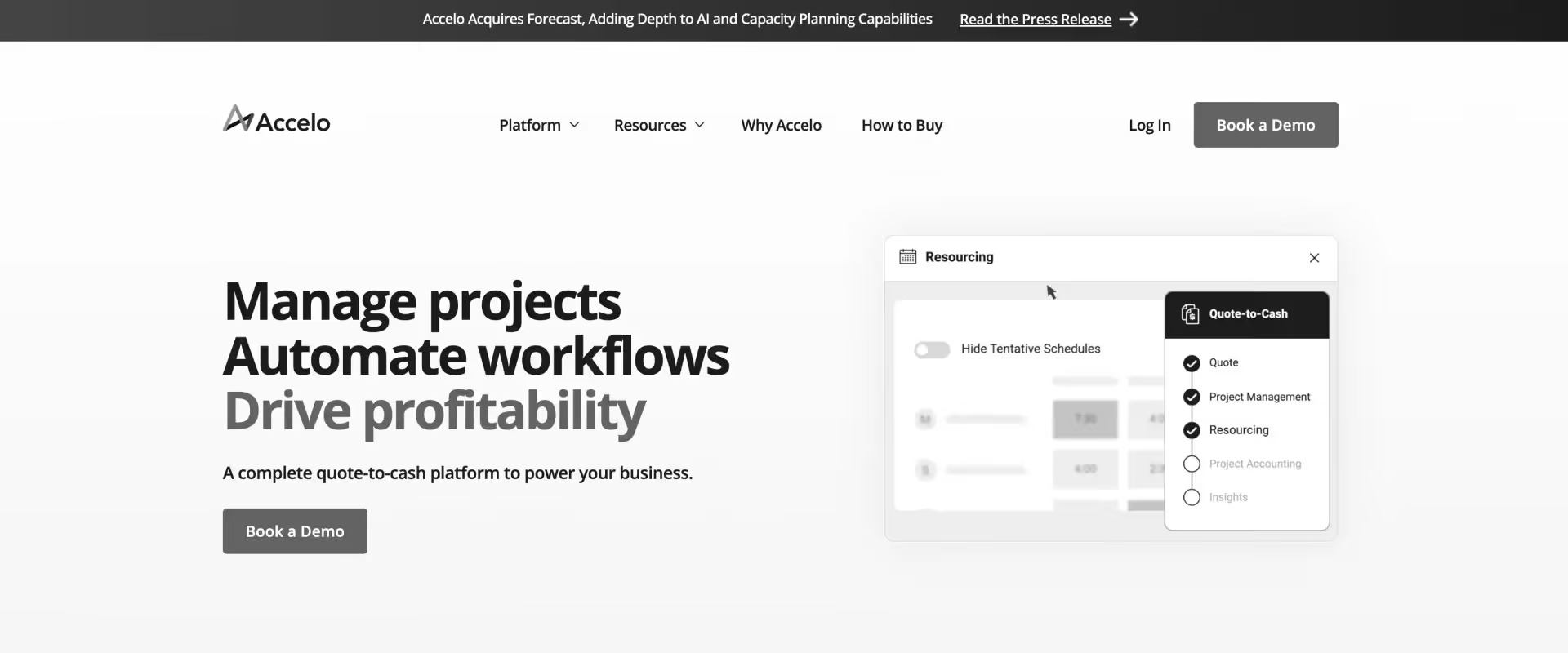
Accelo is a professional services automation platform designed to help services organizations manage client work from sales through delivery and billing in a single system. Its user base consists mainly of small businesses and mid-market organizations looking for a structured operational backbone.
Accelo emphasizes process automation and operational consistency, with workflows that link sales activities, project execution, time tracking, and invoicing. The platform also enhances team collaboration by connecting sales, project execution, and delivery teams in a unified system.
Pros and cons
Best for
- Small to mid-sized professional services organizations
- Teams seeking an end-to-end operational structure without enterprise PSA complexity
- Organizations focused on improving billing accuracy and utilization tracking
- Services teams in the process of standardizing operations and workflows
Key takeaways
What customers say (G2)
Migration complexity:
- Medium — no dedicated Kantata migration tool; project structures, time history, and client records require manual export, cleaning, and re-import
- Accelo was acquired in 2024 — confirm migration support availability and pricing directly with the vendor before committing
Kantata vs Accelo — the honest take:
- Accelo is a step down in scale from Kantata — it works well for SMB service teams under 100 people but teams with larger headcount will likely outgrow it quickly
- The interface feels dated and post-acquisition uncertainty around pricing and roadmap is worth factoring into any evaluation
6. BigTime
BigTime is a professional services automation platform centered on time tracking, billing, and project financial management.
It is designed to give services organizations tight control over revenue capture, invoicing accuracy, and project-level margins, with delivery execution structured around those financial workflows.
The platform’s core orientation is finance-first rather than delivery-first. It treats projects primarily as cost and revenue containers. This makes it relevant for organizations where billing accuracy, utilization tracking, and margin visibility are more critical than customer-facing delivery orchestration.
Pros and cons
Best for
- Finance-led professional services teams
- Accounting, engineering, and finance-centric consultancies
- Organizations prioritizing detailed time and expense tracking
Key takeaways
What customers say (G2)
Migration complexity:
- Low to medium — dedicated onboarding team and structured data import process make basic migration faster than most tools on this list; most teams are operational in 4–6 weeks
- Full financial data migration and validation typically adds 2–4 additional weeks depending on billing complexity
Kantata vs BigTime — the honest take:
- BigTime solves billing and time tracking — the same problems Kantata covers — but doesn't address the delivery orchestration, client portal, or automation gaps that drive most Kantata exits
- The honest positioning: BigTime is a better Kantata for finance-led PS teams — not a modern PSA replacement for delivery-first organizations
7. NetSuite
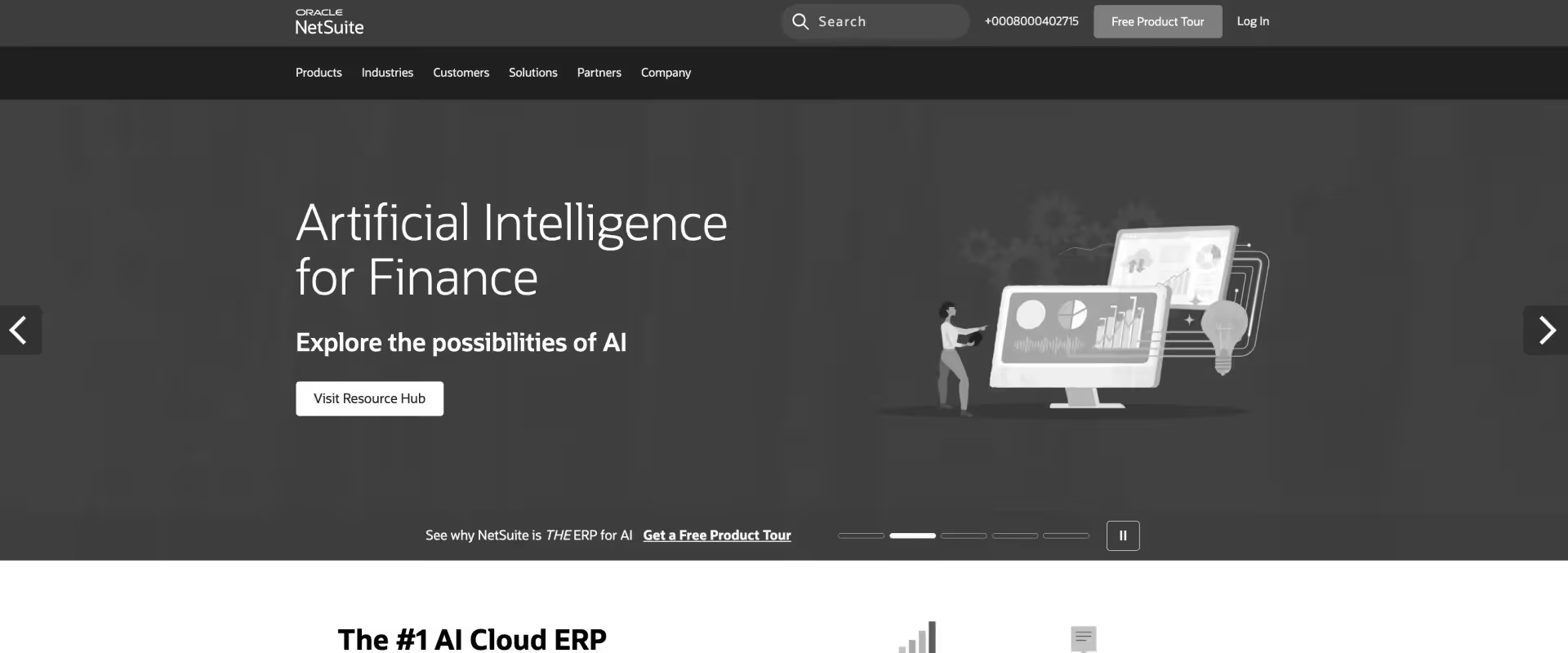
NetSuite PSA, delivered through SuiteProjects, is a professional services automation solution embedded within the broader NetSuite ERP ecosystem.
It is designed to manage projects, resources, time, and billing in environments where professional services must operate under the same financial, compliance, and reporting structures as the rest of the business.
Its primary strength is its tight coupling to ERP workflows. Projects are treated as financial entities first, with delivery execution structured to support revenue recognition, cost control, and auditability.
NetSuite PSA enables the seamless flow of project data between delivery and financial systems, ensuring accurate reporting and analysis.
Pros and cons
Best for
- Enterprises where professional services must operate as an extension of the ERP
- Organizations with strict revenue recognition or regulated reporting requirements
- Teams prioritizing financial control and compliance over execution speed.
- Teams where control, compliance, and financial integration are higher priorities than execution speed, customer-facing delivery workflows, or rapid iteration
Key takeaways
What customers say (G2)
Migration complexity:
- Very high — migrating from Kantata requires a NetSuite implementation partner, a multi-month project, and significant configuration to map Kantata delivery data into OpenAir's ERP financial model
- For teams not already on NetSuite ERP, migration means adopting two systems simultaneously — the ERP and the PSA — which substantially increases cost and timeline
Kantata vs NetSuite OpenAir — the honest take:
- What you gain: ERP-grade financial integration and audit readiness; what you lose: delivery team UX, client portal, and fast adoption — OpenAir's G2 rating of 3.9 reflects consistent feedback about usability
- Only evaluate OpenAir if you're already running NetSuite ERP and financial compliance is the primary driver — for any other reason, there are better options on this list
8. Wrike
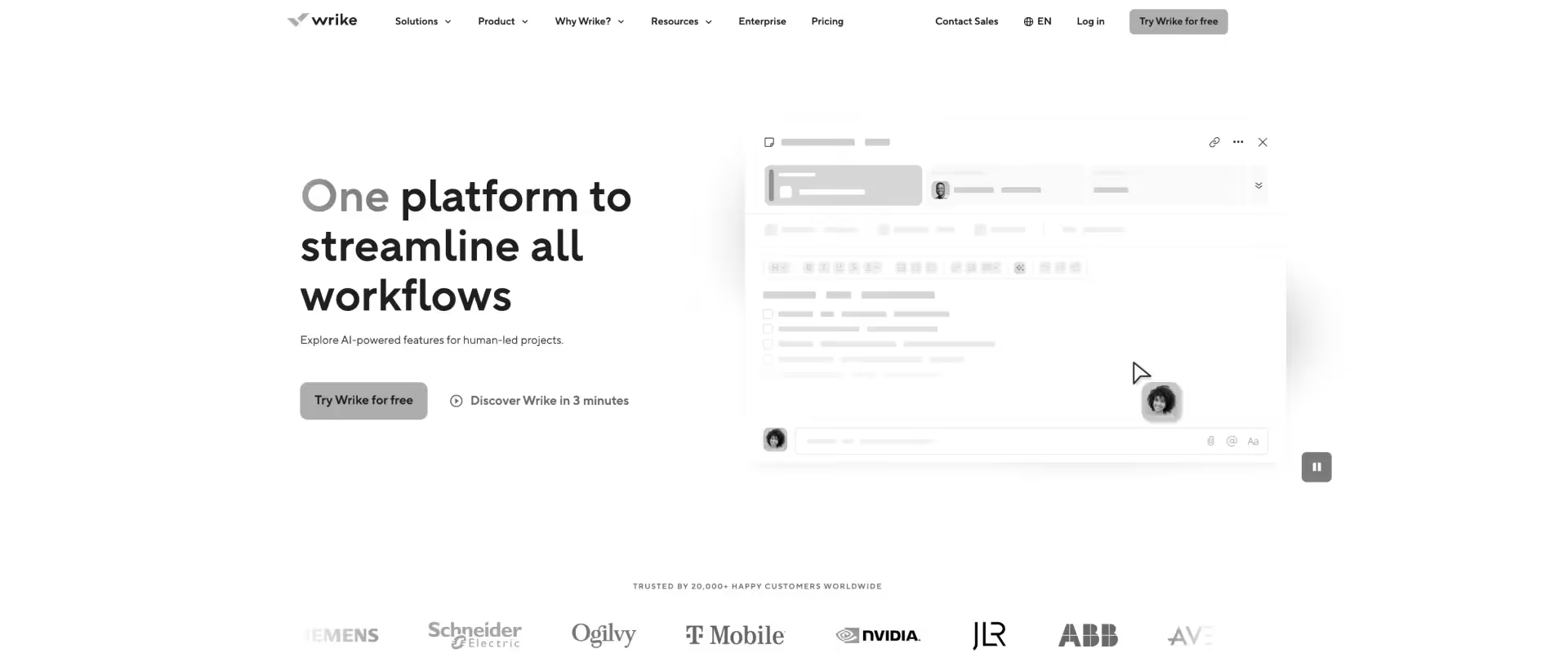
Wrike is a work management platform that handles task orchestration and custom workflows reasonably well for large teams.
It is not a PSA — it has no native billing, no revenue recognition, and no client portal. Most PS teams end up evaluating it when they want better project management than Kantata offers, only to find they've traded one set of gaps for another.
Financial visibility, utilization tracking, and client collaboration all require external tools or expensive add-ons.
Key features:
- Advanced task management: Subtasks, dependencies, custom statuses, and approval workflows across large delivery teams
- Custom workflows and fields: Configurable to match existing delivery processes without coding
- Gantt and timeline views: Visual project planning with drag-and-drop scheduling and milestone tracking
- Resource load view: Workload charts showing team capacity and task distribution
- Dashboards and reporting: Custom dashboards with real-time widgets for project status and workload
- Broad integration ecosystem: Connects with Salesforce, Jira, Slack, Microsoft Teams, and 400+ tools
Pros and cons:
Best for:
- PM-heavy teams that prioritize task management over financial controls
- Organizations already using Wrike that are evaluating whether it can replace Kantata — it partially can
- Teams with a separate finance system that just need a strong delivery execution layer
- Large orgs where billing and client portals live outside the PSA
Key takeaways:
What customers say (G2)
Migration complexity: Medium
- Medium — no dedicated Kantata migration tool; data export from Kantata and import into Wrike requires manual mapping
- Project structures and task hierarchies need to be rebuilt from scratch — templates don't carry over cleanly
- Expect 2–4 months depending on data volume and configuration complexity
Kantata vs Wrike — the honest take:
- Teams leaving Kantata for "better PM" often land on Wrike and find a better delivery experience
- What they don't find: billing, margin tracking, or a client portal — the financial visibility gap remains
- If your #1 problem with Kantata is project management UX, Wrike solves that — if your problem is reporting, automation, or cost, it doesn't
9. Monday.com
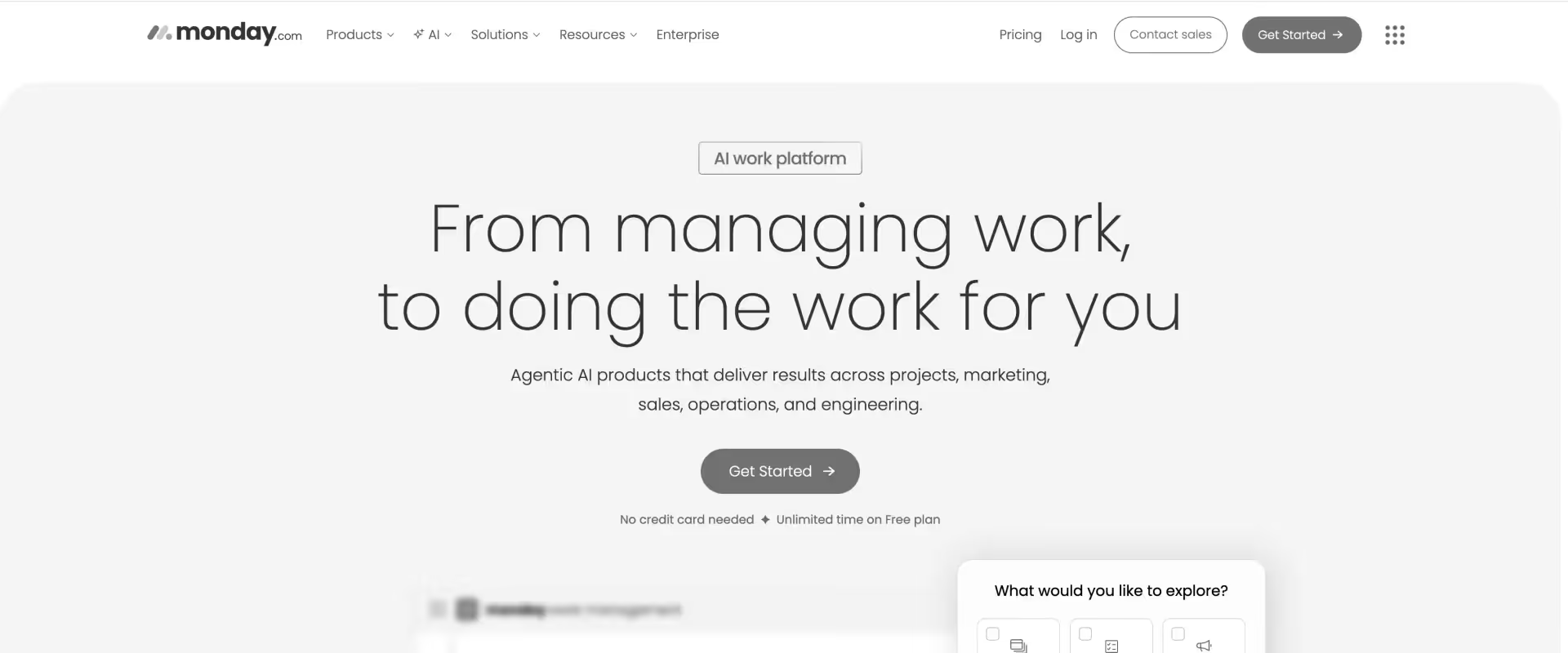
Monday.com is a visually appealing work management tool that non-technical teams find easy to adopt. The high G2 rating reflects satisfaction from general business users — not PS teams running complex billing, utilization, and margin reporting.
It has no native project accounting, no revenue recognition, and no PSA-grade resource management. Teams that move from Kantata to Monday.com typically solve their adoption problem and create a new one: no financial visibility.
Key features:
- Visual project boards: Kanban, Gantt, timeline, and calendar views with drag-and-drop ease of use
- Workflow automation: Rule-based automations for status changes, notifications, and task assignments
- Dashboards: Custom dashboards for project status, workload, and portfolio-level views
- CRM module: Basic pipeline and deal tracking available as an add-on
- Extensive integrations: Connects with Salesforce, Slack, Jira, HubSpot, and 200+ tools
- Time tracking: Basic time logging available — not built for billable hour management
Pros and cons:
Best for:
- Teams that prioritize adoption and flexibility over financial controls
- Orgs evaluating whether Monday.com can replace Kantata — it can replace the project management layer, not the PSA layer
- Delivery teams that work alongside non-PS departments that are already on Monday.com
- Small service teams with simple billing handled outside the platform
Key takeaways:
What customers say
Migration complexity:
- Low to medium — Monday.com has broad import options including CSV and integrations with common tools, making basic data transfer relatively straightforward
- The bigger challenge is not technical — it's the loss of financial data; Kantata billing history, revenue recognition records, and utilization data don't have a natural home in Monday.com
- Teams often end up running Monday.com for delivery and keeping a separate finance system, which recreates the fragmentation they were trying to escape
Kantata vs Monday.com — the honest take:
- Monday wins on adoption — Kantata wins on financial tracking — neither is a complete PSA
- Teams move from Kantata to Monday to solve the UX problem, then realize they've lost the financial infrastructure
- The right question is not "Kantata or Monday" — it's "what do I actually need a PSA to do?" If the answer includes billing and margin, Monday isn't it
10. Smartsheet
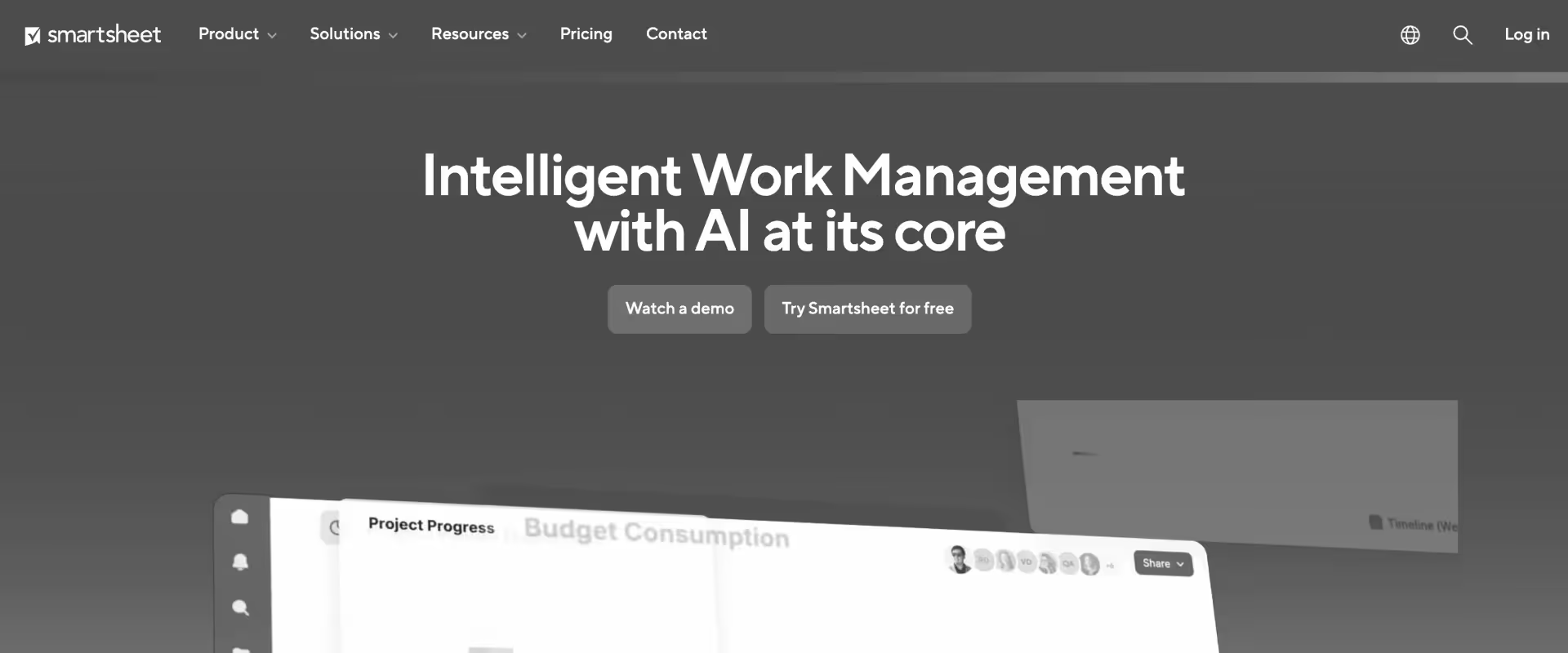
Smartsheet sits somewhere between Excel and a project management tool. It offers grid, Gantt, and calendar views with workflow automation layered on top — familiar enough for finance and ops teams to adopt without training.
The problem for PS leaders is what it doesn't have: no time tracking built for billable hours, no revenue recognition, no resource management at any meaningful depth.
Many Kantata users already run Smartsheet as a shadow system alongside their PSA — which is precisely the problem, not the solution.
Key features:
- Grid, Gantt, and card views: Spreadsheet-style project tracking with multiple view options
- Workflow automation: Alerts, approvals, and automated updates triggered by cell changes or dates
- Dashboards and reporting: Visual dashboards for project status and portfolio-level tracking
- Salesforce connector: Bi-directional data sync with Salesforce — available on higher tiers
- Forms: Client intake and request management via embedded forms
- Microsoft 365 and Google Workspace integration: Works within existing productivity stacks
Pros and cons:
Best for:
- Organizations already deeply embedded in Smartsheet that need light project tracking
- Teams that prioritize structured reporting and audit trails over delivery execution
- Ops and finance teams that need spreadsheet-style visibility into project data
- PS teams with very simple delivery models and billing handled entirely outside the platform
Key takeaways:
What customers say:
Migration complexity: Low
- Low — most Kantata users already have Smartsheet running in parallel, so the "migration" is often just formalizing what the team is already doing
- The technical lift is minimal — CSV imports, template rebuilds, and basic workflow setup
- The real risk is what gets left behind: time history, billing records, and utilization data from Kantata have nowhere to go in Smartsheet
Kantata vs Smartsheet — the honest take:
- Many Kantata users already use Smartsheet as a shadow system for actual PM work — switching fully to Smartsheet solves the UX problem but loses all financial tracking
- Smartsheet wins on familiarity and adoption — Kantata wins on financial structure
- Teams that move to Smartsheet to escape Kantata's complexity typically find themselves rebuilding the financial layer in spreadsheets — which is exactly where they started
Kantata vs. commonly compared alternatives
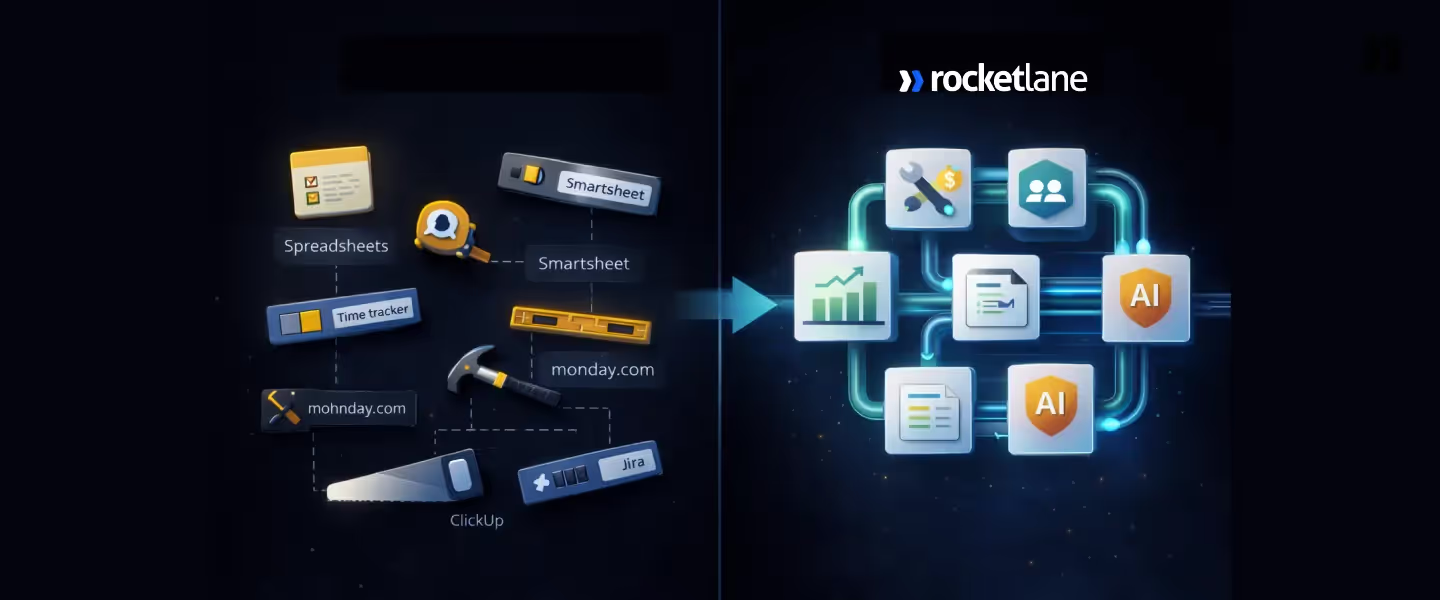
Teams evaluating Kantata alternatives typically shortlist a mix of project management tools, project delivery tools, PSA platforms, resource management software, and project management platforms, each reflecting different priorities around execution, governance, and scale.
Many teams specifically compare features, user interface, and suitability for their industry or team size when considering project management platforms, while others focus on how resource management software can optimize resource allocation, scheduling, and real-time visibility.
Here’s a detailed look at how these different tools compare across these categories.
Kantata vs Rocketlane:
- The core difference: Rocketlane is built for delivery execution first — Kantata is built for financial control first
- Where Rocketlane wins: Team adoption, workflow automation, client portal, Salesforce integration without admin dependency, and migration speed
- Where Kantata wins: Legacy enterprise familiarity and deep Salesforce configuration for orgs with dedicated SF admin teams
- Who should pick Rocketlane: Mid-market to enterprise PS teams that need their team to actually use the tool — and need AI, automation, and real-time margin visibility without Excel
- Who should stick with Kantata: Large enterprises with mature Salesforce infrastructure, dedicated admin resources, and no adoption or automation pain
Kantata vs Certinia:
- The core difference: Both are Salesforce-native — Certinia goes deeper on ERP-style financial controls, Kantata has marginally better project management UX
- Where Certinia wins: Revenue recognition, compliance-heavy financial reporting, and organizations already running the full Salesforce ERP suite
- Where Kantata wins: Slightly more delivery-oriented project management for teams that don't need ERP-depth financials
- The honest take: If Kantata's Salesforce integration frustrated you, Certinia goes deeper — which is a feature or a bug depending on how much Salesforce admin capacity your org has
- Who should pick Certinia: Large enterprises that are Salesforce-committed and finance-driven, with dedicated SF admin resources and complex revenue recognition requirements
Kantata vs Monday.com:
- The core difference: Monday wins on adoption and UI flexibility — Kantata wins on financial tracking — neither is a complete PSA
- Where Monday.com wins: Team adoption, visual project boards, ease of use, and general workflow automation
- Where Kantata wins: Time tracking, billing, utilization reporting, and financial visibility
- The honest take: Teams move from Kantata to Monday to solve the UX problem, then realize they've lost their financial infrastructure — this is the most common mid-switch regret in the Kantata replacement market
- Who should pick Monday.com: Teams that need adoption above all else and handle billing entirely outside their project tool
Kantata vs Smartsheet:
- The core difference: Smartsheet wins on familiarity — Kantata has more financial structure — neither is modern
- Where Smartsheet wins: Adoption, flexibility, and integration into Microsoft and Google ecosystems
- Where Kantata wins: Utilization tracking, billing, and revenue management
- The honest take: Most Kantata users already run Smartsheet as a shadow system — switching fully to Smartsheet solves the UX problem but loses all financial tracking and puts you back to where you started before you bought Kantata
- Who should pick Smartsheet: Teams with very simple delivery models, no billing complexity, and a strong preference for spreadsheet-style interfaces
Role-based selection guide:
What to watch out for during evaluation:
- Don't evaluate on features alone: The question is not what the tool can do in a demo — it's what your team will actually use on day 101
- Test with real projects: Ask every vendor to walk through your actual delivery workflow, not their standard demo script
- Get PS-tier pricing upfront: Every tool on this list has a base tier and a PSA tier — the gap is significant, always ask for the full PSA quote
- Ask about migration support: Tools that offer dedicated migration support from Kantata reduce go-live risk significantly — ask for specifics, not promises
- Involve delivery leads early: The tools that fail do so because delivery managers weren't in the room during evaluation — the people who will use it daily need to validate it works for them
Migrating from Kantata? What to plan for

Switching PSAs feels more complex than it is. Most PS leaders who have been through it say the same thing: the decision took longer than the migration.
This section covers what actually moves, what to leave behind, and how to get from Kantata to a new tool without a six-month IT project derailing your delivery operations.
The migration reality:
- Standard timeline: 60–90 days for most teams — faster than the original Kantata implementation for the majority of orgs
- The #1 migration fear is wrong: Most teams assume switching PSAs is a 6-month IT project — in practice, the bigger risk is over-planning and delaying a decision that's already overdue
- Rocketlane's migration tool pulls data directly from Kantata — projects, templates, resource data, and time history — removing the biggest technical blocker
What to migrate vs. what to leave behind:
- Migrate: Active projects, resource allocations, project templates, time history for the past 12 months, billing rate cards
- Don't migrate: 3-year-old archived projects, legacy configurations that were workarounds for Kantata's limitations, and workflows built around Kantata's constraints — use migration as a reset
- Recommended approach: Clean vanilla implementation first, then customize — teams that do this go live 40% faster than teams that try to replicate every Kantata configuration
Migration risk checklist:
- Run parallel systems for 2–4 weeks during cutover — don't decommission Kantata until data integrity is validated
- Start with core modules first — add complexity after the team has adopted the basics
- Validate financial data integrity before going live — billing history and revenue records are the highest-risk migration items
- Brief clients before switching portals — adoption improves significantly when you frame it as an upgrade, not a system change
- Define success criteria at weeks 4, 8, and 12 post go-live — not just at launch
How OpenGov switched from Kantata to Rocketlane
- Nav Kalra's team at OpenGov ran Mavenlink (now Kantata) while manually pulling data into spreadsheets and a separate BI tool just to get visibility
- The problem wasn't the migration — it was that they stayed too long because migration felt risky
- The lesson: The cost of staying on a broken system compounds every month — the renewal clock is the real risk, not the migration
Why Rocketlane is the best Kantata alternative
- The root cause: Kantata was built for finance and operations teams — not for the delivery managers, consultants, and implementation leads who have to use it every day
- The result: Teams build workarounds — Smartsheet for PM, Monday for task management, Excel for reporting, email for client communication — and pay Kantata for the privilege of maintaining all of it
- Rocketlane's answer: A UI built from the ground up for delivery teams — intuitive enough that adoption happens without mandates, modern enough that consultants choose to use it
- The consolidation advantage: The consolidation factor — having everything living in one place, one customer experience — is a pretty big differentiator.
- What this means in practice: No more Kantata + Smartsheet + Monday.com. One platform, one source of truth, no double entry when a customer changes a timeline
Nitro AI that works in production — not beta promises:
- Kantata's AI: Beta features with limited scope — not embedded in daily delivery workflows, not making decisions in real time
- Rocketlane's Nitro: In production across the platform today — customers have reduced manual delivery effort by up to 50% on some projects
- What Nitro does that Kantata cannot:
- Resourcing and Staffing agent: Matches the right person to the right project based on utilization, skills, margin impact, and availability simultaneously
- Governance Signals Agent: Flags at-risk projects, churn signals, and expansion opportunities before they appear in end-of-month reports
- Timesheet Policy Agent: Enforces submission policies automatically — no manual chasing, no batch entries at the end of the week
- Documentation Agent: Auto-generates project plans, SOW summaries, and status updates from calls, emails, and project data
Salesforce integration that doesn't need a Salesforce admin:
- The Kantata problem: Sold as Salesforce-native — but every meaningful configuration change requires a Salesforce admin, creating a dependency that inflates total cost of ownership and slows down ops teams
- Rocketlane's approach: Salesforce integration is managed entirely within Rocketlane — bi-directional sync that ops teams can configure and maintain themselves
- The counter-intuitive truth: Some of Rocketlane's strongest customers came directly from Salesforce-native tools — not despite the Salesforce integration, but because Rocketlane makes it actually work without the admin overhead
- TCO reality: "When you get into TCO — implementation and admin costs to keep up with everything — it starts to outweigh the price advantage. And then you get to AI costs — Kantata doesn't have a good strategy." — Kenny, Rocketlane
Implementation speed — 6 weeks vs 6–9 months:
- Kantata's typical implementation: 6–9 months. Accelerating it means paying Kantata's implementation partners significant fees
- Rocketlane's standard: 4–6 weeks. The fastest documented migration from Kantata: 11 days, racing against a renewal deadline
- The guarantee: Rocketlane backs implementation with a Seamless Switch Guarantee — completed within 3 months or money back for those months
- What this means at renewal time: If your Kantata renewal is coming up in 60 days, a switch to Rocketlane is still achievable — most tools on this list cannot say that
The numbers that matter:
- 70–85% billable utilization — the benchmark Rocketlane customers hit with AI-driven resource allocation and real-time visibility
- 30–50% reduction in time-to-value — across customer onboarding and implementation engagements
- Up to 50% reduction in manual delivery effort — on projects using Nitro agents in production
- 11–90 days to go live from Kantata — depending on data volume and complexity
Conclusion: Choosing the right PSA for your services organization
The best PSA platform isn't necessarily the one with the longest feature list or that has been around the longest.
It's the one that aligns with your delivery model, is built for the AI era, surfaces problems when you can still fix them, and adapts as your business grows.
Start by mapping your actual workflows and pain points. Identify where value leaks today and where customer experience gaps create friction.
Evaluate PSA platforms on how they produce insight quickly and handle the realities of hybrid human-AI delivery.
Look for systems where customer communication, financial visibility, and execution planning work together.
Table of Contents

Regsiter for the live webinar


Great consultants didn't join your team to spend Fridays writing documentation.
Table of contents
18 of Forbes Cloud 100 chose Rocketlane. The best PS teams aren't waiting around.
FAQs
Is Kantata a PSA or a project management tool?
Kantata is a professional services automation (PSA) platform. It manages resource planning, utilization, forecasting, and billing, not just tasks and timelines like traditional project management tools.
Why do teams look for alternatives to Kantata?
Teams often cite a steep learning curve, high enterprise-focused costs, and limited collaboration features. While powerful, Kantata can be difficult to adopt broadly and is less suited for customer-facing delivery workflows.
Is Kantata too complex for mid-market services teams?
For many mid-market teams, yes. Kantata works best when there is dedicated operational ownership. Its complexity can slow PSA adoption and reduce day-to-day usage across delivery teams.
How does Kantata compare to modern delivery-first tools?
Kantata is optimized for resource optimization and PSA analytics. Newer tools focus more on execution clarity, real-time delivery signals, and customer collaboration, especially for post-sale SaaS implementations.
How does Rocketlane compare to traditional Kantata alternatives?
Rocketlane differs by focusing on delivery execution and customer collaboration, making it better suited for onboarding-heavy, post-sale SaaS, and services-led growth models.













Copyright © 2026 Rocketlane Corp. All rights reserved.





















.webp)