Flatfile Alternatives in 2026: 9 Compared, and Where Rocketlane Fits


•
•
Summarize blog with






Flatfile alternatives in 2026: Quick verdict
- Rocketlane: Best for implementation and professional services teams migrating customer data during delivery. Rocketlane's Migration Agent runs the migration itself, from extraction through mapping, transformation, validation, fixes and load, with customer review and sign-off recorded inside the implementation project.
- OneSchema: Closest like-for-like Flatfile alternative, with embedded imports plus recurring ingestion through SFTP, API, S3, and email.
- Dromo: Best for privacy-conscious teams that want browser-side processing through Private Mode.
- CSVbox: Best lower-cost option, with plans starting at $19/month and a free sandbox.
- Impler: Best open-source option, with self-hosting and a free tier for lower import volumes.

The best Flatfile alternative in 2026 depends on whether your team needs an embedded importer, recurring ingestion, or an implementation-led migration workflow.
For implementation teams that own customer data migration through go-live, start with Rocketlane.
For an embedded importer, start with OneSchema, Dromo, CSVbox, Impler, UseCSV, or Fuse. For recurring ingestion, consider Ingestro or Osmos.
Flatfile alternatives solve very different data problems. Some replace the embedded importer. Others add recurring ingestion, tighter processing controls, or a broader way to manage customer migrations.
Flatfile handles much of the data preparation work well, including mapping, transformation, validation, AI-assisted preparation, and collaborative review. But the right alternative depends on what your team needs to do around that work.
Product teams may want an embedded importer with different pricing or processing controls. Data teams may need recurring ingestion after go-live. Implementation and professional services (PS) teams may need to run similar customer migrations repeatedly and preserve mappings, transformation rules, validation logic, and source-system knowledge for the next project.
Those needs lead to different tools. OneSchema, Dromo, CSVbox, Impler, UseCSV, and Fuse are closer alternatives to Flatfile's importer. Ingestro and Osmos extend into recurring ingestion and pipelines. Rocketlane addresses customer migration as part of implementation delivery.
This guide compares nine Flatfile competitors across migration capabilities, pricing, processing architecture, recurring ingestion, repeated customer migrations, build-versus-buy economics, and fit for different teams.
A note on the Obvious rebrand: Flatfile has not been discontinued. The company renamed itself Obvious, while Flatfile remains a supported data migration product. If Flatfile still fits your workflow, the rebrand itself is not a reason to switch.
Flatfile alternatives fall into three groups. Embedded importers that replace the upload experience inside a product: OneSchema, Dromo, CSVbox, Impler, UseCSV and Fuse by Swovo. Ingestion platforms that add recurring pipelines: Ingestro and Osmos.
And Rocketlane, the agentic AI-powered PSA platform whose Migration Agent extracts, maps, transforms, validates, fixes and loads a customer's data inside the implementation project, with customer sign-off recorded and the rules saved against the source system for the next customer.
Flatfile itself has not been discontinued; the company is now Obvious and the importer remains supported.
How we evaluated these Flatfile alternatives
We verified each product against the vendor’s website and documentation in September 2026, then used third-party sources where additional verification was needed.
We evaluated each flatfile alternative across eight criteria:
- Job replaced: What part of the Flatfile workflow does the product replace?
- Import and migration workflow: What happens from source data intake through validated output?
- Processing architecture: Where is customer data processed, and what deployment options are available?
- Mapping and transformation: How does the product handle schema matching, transformations, and changing source data?
- Validation and exception handling: How are errors identified, corrected, and revalidated, including CSV import validation and error handling?
- Repeatability: Can teams reuse schemas, mappings, rules, or other knowledge across imports or migrations?
- Customer and team collaboration: Who can review data, resolve questions, and approve results?
- Operational fit: Is the product designed for an embedded product experience, recurring data ingestion, or customer migration during implementation?
Disclosure: The data migration tools recommendations are based on the job each tool is best suited to, and Flatfile may remain the right choice for your team. Rocketlane ranks first specifically for implementation teams that own customer data migration through go-live.
Migrating a customer's data through go-live, not embedding an upload?
Flatfile alternatives at a glance (2026)
To truly identify the right Flatfile alternative, it’s helpful to understand that teams have two different problems and two different tools.
- Building a CSV/data import feature into your own product? You want an embeddable importer. Jump to OneSchema, Dromo, CSVbox, and 5 more
- Migrating a customer's data as part of onboarding or implementation, and want to stop redoing mapping/validation from scratch every time?
Start with Rocketlane.
The 9 best Flatfile alternatives in 2026
The right Flatfile alternative depends on what you are replacing. Some teams need another embedded importer, while others need something closer to a data onboarding platform for recurring ingestion, governance, or more control over where data is processed. Some teams will also weigh managed products against open source tools, which can be flexible but usually require more engineering effort to run.
Implementation and professional services teams may need to manage customer migration as part of delivery.
This is why Rocketlane solves a different job from most Flatfile alternatives. It is built for implementation and PS teams that own customer data migration through go-live.
1. Rocketlane: Best for services teams migrating customer data during implementation
.avif)





Rocketlane is an agentic AI-powered PSA platform for professional services and implementation teams. Its Migration Agent, part of Nitro, Rocketlane’s agentic layer, executes customer data migrations as part of implementation delivery.
That makes Rocketlane different from Flatfile and most alternatives on this list. An importer primarily helps get customer data prepared and into a destination. Rocketlane is designed for services teams that remain responsible for the migration outcome, from getting the data out of the source system through validation, customer review, sign-off and load.
Migration Agent connects to the source system and pulls the required records, or ingests the export that already exists where a direct connector is not yet live, then maps, transforms, validates and fixes the data and loads the approved records into the destination.
The model becomes more useful when the same source systems appear across implementations. Rocketlane saves mappings, field aliases, transformation rules, and validation rules against the source system.
When another customer arrives from that platform, the team can rerun established rules instead of rebuilding the migration logic.
Key features
- Extract, map, transform, validate, fix and load in one run: Migration Agent pulls the source records (or ingests a CSV or Excel export where a connector is not yet live), maps them to the destination schema, transforms and validates them, fixes flagged issues in bulk after one approval, and loads the approved records into the destination.
- Source-system reuse: Mappings, aliases, transformation rules, and validation rules can be saved against a source system and rerun on later customer migrations.
- Natural-language transformations: Implementation teams can describe transformation requirements in plain English rather than writing a SQL query or script for every rule, as OneSchema, Dromo and CSVbox also allow inside their importers. First-run mapping typically lands around 85%; the remaining fields are surfaced for review and iterated to 100%, with human sign-off on ambiguous mappings and customer-specific decisions.
- Cross-field validation before load: The agent checks relationships between fields, not just each field's format, so a start date after an end date or a value that breaks a business rule is flagged before load. One approved fix resolves every matching record.
- Continuous merge: Late-arriving or revised source records merge into the already-mapped dataset using the same rules, right up to go-live, so a customer revision updates the run instead of restarting it.
- Customer review and approval: Customers can clarify migration questions, review output and provide sign-off within the implementation workflow.
- Version history: Teams can review changes to transformation logic and compare migration versions before approving updated output.
- Team collaboration on one migration: The rule set lives in the delivery record rather than on one consultant's laptop, so anyone on the project can see the rules, resolve a flagged exception, or take over the migration without losing the logic already built.
Migration Agent and Nitro
Migration Agent is one of the work-execution capabilities within Nitro, Rocketlane’s agentic layer. Instead of only tracking migration tasks inside the implementation plan, the agent performs the underlying data work while the services team retains control over decisions and review. This represents a shift from merely tracking work to actively executing it.
For PS leaders, the impact is less about making an individual upload faster and more about reducing the specialist capacity consumed by migration. Rocketlane estimates that a 25-person services organization can save around 750 hours annually, reduce migration process time by 50%, and reach go-live 12% faster.
Nitro extends the same agentic model beyond migration. Across Rocketlane, its agents support operations, delivery governance, and work execution throughout the professional services lifecycle.
Enterprise foundation
Migration runs execute in isolated, single-use containers, with raw customer data kept outside the model context. Rocketlane publishes compliances like ISO 42001, ISO 27001, SOC 1, SOC 2, HIPAA and GDPR, with zero data retention and US and EU data residency.
ISO 42001, the AI management standard, is not published by any other tool in this comparison; Dromo and CSVbox both hold SOC 2 Type II, and Dromo adds HIPAA, so the claim is specific to AI governance, not to compliance in general.
Where Rocketlane fits
Rocketlane makes the most sense when the implementation team owns customer migration through go-live. This is especially relevant for services organizations that repeatedly receive data from the same source platforms and have specialists spending time rebuilding familiar migration logic.
It is less relevant when the requirement ends with giving customers an upload experience inside a product. In that case, Flatfile or another embedded importer is the more direct category to evaluate.
The distinction shows up in what happens after the first migration. With Rocketlane, established source-system mappings and rules can be used again, while the migration itself remains connected to the implementation project, customer review, and approval.
Instead of optimizing one upload, Rocketlane can reduce the repeated mapping, transformation, validation, exception handling, and approval work that consumes delivery capacity across customer implementations.
Storable used Rocketlane’s Migration Agent to automate customer data migration work inside its existing implementation workflow. Complex migrations that previously took up to eight hours saw a 75% reduction in migration time in early results. That time went back to implementation managers for training, adoption and customer relationships.
Key takeaways
Extraction through load, inside the implementation project.
What customers say
Our verdict: For implementation and professional services teams that own customer migration through go-live, Rocketlane is the recommended pick in this comparison. Its advantage is the combination of migration execution and implementation delivery.
When source systems repeat, teams can also rerun established mappings and rules rather than rebuilding the same migration logic for each customer. If your requirement is limited to embedding an importer inside your product, choose a tool designed for that job.
2. OneSchema: Best for a like-for-like importer with recurring feeds
.avif)
OneSchema is the Flatfile alternative you need if you want an embedded importer but need the workflow to extend beyond one-time uploads. It handles intake, extraction, mapping, transformation, validation, and loading, with recurring ingestion through SFTP, API, S3, email, and native connectors.
It can support both customer-facing imports and scheduled data feeds, while templates give teams a way to standardize schemas and validation across repeated imports. AI features assist with mapping, transformation, and extraction from less structured source data.
It is less aligned with PS teams that want migration managed as part of the implementation project itself. OneSchema focuses on the data-import workflow rather than the broader delivery workflow around owners, dependencies, customer approval, and go-live.
Key features
- AI-assisted mapping: As an embeddable importer and one of the closest flatfile alternatives, OneSchema uses LLM vision and AI coding agents to identify source fields, map them to the target schema, and shorten setup time.
- Recurring ingestion: Teams can ingest data through SFTP, API, S3, email, and pre-built connectors instead of relying only on customer uploads.
- Reusable templates: Templates define destination columns, validation rules, transformations, and other import requirements for reuse across imports.
- Validation and governance: Teams can enforce formatting, data-quality, and business rules before imported data reaches the destination system.
- Suggested transformations: OneSchema recommends transformations during the import workflow, reducing manual cleanup for common data problems.
- Import observability: Audit logs, funnel analysis, and integration monitoring help teams see where imports fail and investigate problems.
Key takeaways
What customers say
Verdict: OneSchema is the closest fit when you want to preserve the embedded-importer model but need more automation and recurring ingestion after the initial customer import.
3. Dromo: Best for privacy-sensitive data imports
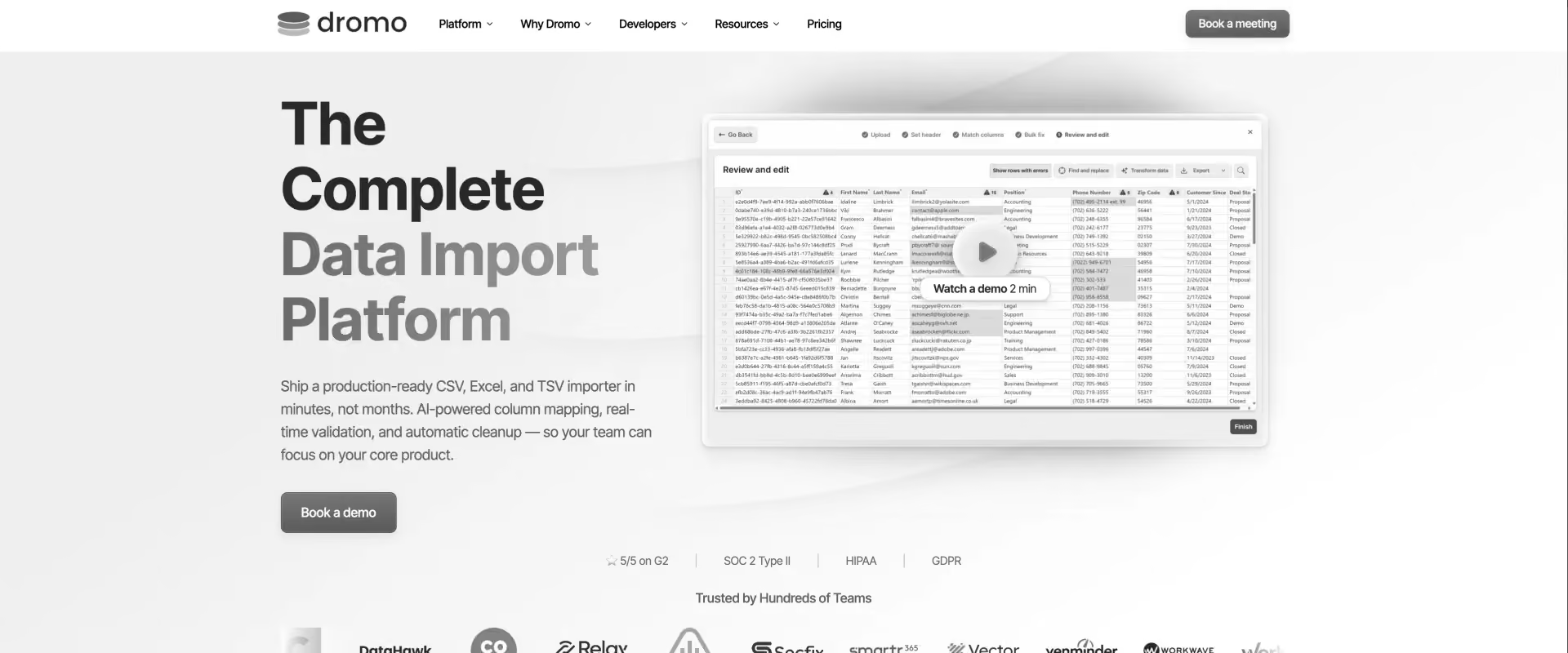
Dromo is a Flatfile alternative for when data-processing architecture primarily drives the switch. Its Private Mode processes customer files entirely in the browser, so the files do not reach Dromo's servers. Teams can also send data directly to their own S3, Google Cloud Storage, Azure, or Dropbox environment, or self-host Dromo on Kubernetes.
Dromo provides the importer capabilities teams expect, including AI-assisted column mapping, plain-language cleanup, validation, and white-labeling. A headless API adds automated workflows such as SFTP ingestion.
Dromo is still primarily an importer. Teams looking to manage migration as a professional services workflow, preserve source-system migration knowledge across implementations, or coordinate migration with project delivery will need a different model.
Key features
- Browser-side Private Mode: Customer files can be processed entirely in the user's browser without sending the underlying file to Dromo's servers, which can reduce compliance review complications and avoid compliance boundary issues compared with server-side processing.
- Bring-your-own storage: Imported data can move directly from the browser to your own S3, GCS, Azure, or Dropbox storage.
- Self-hosted deployment: Teams with stricter infrastructure requirements can deploy Dromo within their own Kubernetes environment.
- AI-assisted cleanup: GPT-powered column mapping and plain-English transformation help users map and clean incoming data.
- Real-time validation: Teams can enforce data types, required fields, regex patterns, uniqueness constraints, and custom validation rules during import.
- Headless workflows: Dromo's headless API can extend the importer into automated workflows, including SFTP-based ingestion.
Key takeaways
What customers say
Verdict: Dromo is a solid option here when your reason for leaving Flatfile is control over data processing. Private Mode gives teams an embedded importer without requiring customer files to pass through the vendor's servers.
4. CSVbox: Best for a focused, lower-cost importer
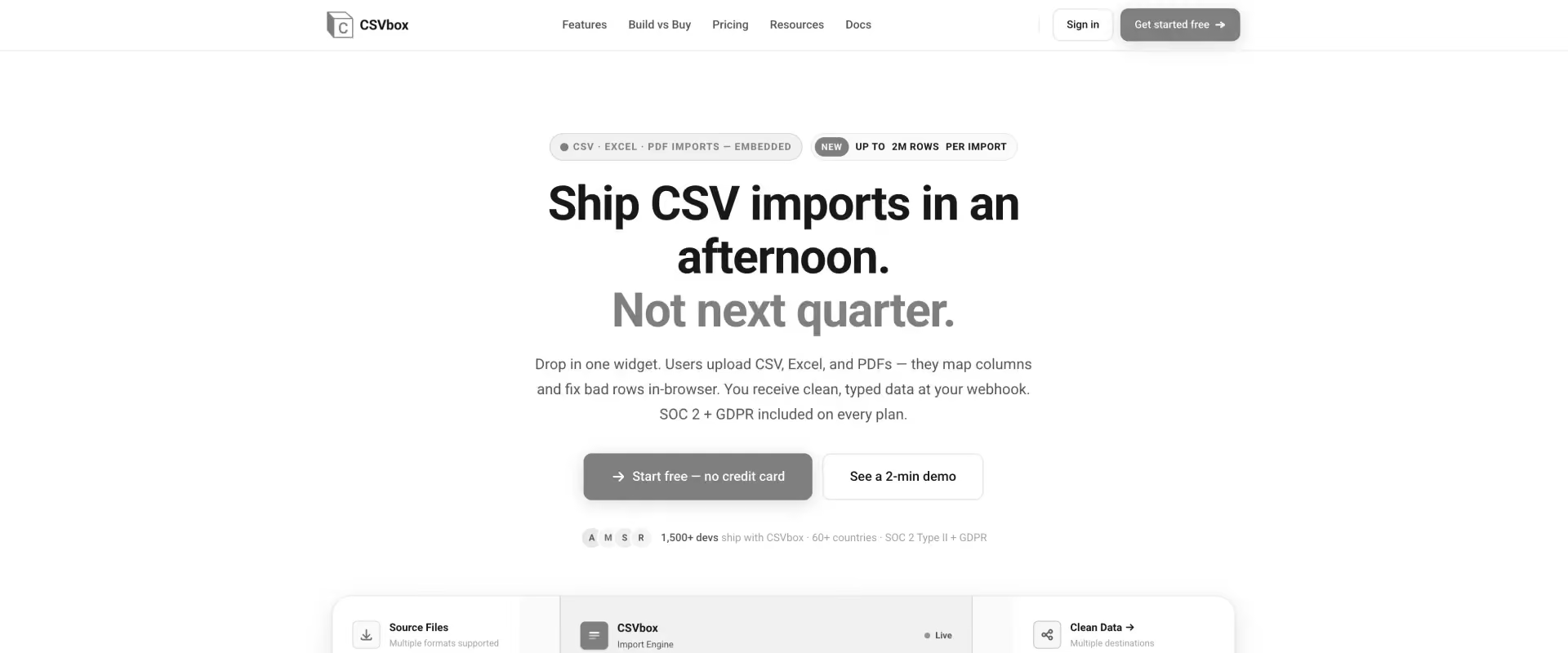
CSVbox is a more focused Flatfile alternative for teams that need customer data importing without a broader ingestion platform. It supports CSV, Excel, PDF, images, and documents, with AI-assisted column matching and pre-import transformations for messy files. Validation can run at the cell, row, and table levels, while Private Mode gives teams a browser-side processing option. It supports imports of up to 2 million rows.
Key features
- AI column matching: CSVbox automatically matches incoming columns to your target schema to reduce manual field mapping during csv import.
- AI pre-import transformation: Teams can reshape messy source data before the standard import and validation workflow begins, which is useful when normalizing csv data.
- Layered validation: Rules can operate at cell, row, and table levels, and teams can add custom data validations to catch both individual errors and cross-record problems.
- Private Mode: Customer data can be processed in the browser when teams want to avoid sending the file through CSVbox servers.
- Broad file support: The importer accepts CSV, Excel, PDF, images, and other documents rather than limiting intake to spreadsheets.
- Integration options: REST API, webhooks, GraphQL, MySQL, MongoDB, S3, Zapier, n8n, and other integrations connect imports to downstream workflows, while ui customizations are more limited because CSVbox stays focused on the csv import experience.
Key takeaways
Verdict: It combines a low entry price with useful validation and browser-side processing, but it does not extend into recurring feeds or implementation delivery.
5. Impler: Best open-source Flatfile alternative
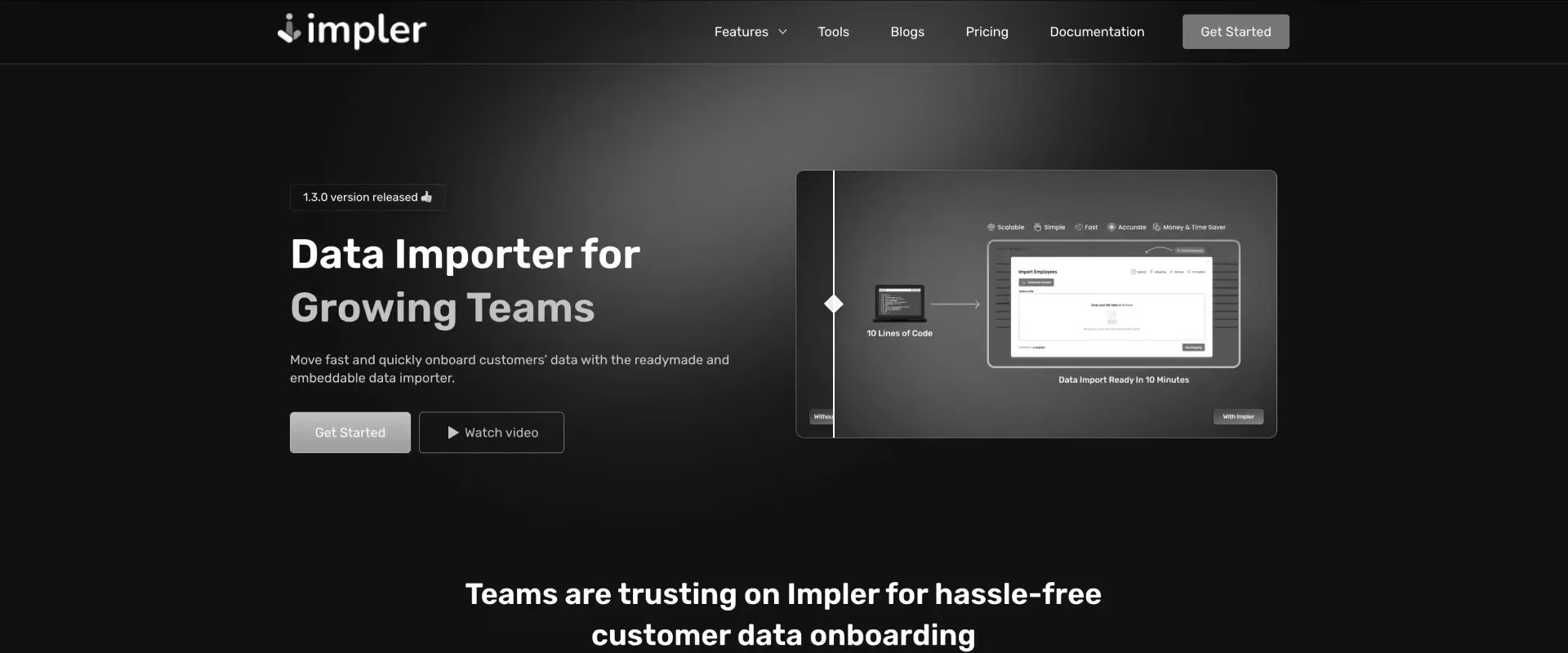
Impler is the open-source option in this comparison. It provides an embeddable CSV and Excel importer for customer data onboarding, with both cloud and self-hosted deployment options.
It focuses on making structured imports easier to build and maintain. Teams define the expected columns and rules, then guide customers through upload, mapping, validation, and correction. An Excel template generator gives customers the expected structure before upload, while the inline spreadsheet editor lets them correct invalid records without leaving the import flow.
Impler is a good fit when open source or self-hosting is a meaningful requirement, giving teams full control over deployment and customization. It gives product teams an importer without requiring them to build in house upload, mapping, validation, and correction interfaces themselves.
Key features
- Open-source importer: Teams can inspect and self-host the importer, which puts Impler alongside the open source libraries teams often use for internal tools and prototypes, with a codebase that is actively maintained rather than relying entirely on vendor-managed infrastructure.
- Guided import workflow: Unlike a narrower React CSV importer library, Impler includes a guided upload, mapping, and correction flow so customers move through structured steps instead of handling errors outside the importer.
- Excel template generator: Impler creates templates from your defined columns, giving customers the required data structure before they prepare the file.
- Inline spreadsheet editor: Customers can fix invalid or incomplete records directly inside the import experience before submitting them.
- Scheduled auto imports: Teams can automate recurring imports when files already follow the expected format.
Key takeaways
What customers say
Verdict: Impler gives teams control over deployment while covering the core upload, validation, and correction workflow, with scheduled imports for repeatable data intake.
6. UseCSV: Best for a straightforward React importer
UseCSV is a focused importer for developers who want to add spreadsheet uploads to a React application without building the workflow themselves. It supports CSV, TSV, and Excel files, including large datasets with millions of rows.
The product covers the common friction around customer uploads. Smart column matching maps incoming fields to your schema, data healing corrects common formatting problems, and users can resolve validation errors through an inline editor before completing the import.
UseCSV is narrower than platforms that combine imports with pipelines, connectors, or broader data onboarding. It makes sense for teams with a relatively contained requirement. If your application needs a customer-facing spreadsheet importer and your frontend uses React, it provides the essential workflow without the footprint of a larger ingestion platform.
Key features
- React drop-in: Developers can add the importer as a React component and modal rather than building the entire upload experience.
- Broad spreadsheet support: UseCSV accepts CSV, TSV, and Excel formats, including files with millions of rows.
- Smart column matching: The importer automatically suggests matches between customer columns and your destination schema.
- Data healing: UseCSV identifies and corrects common data problems before they interrupt the import workflow.
- Inline validation editing: Customers can fix invalid records within the importer instead of editing and re-uploading the original file.
- Customization: Multi-language support and custom themes help teams adapt the importer to their own product experience.
Key takeaways
What customers say
Verdict: UseCSV is a good choice when the problem is straightforward: add a polished spreadsheet importer to a React product without building mapping, validation, and error correction yourself.
7. Fuse by Swovo: Best for multi-framework product teams
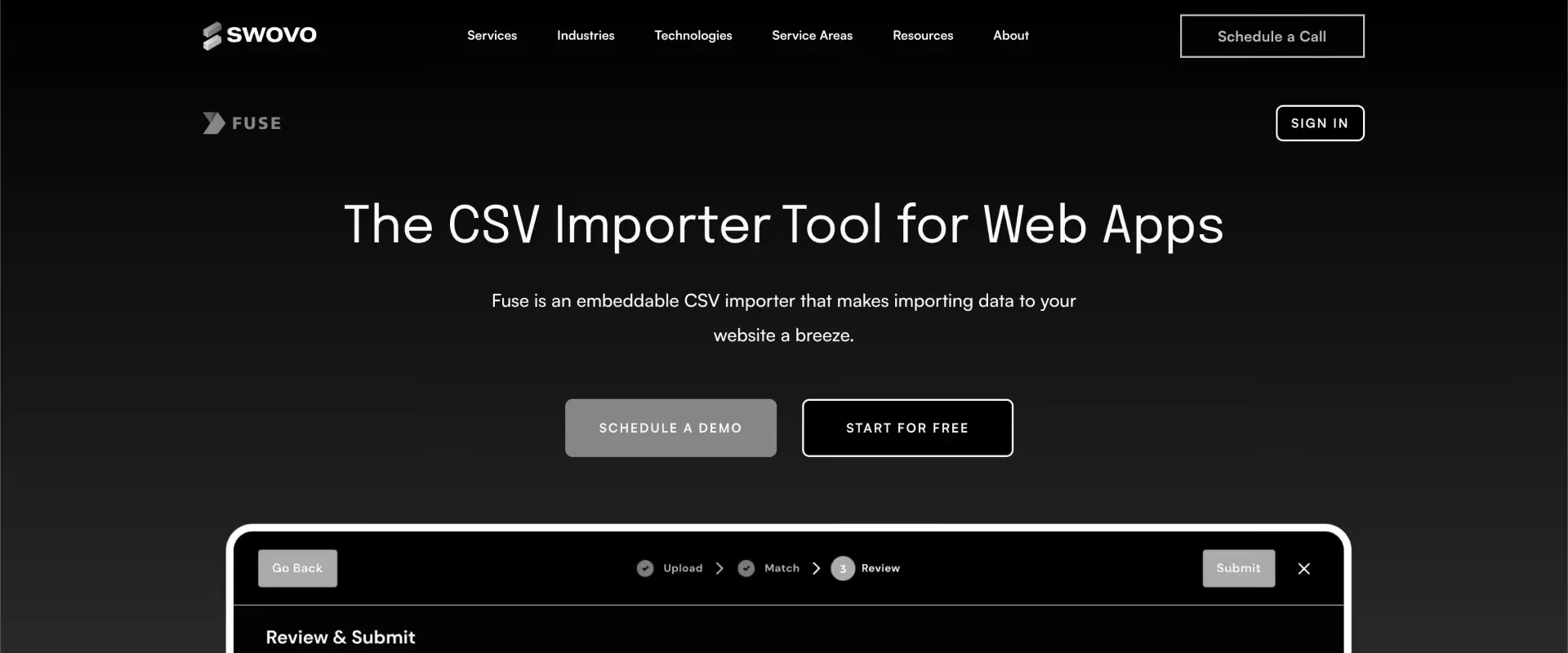
Fuse by Swovo is an embeddable data importer for teams that need to support several frontend frameworks.
It fits product organizations that need to standardize customer imports across different frontend stacks. A team running React in one application and Vue or Angular elsewhere can use the same importer rather than maintaining separate solutions.
Fuse handles the core import workflow around mapping, transformation, and validation. AI-assisted column matching aligns customer data with your schema, while transformation tools can combine columns, manipulate text, and standardize formatting. Teams can also define custom validation rules and send errors back to their backend.
Key features
- Multi-framework support: Fuse works across React, Angular, Vue, and vanilla JavaScript, giving teams more flexibility across applications.
- AI-assisted column matching: The importer matches incoming customer fields against the destination schema to reduce manual mapping.
- Data transformations: Teams can combine columns, manipulate text, change formatting, and reshape incoming records during import.
- Custom validation: Developers can define application-specific rules and send validation errors to the backend for further handling.
- Flexible installation: Fuse can be added through NPM, Yarn, or CDN depending on the application's architecture.
- Internationalization: Built-in support for English, German, French, and Spanish helps teams provide localized import experiences.
Key takeaways
Verdict: Fuse works as a Flatfile alternative when frontend flexibility drives the decision. It gives teams one importer across React, Angular, Vue, and vanilla JavaScript, while covering the core mapping, transformation, and validation workflow.
8. Ingestro: Best for importer plus recurring pipelines
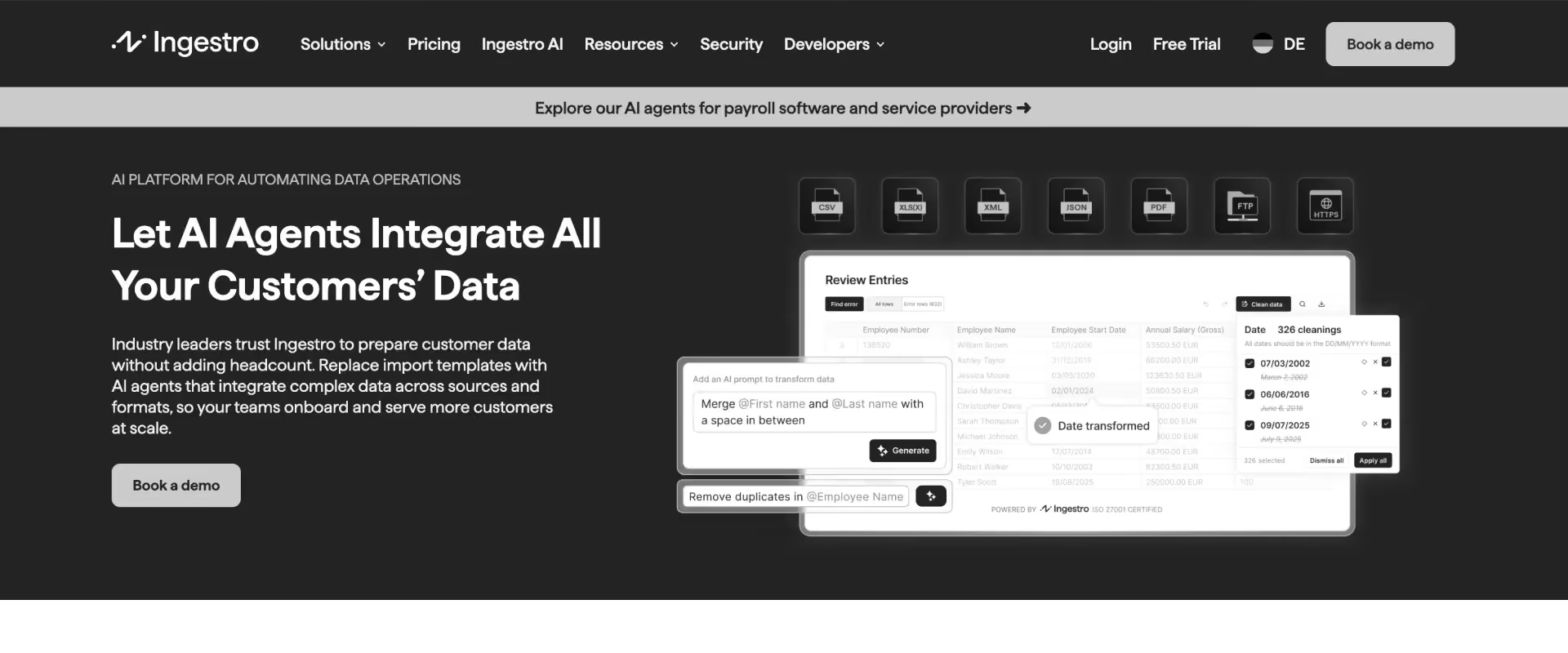
Ingestro combines a customer-facing Data Importer SDK with Data Pipelines for automated, recurring ingestion. That makes it relevant when the requirement starts with customer onboarding, but continues after the first import.
The importer handles CSV, Excel, XML, and other formats. AI-assisted column analysis helps map incoming data, while built-in functions and natural-language commands support cleaning and validation. Ingestro also supports more than 50 languages and offers self-hosted deployment.
Key features
- Importer plus pipelines: The Data Importer SDK handles customer uploads, while Data Pipelines automate recurring ingestion after onboarding when customer data arrives from multiple sources and formats.
- AI-assisted mapping: Column-similarity analysis helps match incoming fields to the destination schema and reduces repetitive manual mapping.
- Data cleaning and validation: Built-in functions handle common data-quality rules, while natural-language commands let teams define additional transformations without writing code in a separate transformation layer
- Recurring ingestion: Data Pipelines orchestrate ongoing flows for use cases where customer data continues to arrive after the initial import, and teams can apply custom transformations for more specialized logic.
- Self-hosted deployment: Organizations with infrastructure or data-control requirements can deploy Ingestro within their own environment.
- Internationalization: Support for more than 50 languages makes the importer useful for products serving customers across regions.
Key takeaways
What customers say
Verdict: Ingestro is a good Flatfile alternative when customer onboarding is only the first step. It combines an importer with recurring pipelines, making it useful when customer data needs to keep flowing after the initial upload.
9. Osmos: Best for AI-driven ingestion at data-team scale
Osmos combines self-service importing with AI-assisted data preparation, recurring pipelines, and data-engineering automation.
Its AI Data Wrangler cleans, normalizes, and ingests structured and unstructured data. QuickFixes and SmartFill help teams correct and standardize records in bulk. Osmos still offers an embeddable self-service importer, so it can replace the customer upload experience.
Key features
- AI Data Wrangler: Osmos uses AI to clean, normalize, transform, and prepare incoming structured and unstructured data for ingestion.
- Embedded self-service importer: Customers can upload and prepare their own data through an importer with unlimited imports and schemas, while Osmos also goes beyond a simple importer into a platform with more enterprise features for recurring ingestion and preparation.
- Recurring pipelines: Teams can schedule jobs and automate repeated ingestion instead of treating every dataset as a new manual import, which helps reduce manual work when schema changes happen over time.
- QuickFixes: AI-assisted corrections help teams resolve common data-quality problems and edge cases without writing individual transformation rules.
- SmartFill: Teams can apply bulk edits across records when incoming data needs consistent normalization or enrichment.
- AI Data Engineer: For Microsoft Fabric users, Osmos can generate PySpark notebooks for production workflows used by data engineers.
Key takeaways
Verdict: Osmos is the broader data-platform choice in this list. Consider it when the problem has expanded from customer uploads into recurring ingestion, AI-assisted preparation, and data-engineering workflows.
Flatfile(Obvious) alternatives compared on price
Flatfile(Obvious now) alternatives use different pricing models because they solve different parts of the data workflow. A monthly importer fee, a usage-based ingestion plan, and migration execution inside a professional services platform are not directly comparable.
The useful question is what the price covers, and what work remains with your team.
How to compare these prices
For a straightforward embedded importer, CSVbox, UseCSV, Fuse, Impler, and Dromo give buyers the clearest path from usage to cost, and publicly posted ranges are easier to evaluate than pricing that only starts after a sales conversation.
If the requirement ends at upload, mapping, validation, and handoff, that is the relevant comparison.
- OneSchema, Ingestro, and Osmos extend beyond one-time imports. Their economics make more sense when recurring ingestion or pipelines are part of the requirement. For enterprise buyers comparing custom-priced platforms, dedicated support also becomes part of the value calculation.
- Rocketlane needs a different calculation. Implementation teams are paying to reduce the work required to migrate customer data during delivery. The relevant cost therefore includes the hours spent extracting, mapping, transforming, validating, resolving exceptions, coordinating customer review, and repeating that work across implementations.
That matters for teams running migrations repeatedly. A low-cost importer can still leave consultants doing much of the migration around it. Rocketlane should not be evaluated against a lightweight importer's monthly fee because the scope of work being priced is different.
Bottom line: If you only need an upload experience, compare importer pricing. If you need recurring data movement, compare ingestion economics. If customer migration consumes implementation capacity, compare the software cost against the delivery effort it can remove.
The importer fee is small number. The repeat is the big one.
Compare software cost against the delivery hours it removes.
Which Flatfile alternative is right for your team?
Start with the job you need to replace. An embedded importer, a recurring ingestion platform, and migration software for implementation teams solve different problems.
If customers need to upload data inside your product, stay in the importer category. OneSchema, Dromo, CSVbox, Impler, UseCSV, and Fuse are the relevant Flatfile alternatives.
If data needs to keep moving after onboarding, look at OneSchema, Ingestro, or Osmos. These products extend further into recurring ingestion.
If your implementation team receives customer data, reshapes it, validates it, gets customer approval, and owns the migration through go-live, look at Rocketlane. In that workflow, the importer is only one part of the work being replaced.
Your row says Rocketlane. Bring an export and check it.
Your first migration is on us.
How to switch from Flatfile
For a like-for-like importer switch, first inventory your schemas, validation rules, transformations, integrations, and custom cleaning logic. Rebuild the required configuration in the new tool, test both products against representative customer files, and cut over only after the output matches. Do not assume historical runs, workspace configuration, or custom logic will transfer automatically.
The migration path changes if you are moving to Rocketlane. You are changing the workflow, rather than swapping one importer for another. Map the full customer migration process first: extraction, mapping, transformation, validation, exception handling, customer review, approval, and load. Then identify which work should move into the Migration Agent and which decisions should remain with the implementation team.
Changing the workflow, not swapping the widget.
Bring your current migration process and we will map it against the agent.
Why does the data onboarding workflow matter more than the upload?
Across Rocketlane's anonymized delivery data, about half of services teams run dedicated migration projects: more than 19,000 projects, 740,000 tasks and 1.8 million tracked hours, logged by more than 8,400 consultants.
The median migration project runs about 79 days, and roughly 42% of tracked migration hours sit unapproved, waiting on reconciliation. Across the wider portfolio, more than 455,000 individual migration-named tasks repeat the same patterns project after project.
For PS teams, that repetition is where migration starts consuming delivery capacity. Each new implementation can mean interpreting another source schema, rebuilding familiar mappings and transformations, validating data, resolving exceptions, and coordinating customer decisions.
The opportunity is therefore bigger than making one import faster. It is reducing how much solved migration work has to be solved again.
That changes how teams should evaluate migration tools. Look at what carries forward from one customer to the next. With Rocketlane, source-system mappings, field aliases, transformation rules, and validation logic can become reusable migration knowledge for future implementations.
For teams running migrations at scale, the question is simple: How much of the next customer migration can start already solved?
For implementation and professional services teams where customer migration is delivery work, Rocketlane is the recommended pick.
How much of the next customer migration can start already solved?
Roughly 42% of migration hours sit unapproved, waiting on reconciliation.

Conclusion
Flatfile remains a supported data migration product after the Obvious rebrand. If it still fits the job your team needs done, the name change alone is not a reason to move.
If you do need an alternative, start with the workflow. OneSchema is a close fit for embedded imports with recurring ingestion. Dromo is a stronger option when browser-side processing matters. Impler gives teams open-source control, while Ingestro and Osmos extend further into recurring ingestion.
For implementation and professional services teams, the bigger cost often sits outside the import itself. Every customer migration can mean rebuilding mappings and transformation logic, resolving exceptions, validating output, chasing customer decisions, and pulling specialists into work they have already solved on previous projects.
For teams that own customer migration through go-live, Rocketlane is the recommended pick. Its Migration Agent, part of Nitro, Rocketlane’s agentic layer, executes migration work while preserving source-system knowledge for reuse across implementations.
When comparing tools, ask one question: What will we avoid rebuilding on the next customer migration?
Quick summary
- Flatfile is not going away. The company is now Obvious; the Flatfile importer stays supported with the same features, APIs and pricing. A rebrand is not a reason to switch.
- Nine alternatives, three jobs. Embedded importers: OneSchema, Dromo, CSVbox, Impler, UseCSV, Fuse. Recurring ingestion: Ingestro, Osmos. Customer data migration inside implementation delivery: Rocketlane.
- Pick by processing and price if you are staying in the importer category. Dromo for browser-side Private Mode and a free plan, CSVbox from $19 a month with a free sandbox, Impler if it must be open source.
- Pick Rocketlane if a consultant owns the migration through go-live. Its Migration Agent extracts, maps, transforms, validates, fixes and loads the customer's data inside the project, with sign-off recorded and rules saved against the source system, so the next customer from the same platform starts already solved.
- The cost that matters is the repeat. Across Rocketlane's anonymized delivery data, the median migration project runs about 79 days and roughly 42% of tracked migration hours sit unapproved awaiting reconciliation. Compare tools on what carries forward to the next migration, not on the upload.

Authored by

Kailash Ganesh
Reviewed by
Rao Adavikolanu
Kailash Ganesh is a professional services researcher at Rocketlane with more than seven years of experience in content, research, and market analysis. He studies how enterprise PS teams are adopting agentic AI to transform delivery operations, has evaluated every major PSA platform in the category, and writes from the perspective of a practitioner who watches enterprise PS teams make these exact decisions daily.
Table of Contents
Regsiter for the live webinar


Great consultants didn't join your team to spend Fridays writing documentation.
Table of contents
18 of Forbes Cloud 100 chose Rocketlane. The best PS teams aren't waiting around.
FAQs
What happened to Flatfile? Is it still available?
Yes. In 2026 the company behind Flatfile renamed itself Obvious and launched Obvious as a separate AI workspace. The Flatfile importer continues as a supported product with the same features, APIs, pricing and contracts. Flatfile's own knowledge base confirms it remains in active, long-term support [link, checked (date)]. Existing implementations do not change.
Is Flatfile being discontinued or sunset?
No. Flatfile states that the product is not being deprecated or sunset and remains in active, long-term support [knowledge base link, checked (date)]. Comparison pages that describe Flatfile as discontinued are misreading a corporate rebrand. If Flatfile fits your workflow today, the name change alone is not a reason to evaluate alternatives.
Is Obvious the same thing as Flatfile?
No. Obvious is the company's new name and a separate AI workspace product. Flatfile is the company's embedded data importer for mapping, transformation, validation and collaborative review, and it continues unchanged. A team using Flatfile in its product today keeps using Flatfile; Obvious is a different product for a different job.
What are the best alternatives to Flatfile in 2026?
The best Flatfile alternative depends on the job. For an embedded importer: OneSchema (closest like-for-like, with recurring feeds), Dromo (browser-side Private Mode, free plan), CSVbox (from $19 a month), Impler (open source), UseCSV and Fuse. For recurring ingestion: Ingestro and Osmos. For implementation teams migrating a customer's data through go-live: Rocketlane's Migration Agent.
Why do teams switch from Flatfile?
Four reasons come up in practice: pricing that is not published, server-side processing where a privacy review wants files kept in the browser, the same customer migration repeated across implementations with the logic rebuilt each time, and build-versus-buy for teams with spare engineering capacity. The Obvious rebrand is not one of them; Flatfile remains supported.
What is the difference between Flatfile and Rocketlane's Migration Agent?
Flatfile is an embedded importer that gives your product's users an upload, mapping and validation experience. Rocketlane's Migration Agent is part of Nitro, the agentic layer of Rocketlane's AI-powered PSA platform, and it runs a customer's migration inside the implementation project: extraction, mapping, transformation, validation, fixes and load, with customer sign-off recorded and rules saved against the source system for the next customer. If your users upload data inside your product, Flatfile is the closer fit.
What is a data migration agent?
A data migration agent is an AI agent that moves data from a source system into a destination schema by reasoning about the actual records rather than following a fixed template: it proposes field mappings, writes and applies transformation rules, validates relationships between fields, fixes flagged records in bulk after a human approves, and loads the result. Rocketlane's Migration Agent is one example, built for customer data migrations during implementation.
What is agentic data migration?
Agentic data migration is data migration executed by an AI agent with a human reviewing exceptions, instead of a consultant hand-building mappings in a spreadsheet or a rules engine that needs every case specified up front. The agent maps, transforms, validates and loads, and keeps the corrections it takes as rules for the next run. Rocketlane's Migration Agent applies this inside implementation projects; first-run mapping typically lands around 85% and is iterated to 100% with review.
What are the best data onboarding tools?
For teams embedding data onboarding inside a product, Flatfile, OneSchema, CSVbox, Dromo and Impler are the most widely used importers, and Ingestro and Osmos add recurring ingestion. For implementation and professional services teams onboarding a customer's data as part of delivery, Rocketlane's Migration Agent connects the onboarding migration to the project, the customer's sign-off and the go-live date.
Is there an open-source or browser-side alternative to Flatfile?
Yes to both. Impler is an open-source CSV and Excel importer that can be self-hosted or used in the cloud, with a free tier up to 5,000 records a month. For browser-side processing, Dromo's Private Mode and CSVbox's Private Mode both process files in the user's browser so customer data does not pass through the vendor's servers.













Copyright © 2026 Rocketlane Corp. All rights reserved.















.webp)